
shawn_starc
Inspiring
December 25, 2018
Answered

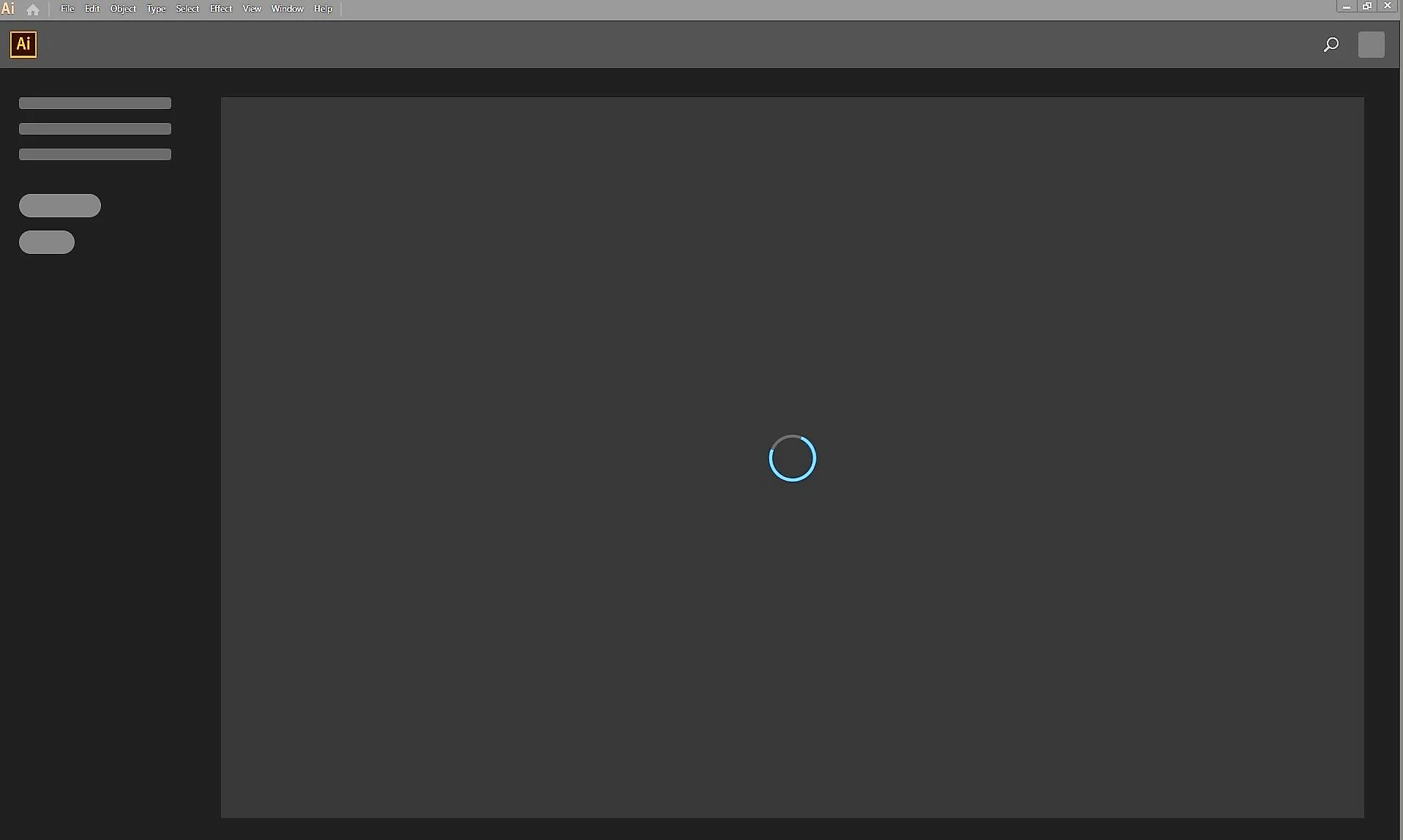
Blue Spinning Wheel in Adobe Illustrator CC 23.0.1

  • December 25, 2018
  • 1 reply
  • 1411 views

Getting Blue Spin whenever I launch Adobe Illustrator CC 2019.

System Configuration.

OS- Windows 10 Prox64

CPU- Intel i5 8600k 2.7 3.6 ghz

RAM- 16GB DDR4 Corsair Vengeance 3000 mhz

GPU- MSI GEFORCE GTX 1060 GAMING X 6GB

I have tried with resetting the preferences.

Giving permission to all the Adobe folders

Reinstalling the applications

Disabling Antivirus and Check with other version of AI too. Only AI CC 2015.3 is working.

Please help.
This topic has been closed for replies.
Correct answer shawn_starc

You might need to contact Adobe Support so they can log into your system to isolate the cause of the issue:

Contact Customer Care


I have tried in hidden admin account of Window. It still not resolve. But when I tried this in a new user account of my desktop it worked fine. I don't know why.

1 reply

Monika Gause
Community Expert
Community Expert
December 26, 2018

Is the Creative Cloud app running and are you logged in?

Can you try and delete the OOBE folder as described in here: "Unknown Server Error" when logging in to Adobe Creative Cloud

shawn_starc
Inspiring
December 26, 2018

Monika,

I did that too. I also tried by deleting Sl Cache and Sl store along with reinstalling Adobe application manager.

updating my drivers and then Permission to Adobe PCD folder too. But nothing happens its just stuck over there.

Monika Gause
Community Expert
Community Expert
December 26, 2018

You might need to contact Adobe Support so they can log into your system to isolate the cause of the issue:

Contact Customer Care