



Syntax_One
Known Participant
March 25, 2023
Question

Blur and halftone transition?

  • March 25, 2023
  • 2 replies
  • 856 views

Hi!


Is it possible to transition an effect on an object in Illustrator?

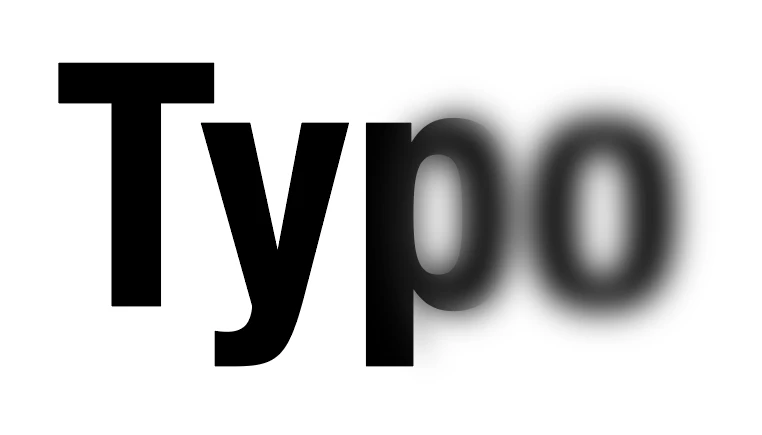
Here is an example, poorly achieved, of a word slowly becoming blurry:


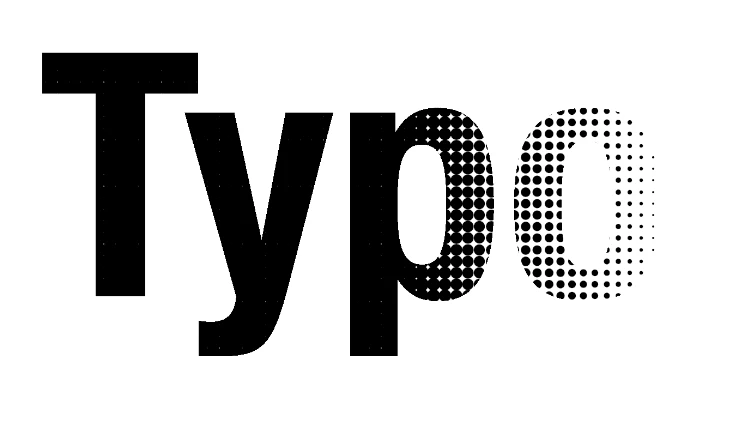
Here is an example, poorly achieved, of a word slowly transitioning into halftones:


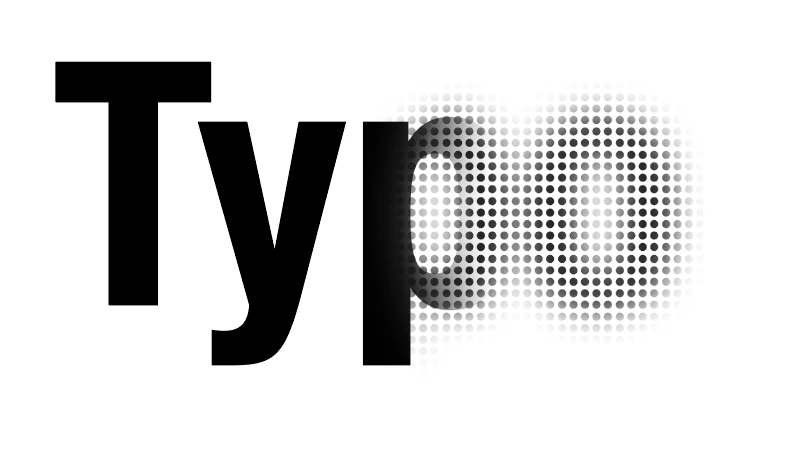
The ultimate goal being to do both at the same time:


Thank you! 😄

This topic has been closed for replies.

2 replies

Anubhav M
Community Manager
Community Manager
March 29, 2023

Hello @Syntax_One,


Thanks for reaching out. You may try applying a transparent gradient mask to your artwork, followed by rasterizing and applying the halftone effect and checking if it helps.


Here are some tutorials to get you started:

https://www.youtube.com/watch?v=ime8o_Febts

https://www.youtube.com/watch?v=U4s4p8pzxH4


Feel free to reach out if you have more questions or need assistance. We'd be happy to help.


Thanks,

Anubhav

Syntax_One
Known Participant
March 31, 2023

Hi!


Thanks for your reply! This is what I did in the above examples:


But the result isn't good. Even without the halftone:


🤷‍♂


Thanks!

Monika Gause
Community Expert
Community Expert
March 25, 2023

You cannot automatically achieve that. It would need to be made the hard way.

On top of that: the halfone effect inside Illustrator is pixel bsed.