Answered
border stroke problem
in the following photo there is a stroke/border on the bottom of the top navbar and also around the icons but i dont have one applied. how can i remove them?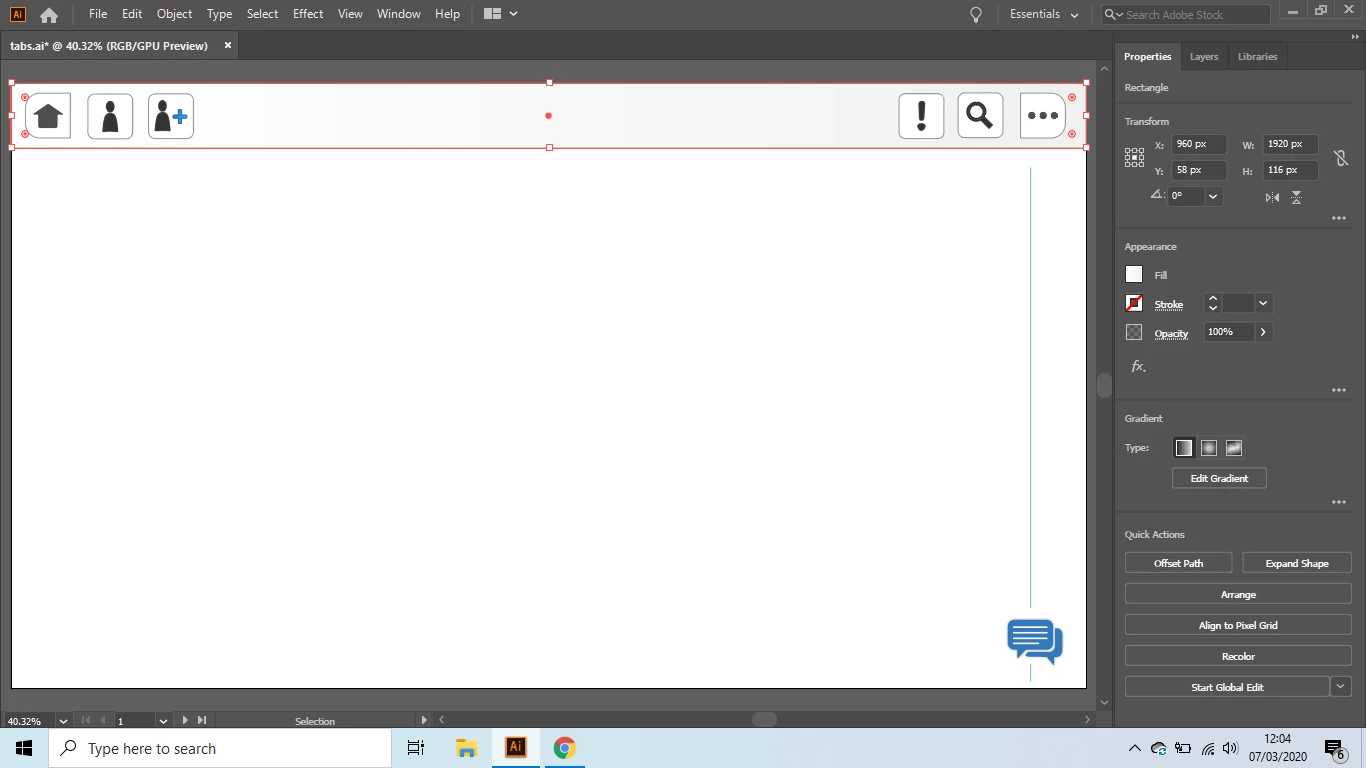
in the following photo there is a stroke/border on the bottom of the top navbar and also around the icons but i dont have one applied. how can i remove them?
done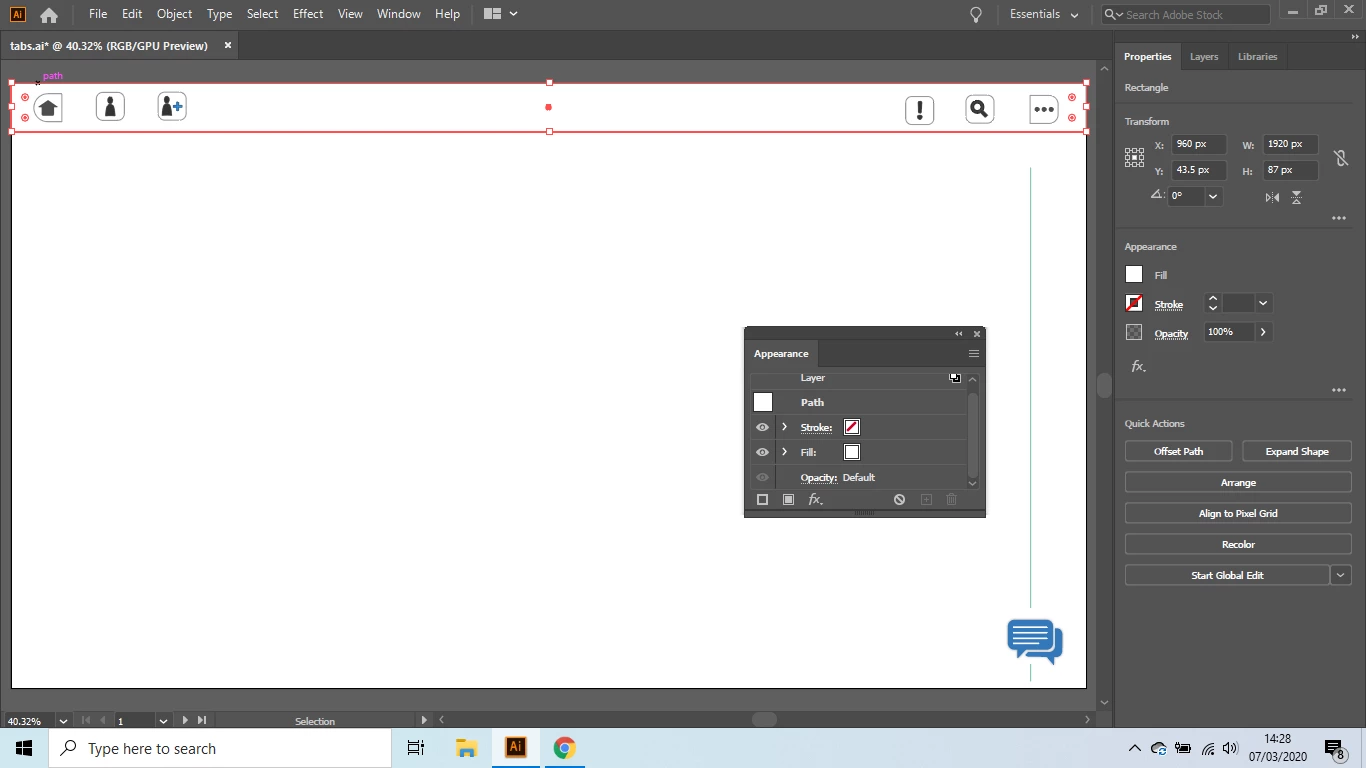
Double-click on the 'Layer' text in the Appearance panel, then delete the stroke from there.
You can apply strokes to groups and layers as well as objects. This can be somewhat confusing when you're starting out.
Already have an account? Login
Enter your E-mail address. We'll send you an e-mail with instructions to reset your password.
 AdChoices