
anguss39553567
Participant
December 10, 2020
Answered

Boundary box on single text element (not text box) is bigger than the actual text
  • December 10, 2020
  • 5 replies
  • 539 views


Hi there,

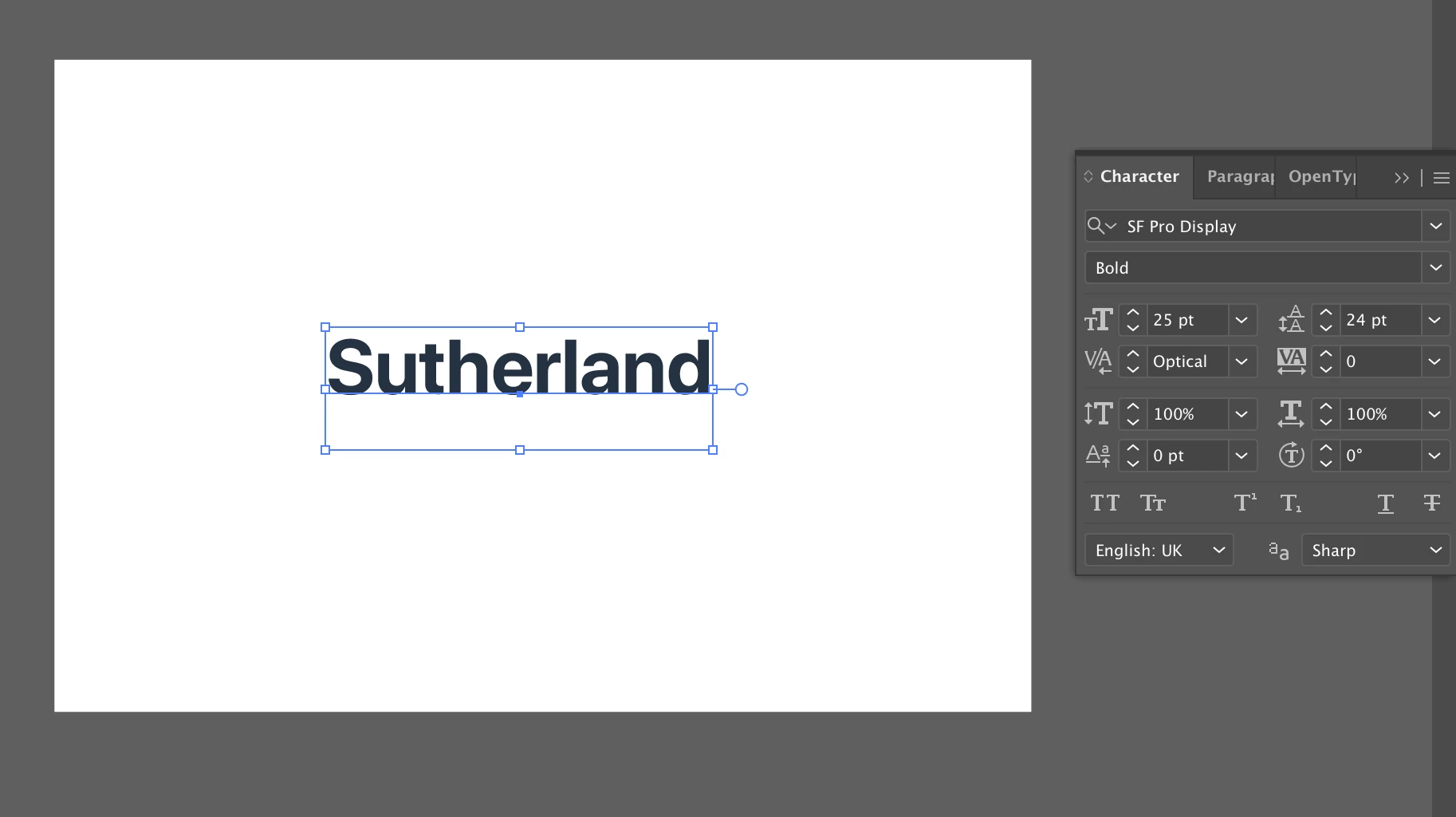
I've had this issue for a long time but I've just never got round to trying to fix it. Basically on a single line text element (so not a text box), the bounding box that surronds the text seems to not be in-line with the bottom of actual text. I have tried playing with the line height but as you can see that doesn't seem to make a difference.


Any help please?
This topic has been closed for replies.
Correct answer pixxxelschubser

Could it be that your font SF Pro Display does have a long long "g", "p", "j", "q", "y" ???


5 replies

pixxxelschubser
Community Expert
pixxxelschubserCommunity ExpertCorrect answer
Community Expert
December 10, 2020

Could it be that your font SF Pro Display does have a long long "g", "p", "j", "q", "y" ???


anguss39553567
Participant
December 10, 2020

I think that's it. Those letters seem to fill the box on the other fonts I tested but not the SF Pro one. There must be another character within the font set that is making the box that large. 


Thanks for your help!

pixxxelschubser
Community Expert
Community Expert
December 10, 2020

@Met1 

two souls one thought.

😉


That's why I asked for a new screenshot.

anguss39553567
Participant
December 10, 2020

Met1
Legend
December 10, 2020

Obvious, but I'll ask anyway, is there a return at the end of the line?

pixxxelschubser
Community Expert
Community Expert
December 10, 2020

Sorry.

My mistake. I thought it was the baseline shift.


Have you tried another font? Is the behaviour the same?

Do you have a sreenshot with show hidden characters [Ctrl]+[Alt]+[I] enabled ?

anguss39553567
Participant
December 10, 2020

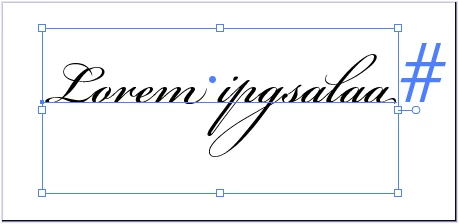
Ah that might be it then, hadn't thought it was actually font dependant. Tried it with 3 other fonts and got the same issue with 2 of them but the spacing was just less extreme, but one of them was completely normal. Interesting.


pixxxelschubser
Community Expert
Community Expert
December 10, 2020

Do you see the problem (and the solution) ?


anguss39553567
Participant
December 10, 2020

Sorry no? Could you clarify please? If you are implying it is because the line height is set to 24pt then that is not the case. Shows the same bounding box when set to 'Auto' or 0.1. 

Could you please explain