
Answered
Bounding Box Issues With Text
I have a number of illustrations created in Adobe Illustrator that I need to add text to. I then need to import them into Photoshop, as vectors, using Smart Objects. I have template files set up in Photoshop (just files at the specific sizes I need) so I can easily resize the various AI illustrations quickly to the required sizes.
However, the bounding box around the text in AI is messing this up! I'm not sure why this box is larger than the text. Any help would be appreciated.
There are no hidden objects or grouped objects (a suggestion I've seen on other threads).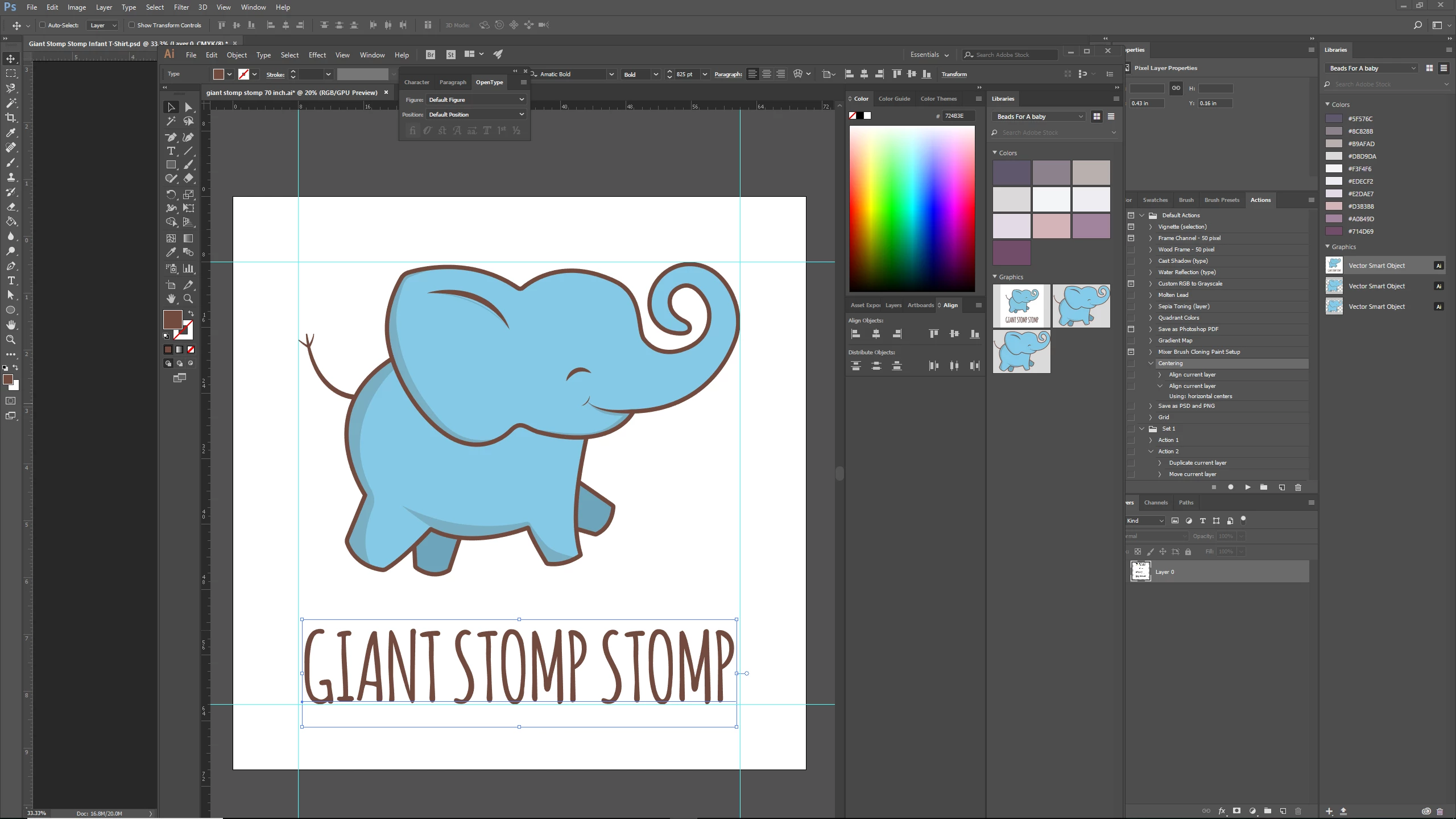
 AdChoices