
Known Participant
July 22, 2024
Question

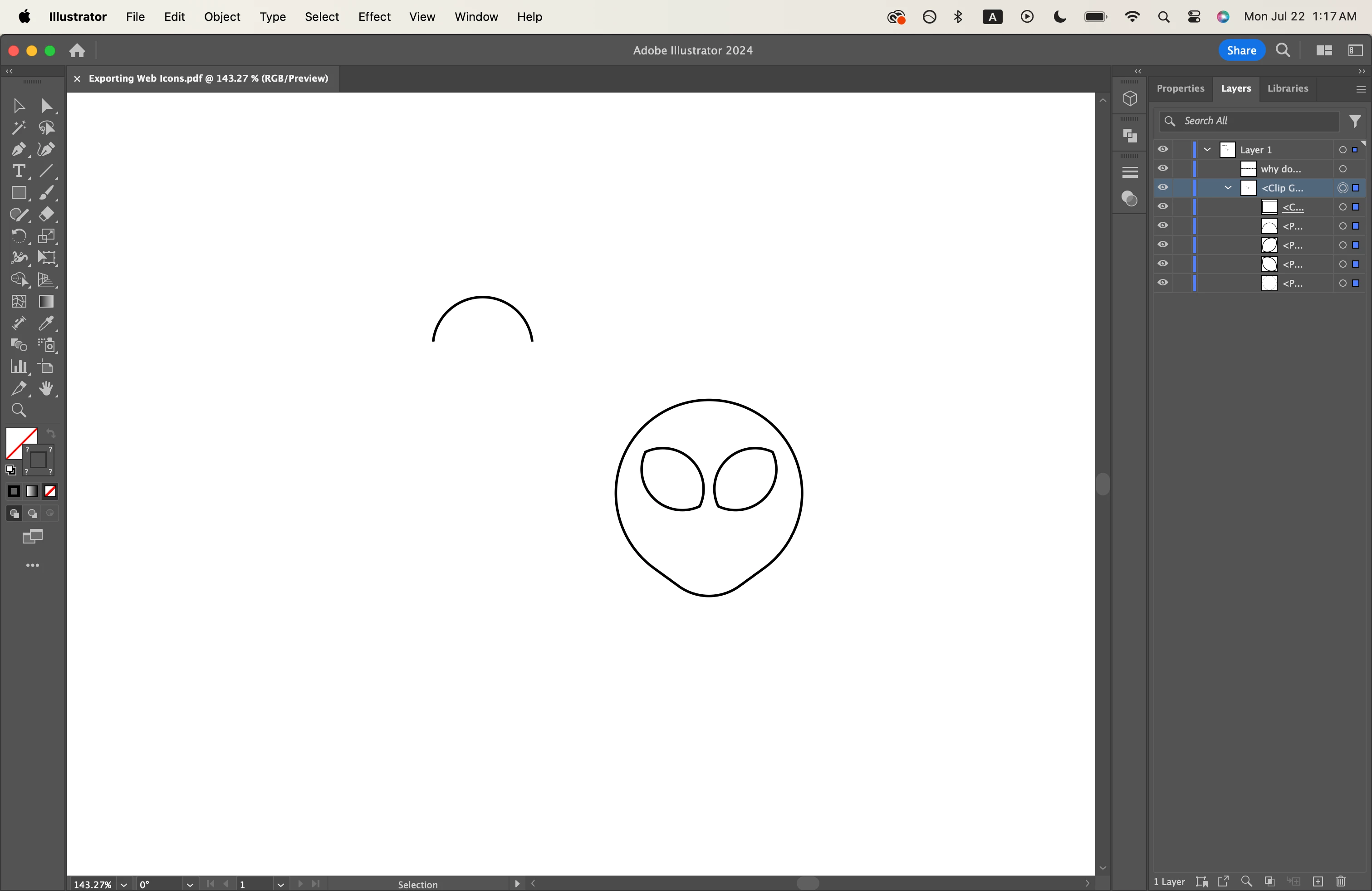
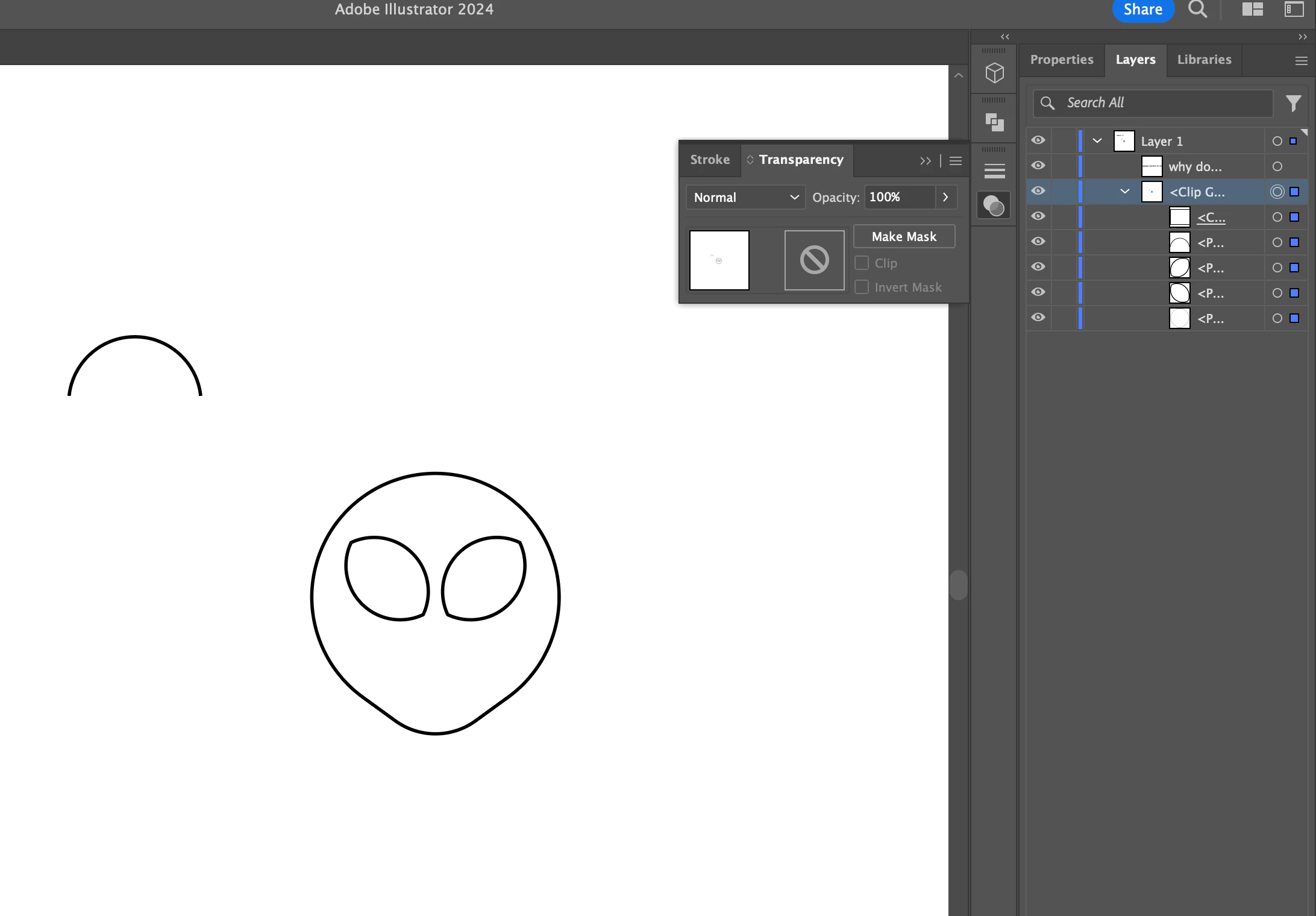
Bruh. Why does illustrator keep turning my layer into a clipping mask?
  • July 22, 2024
  • 4 replies
  • 292 views

I have never made a clipping mask on this project file but a clipping mask appears. I am tired of having to release the clipping mask every time I visit this file. As far as I have googled, nobody else has had this problem other than a user in photoshop. 
This topic has been closed for replies.

4 replies

Anubhav M
Community Manager
Community Manager
July 30, 2024

Hello @Evelyn___,

We are still waiting for your response. Kindly let us know if it has been resolved or if you need further assistance.


Looking forward to hearing from you.


Thanks,

Anubhav

Bill Silbert
Community Expert
Community Expert
July 22, 2024

Are you saving your file as a PDF "Preserve Illustrator editing capabilities" everytime as Monika suggests? If that is the case you may also want to try saving the file as .ai (Illustrator's native format) and only make a PDF if and when you need it. What you are showing should not happen when saving as .ai.

Monika Gause
Community Expert
Community Expert
July 22, 2024

If indeed it does happen while saving an AI file or while having "Editing capabilities" turned on, then:

- do not save directly to a network

- turn off "Save in background" in the Illustrator preferences

Ares Hovhannesyan
Community Expert
Community Expert
July 22, 2024

How you creat that file?

Monika Gause
Community Expert
Community Expert
July 22, 2024

This happens because you save a PDF and probably do not have "Preserve Illustrator editing capabilities" on.