
Participating Frequently
November 27, 2019
Answered

Brush Definition won't stay basic

  • November 27, 2019
  • 2 replies
  • 4844 views

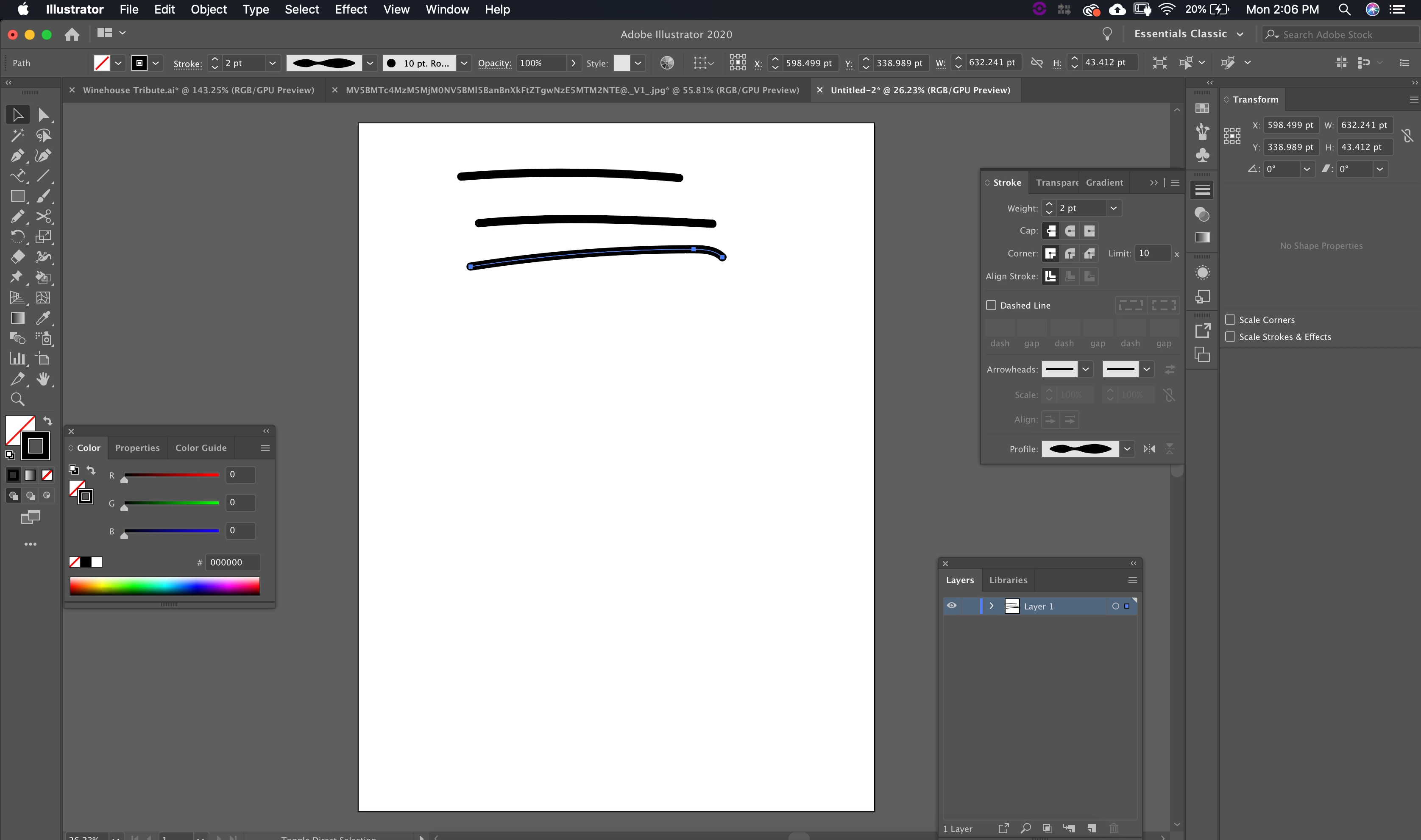
My brush definition won't stay in basic, so I can't change the width variable. it just stays in the same uniform width no matter which width variable I select. In the brush definition window, I cannot select basic, I can select any of the other options but those don't allow me to change the width variable.

I just want to paint some brush strokes with varying width to give my drawing variety. I don't understand why the lines are all staying in uniform. Please help!
This topic has been closed for replies.
Correct answer jane-e


Hi Jennifer


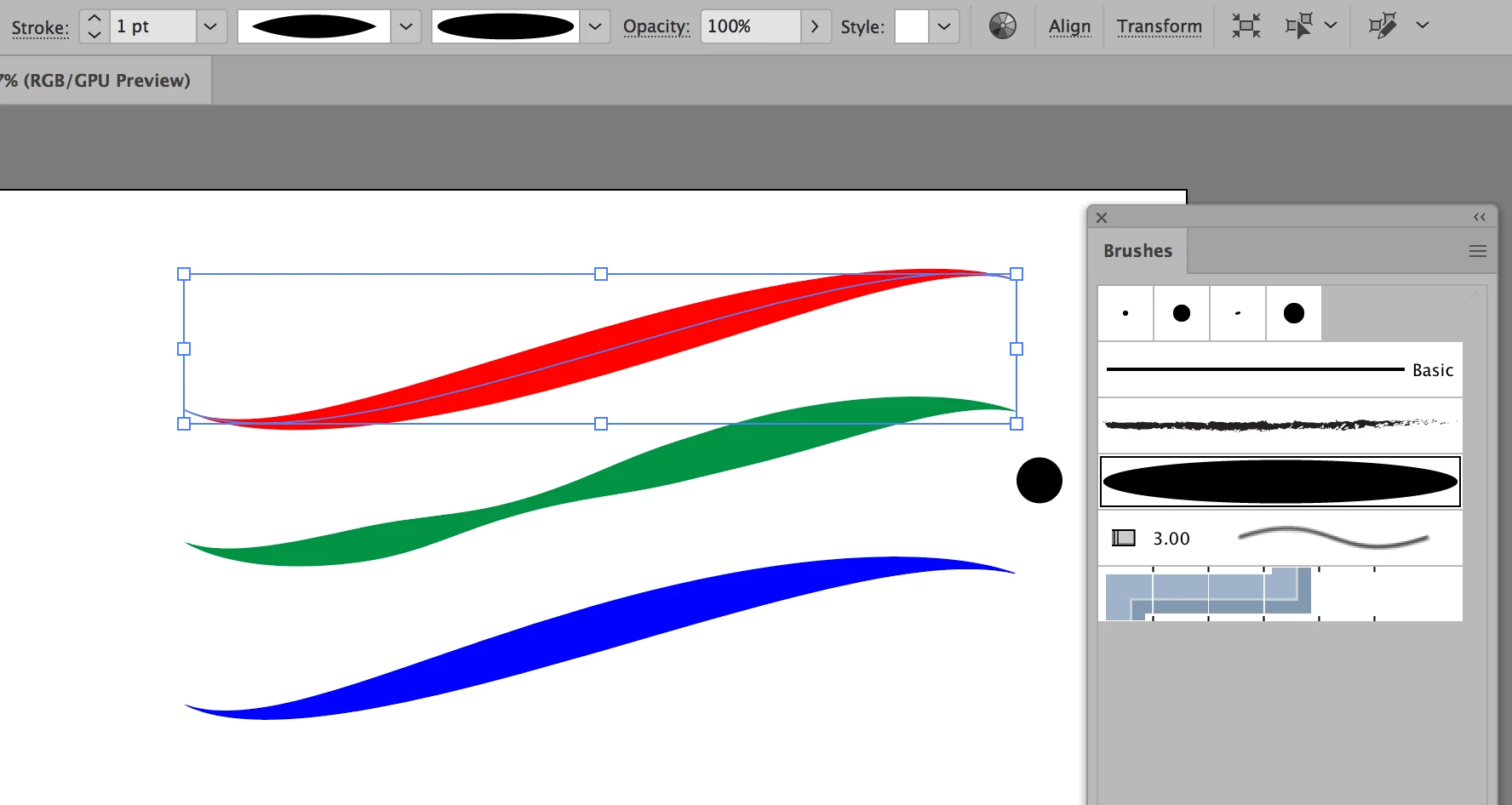
The Calligraphic brushes won't work with the Width variable, but the Art brushes will. Create several Art brushes with small circles of varying sizes and change the colorization method if you don't want black for everything. See my sample circle. Be sure to save them into a library from the Brushes panel menu if you want to use them in other documents.


Jane


2 replies

Monika Gause
Community Expert
Community Expert
November 27, 2019

If you don't want to apply brushes to your paths, then don't use the brush tool. Use the pencil tool instead.

Participating Frequently
December 2, 2019

My goal is to use the brush tool, and draw lines with varying width. For some reason my width profile is not working. I cannot vary the width of my brush and I do not know why.

Monika Gause
Community Expert
Community Expert
December 2, 2019

Well, you can't.


The brush tool will always apply a brush to your path and basic is not a brush, so can't be applied.


If you want to apply the width via pressure, you will need a plugin. For any other kind of drawings, you can just use the pencil tool.

jane-e
Community Expert
Community Expert
November 27, 2019

Hi

Does the Control panel indicate you are using a width preset? If so, you might have a thin stroke that doesn't show it well. Increase the Stroke width. Here I have 1pt and 10 pts.


Also, "Basic" means you are not using a Brush.


Please clarify if this does not answer your question.


Jane

Participating Frequently
December 2, 2019

Thank you very much, but I have tried adjusting the stroke width. for some reason it is just not working properly. 

jane-e
Community Expert
Community Expert
December 2, 2019

Hi

Please post some screen shots so we can see what you are seeing. We need information about:

  • Your brush settings
  • The stroke width
  • The width profile and how you are applying it
  • How many anchor points are in your path
  • What the path looks like in Outline view
  • A better description of “not working properly” — what, exactly, is happening?

Jane