
Question
Brush stroke colour doesn't match the fill colour - even though they're the same colour?
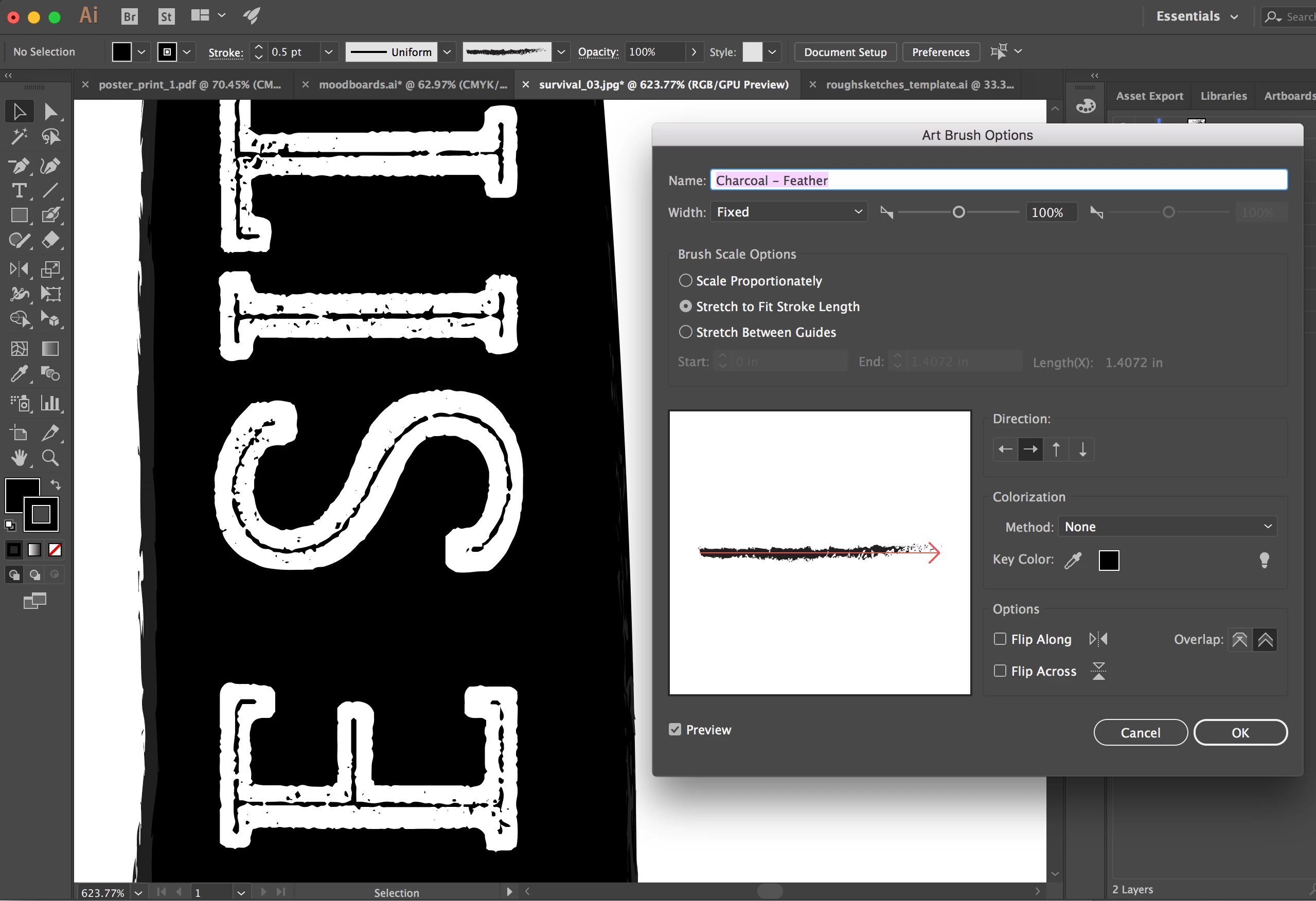
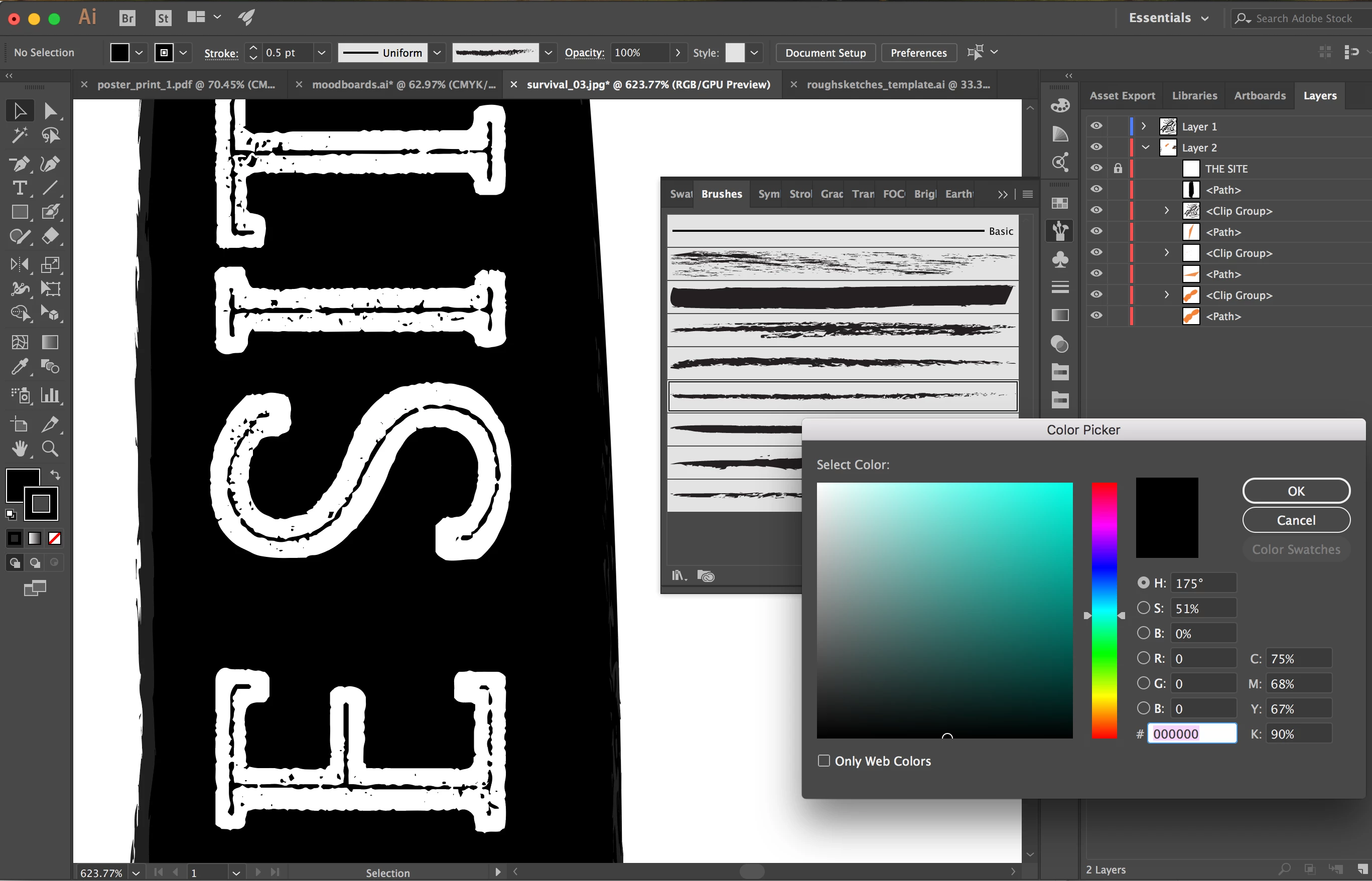
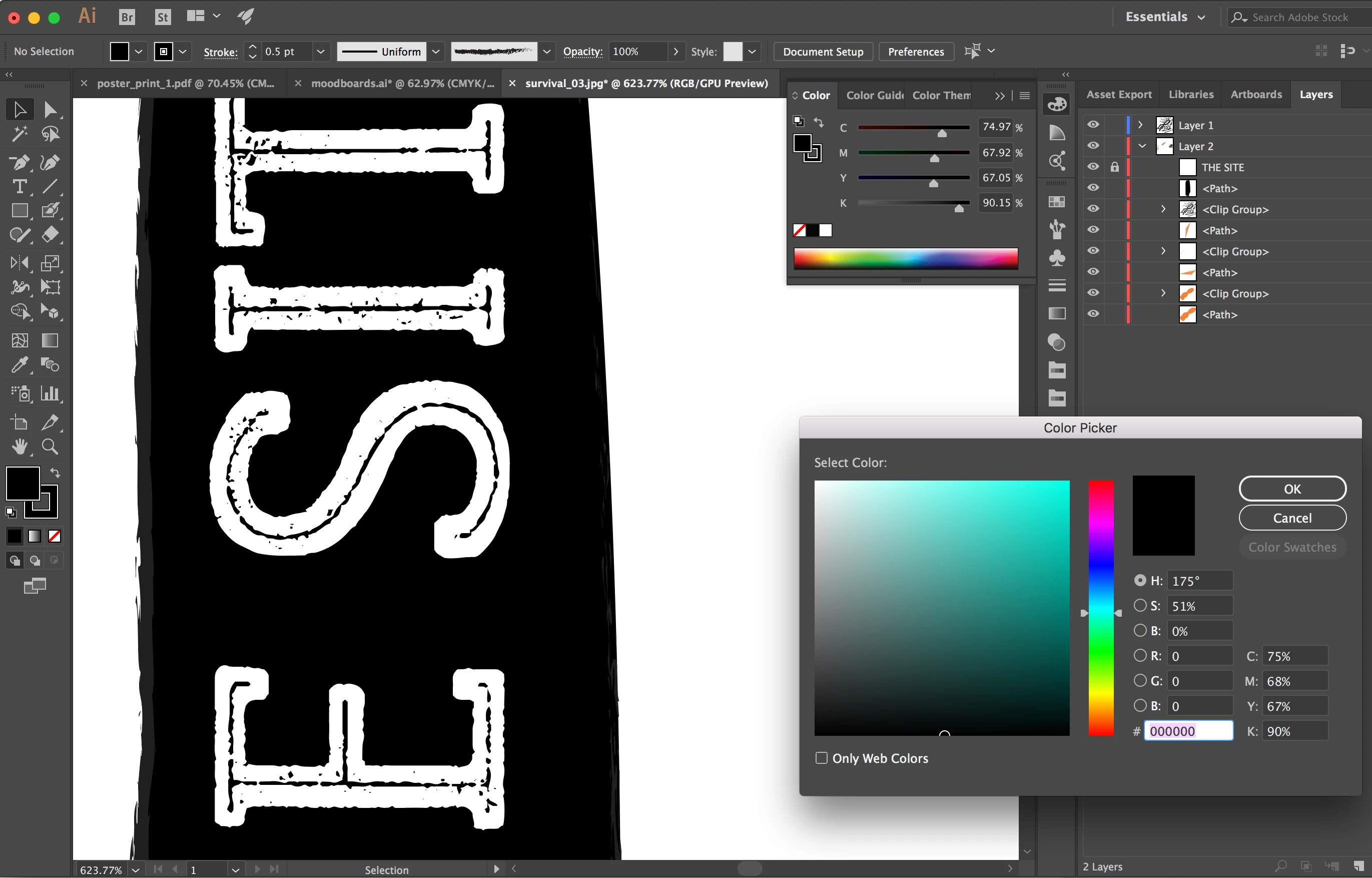
I'm trying to add a brush stroke to the outside of a blob paintbrush shape, and every time I do, the brush stroke is lighter than the fill colour, which I do not want. I went in to my brush options and changed it from "tint" to "none", but still nothing is happening. They're both the same exact colour in both RGB and CMYK mode when I double check. I really don't know what else I can do right now?
THE PROBLEM:
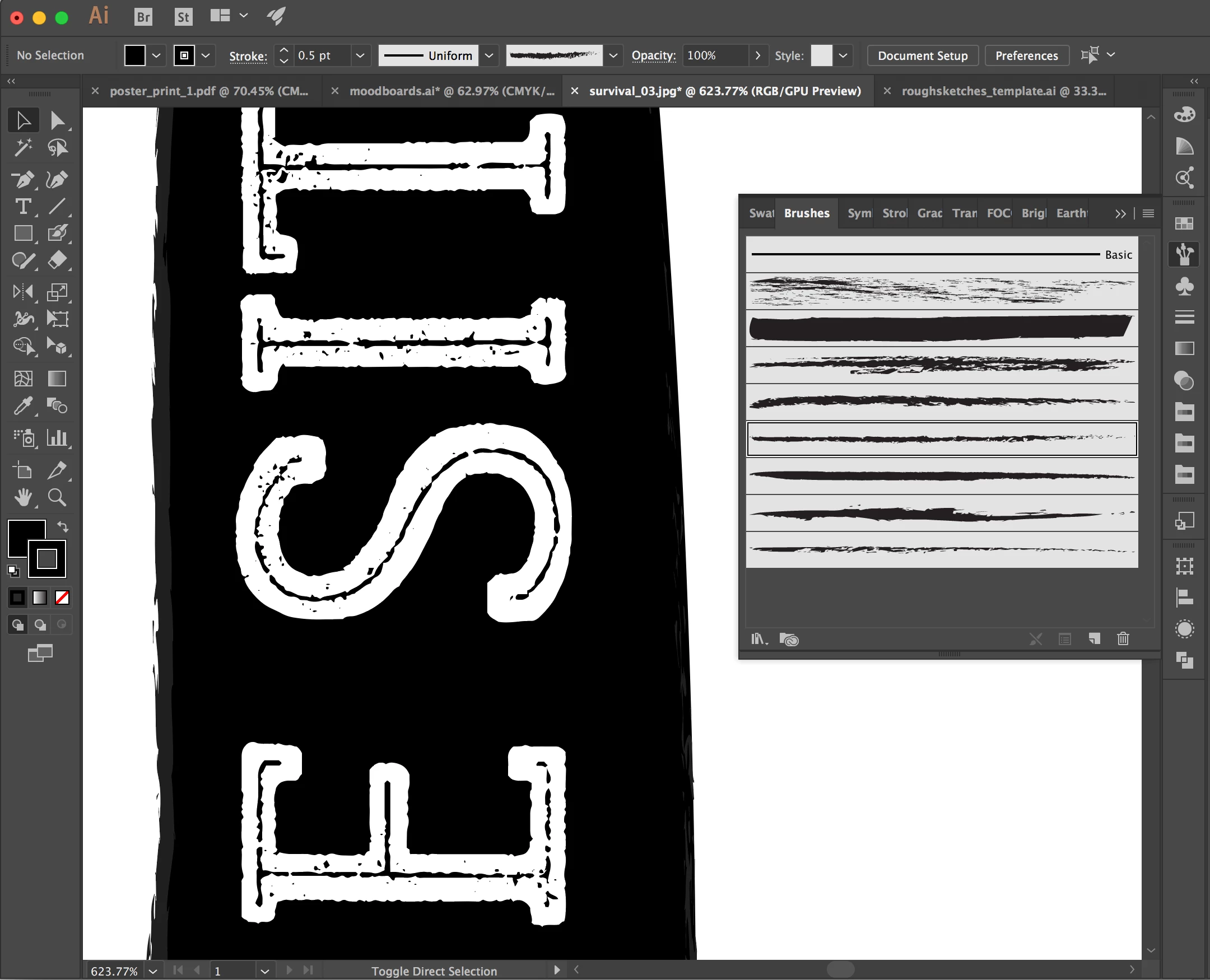
BRUSH OPTIONS PANEL:
STRAIGHT FROM THE COLOUR PICKER (STROKE):
COLOUR PICKER PANEL (FILL):
 AdChoices