
Answered
Brush Stroke has broken edges? Why not smooth?
Hi everyone,
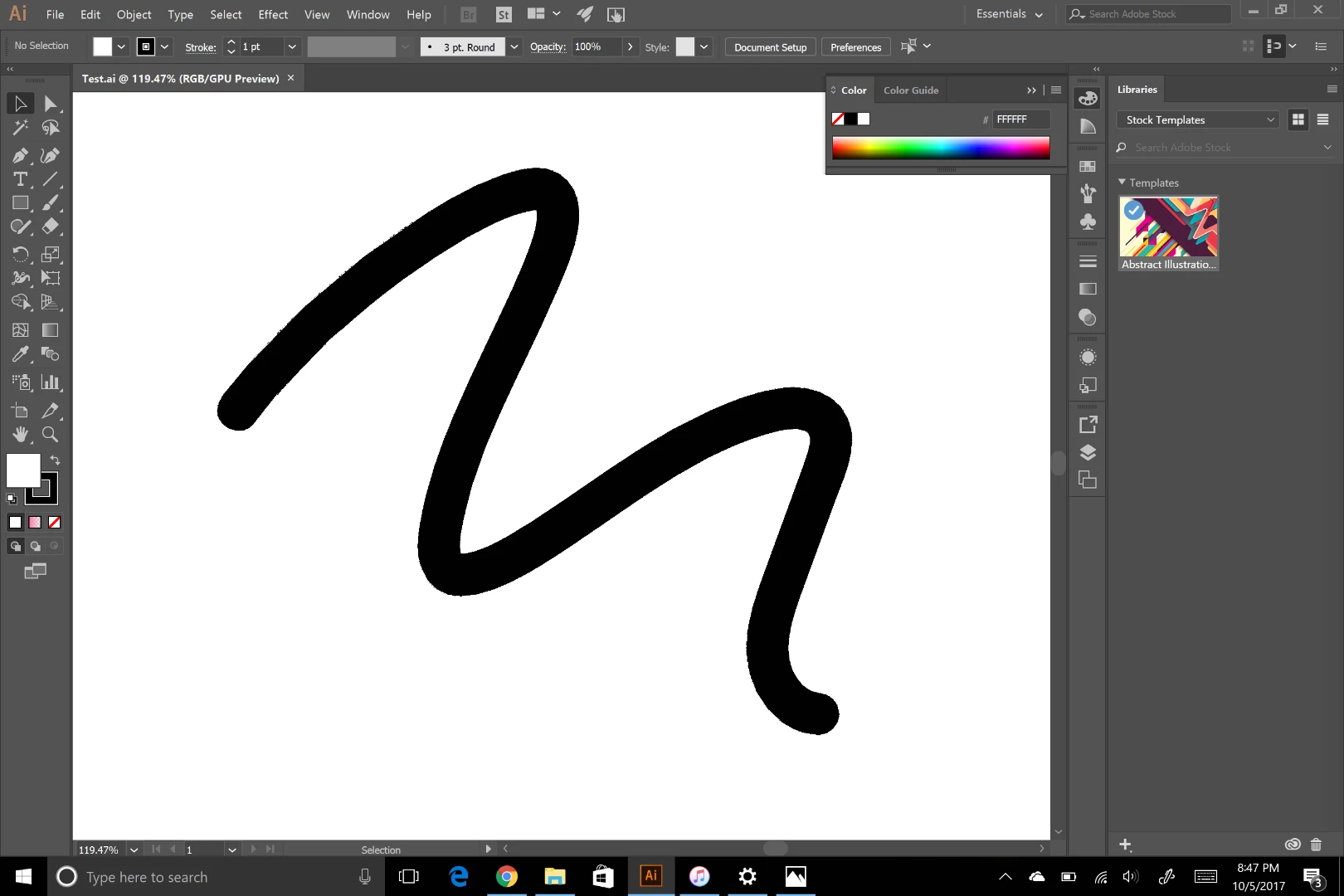
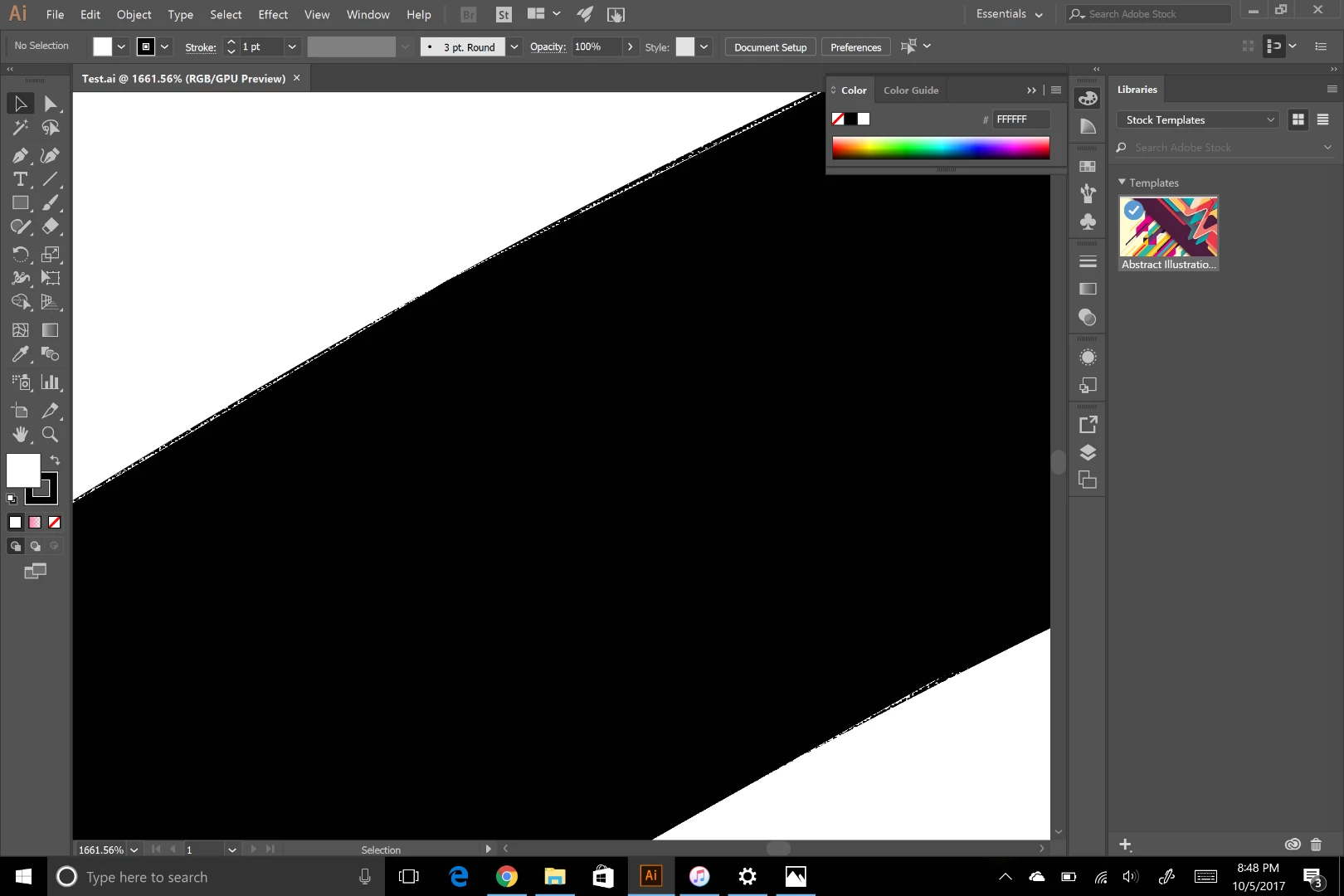
I've been working with Adobe Illustrator on a Dell Inspiron 2-in-1 and have been getting pretty good brush stroke results. As soon as I get my finger off the screen when drawing something, it automatically smooths out like it should. I recently bought a Surface Pro, and now any existing file I open or new drawing I make seems to have rough, pixelated edges. When I zoom in on the edges, the pixels move around, so I believe it's not a problem with the software, but maybe the aspect ratio/dimensions of the computer. The preview of the document before I open it looks perfect, but once I have the file open, I can see the drawing looks rough. Thanks for the help!
 AdChoices