
Participating Frequently
May 24, 2022
Question

Brush tool gets bogged down on long strokes and starts becoming jagged, losing curves

  • May 24, 2022
  • 2 replies
  • 248 views

When drawing long strokes in illustrator the amount of detail that is captured in the stroke keeps decreasing.
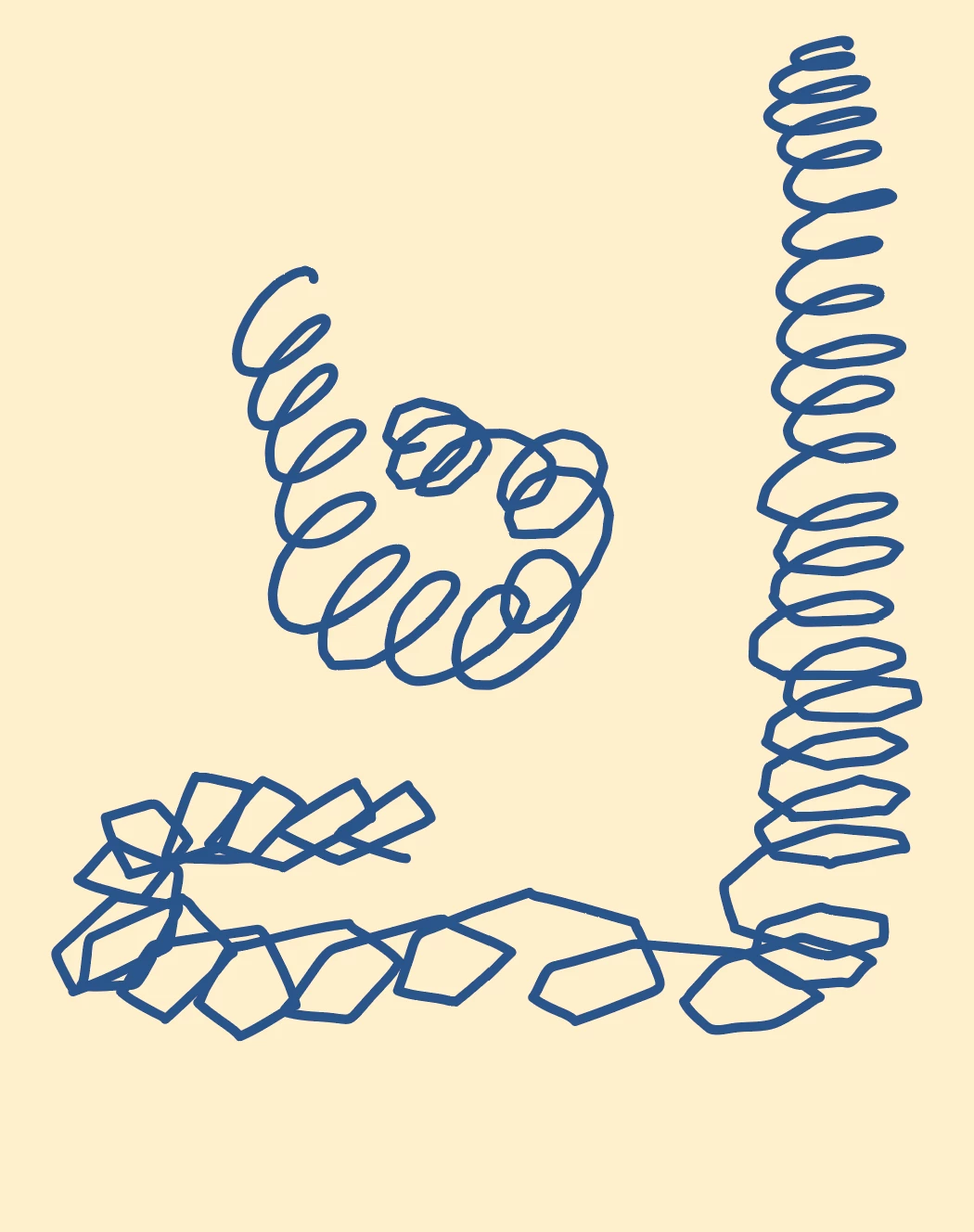
The start of the stroke is normal and gets steadily worse until it eventually just stops.

Can I fix this?


This topic has been closed for replies.

2 replies

Monika Gause
Community Expert
Community Expert
May 24, 2022

Make shorter lines is not an option?

Participating Frequently
June 2, 2022

It's the only option at this point  🙂

Doug A Roberts
Community Expert
Community Expert
May 24, 2022

What kind of brush is this? Can you show your settings for the brush itself and the brush tool?

Participating Frequently
June 2, 2022

Hi, Doug. Sorry I didn't see your response until now. The email went to my spam.


It's just the standard basic brush preset on Illustrator. I think it has to do with that I'm using a Huion pen display to draw.

Monika Gause
Community Expert
Community Expert
June 2, 2022

"Basic" is not a brush. And you cannot use the brush tool with Basic.


If you want to draw freehand and want to have no brush applied (which is the meaning of "Basic"), then you should use the pencil tool, not the brush tool.


Does it work better with the pencil tool?