


Bug or something, not even lines or skewed rectangle?
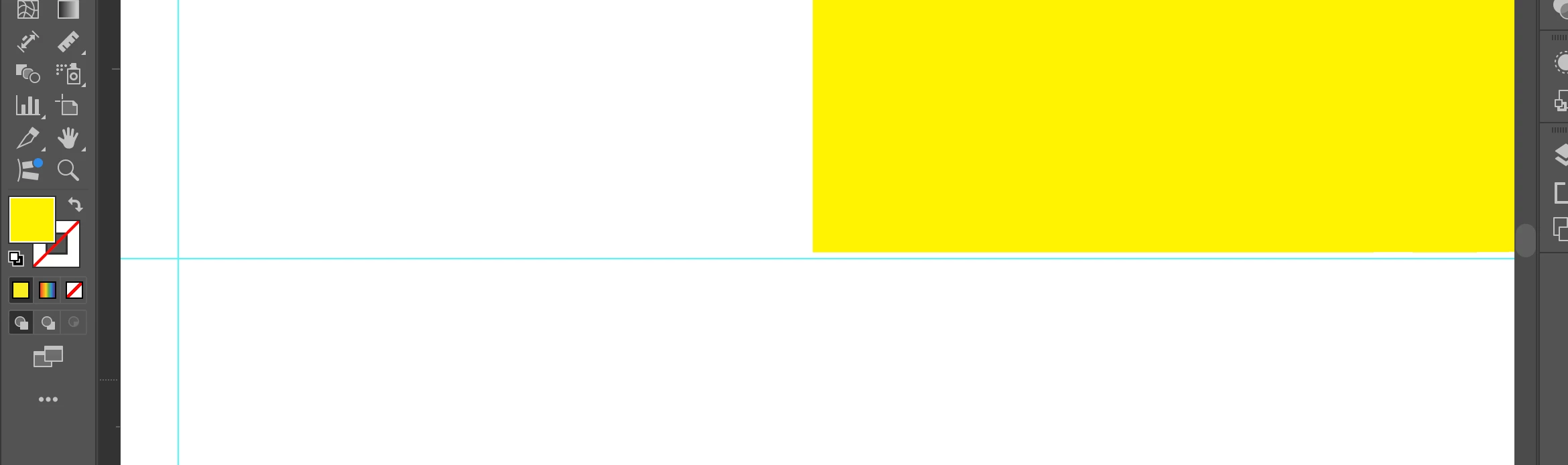
Hello I have just realised that either guides/rules are off or the rectangle - as you can see I wanted to make it fit the lines perfectly and at the big zoom I realised that something is off... because when I tried to make this rectanle fit it by adding 0,001 or 0,003 or similar number or inches to either hight or weight it made either of side slightly out of guide line or not close to ruler/guide.
Is there a possibility that something is not even? I dragged these lines from rulers long time ago as a help for myself - each line is exactly 1 inch from the border ofthe canvas size
Please help me it driving me crazy!!
Ps. Both of the pictures represents the same - bottom part of rectangular and bottom guide line and as you can see one side is going beyond this blue line and one is not touching it....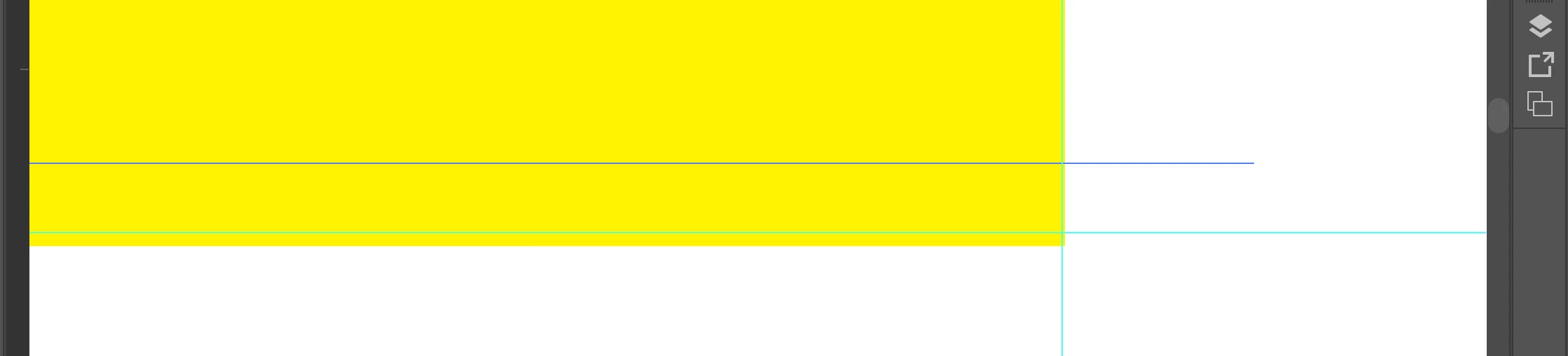
 AdChoices