Inspiring
May 4, 2017
Answered

Can I change shapes?

  • May 4, 2017
  • 2 replies
  • 636 views

I am using Adobe Illustrator cc 2015 at work and Adobe cc 2017 at home. The reason I tell you this is just in case 2017 has a way that 2015 doesn't.

Is there a way for me to change a circle into a star or polygon after I already created the circle? This goes for any other type of shape as well.

In addition, can anyone recommend a good website where they list all the various shape names?

Thanks for your help.
This topic has been closed for replies.
Correct answer Mike_Gondek10189183

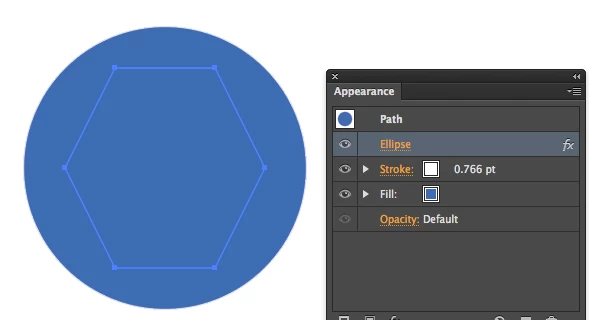
For within Illustrator, try Effect >> Convert To shape >> Elipse

You only have Elipse, rectangle,, and rounded rectangle which can give you circle and squares.

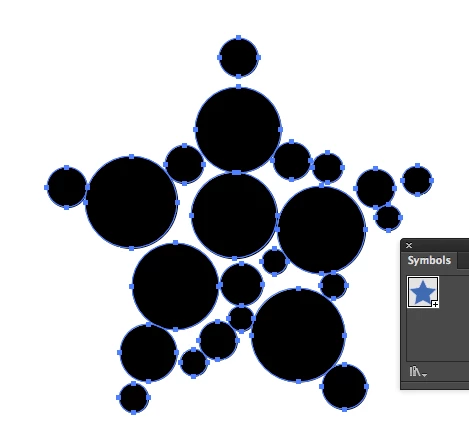
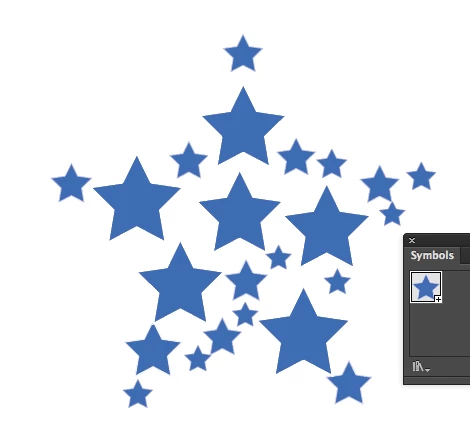
Or use this script to swap selected steps with a symbol

http://files.kaleidoscopechicago.com/_GJeqfpYnqTEsmR

SYMBOLS_Swap Shapes.jsx.zip

875 Bytes

The URL will expire on June 3.

2 replies

Mike_Gondek10189183
Community Expert
Mike_Gondek10189183Community ExpertCorrect answer
Community Expert
May 4, 2017

For within Illustrator, try Effect >> Convert To shape >> Elipse

You only have Elipse, rectangle,, and rounded rectangle which can give you circle and squares.

Or use this script to swap selected steps with a symbol

http://files.kaleidoscopechicago.com/_GJeqfpYnqTEsmR

SYMBOLS_Swap Shapes.jsx.zip

875 Bytes

The URL will expire on June 3.

Monika Gause
Community Expert
Community Expert
May 4, 2017

If you want to do this, use the plugin VectorScribe.