S_ A
Inspiring
September 28, 2023
Answered

Can I rotate a line from a specific point in illustrator?
  • September 28, 2023
  • 2 replies
  • 1319 views

Hello,


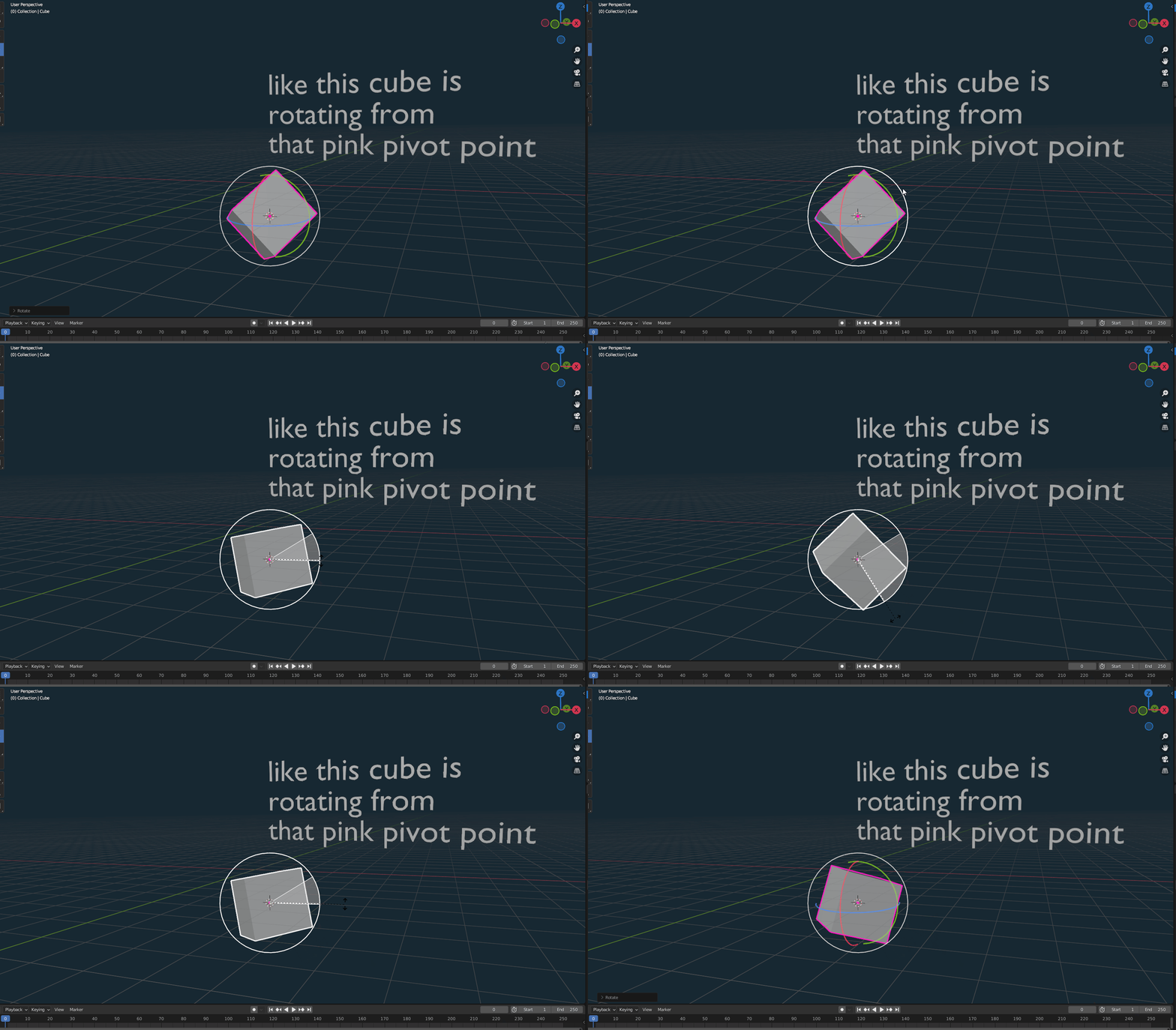
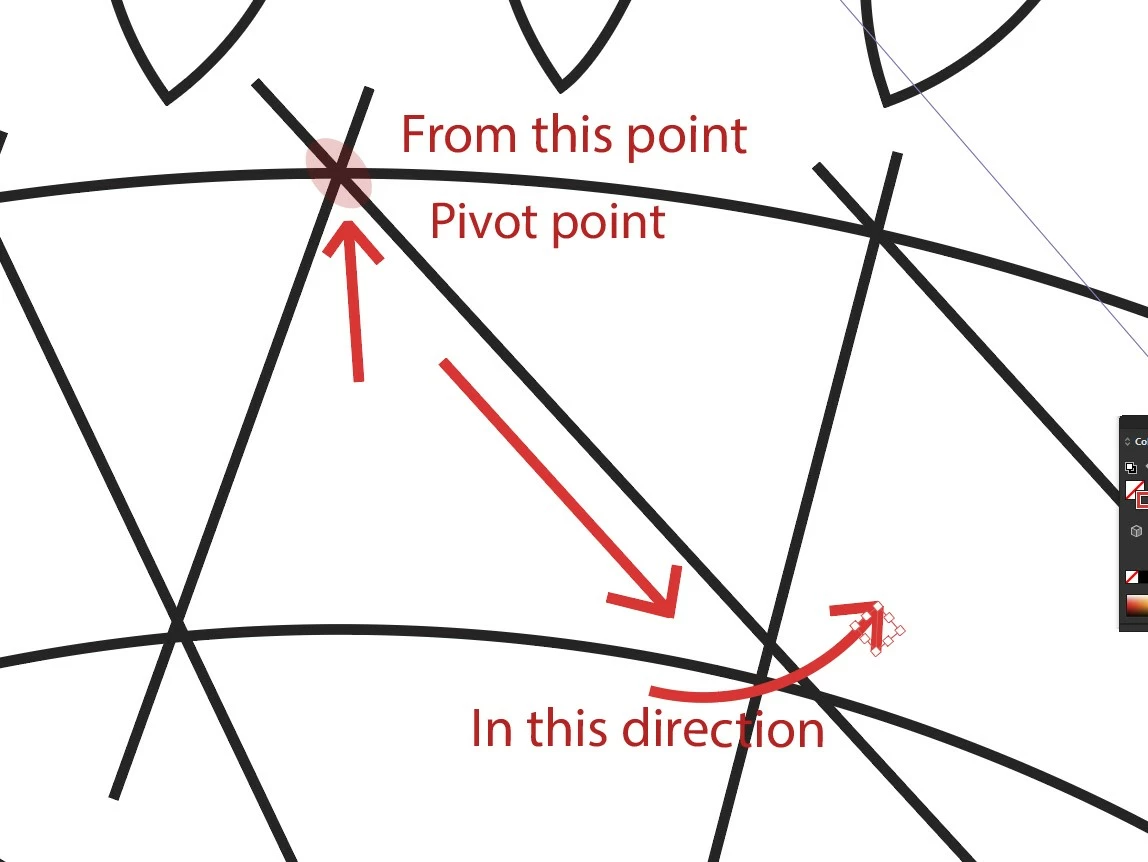
I was wondering can I rotate a line from a specific point in illustrator, in a 2D manner/world/environment/flat way/on artboard? I have attached an example. In 3D I rotated the cube from a specific point, But I wanna do it in illustrator in a 2D manner, from one point to another,One point will be fixed(pivot) The other point I wanna rotate. Just curious can I do it?


Thank you.


This topic has been closed for replies.
Correct answer Kurt Gold

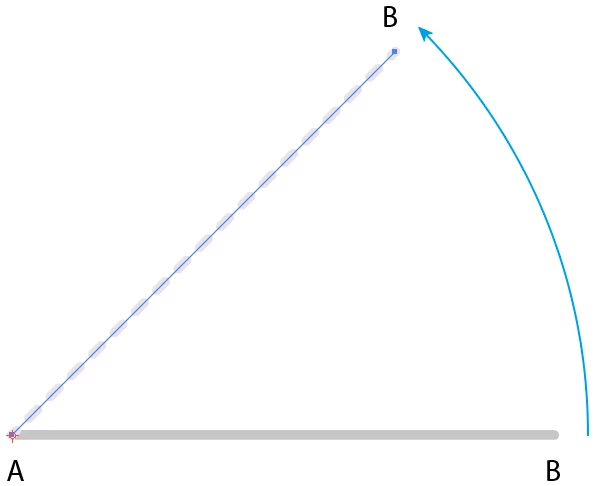
- Rotate tool: Reference point at A (see red marker)

- Rotation: 45 degrees


Doesn't that work for you? Or are you looking for something else?


2 replies

Kurt Gold
Community Expert
Kurt GoldCommunity ExpertCorrect answer
Community Expert
September 28, 2023

- Rotate tool: Reference point at A (see red marker)

- Rotation: 45 degrees


Doesn't that work for you? Or are you looking for something else?


S_ A
S_ AAuthor
Inspiring
September 28, 2023

wow!! How simple is that! 😮 How did I miss that! I feel like an idiot! Thank you so much. I wanna hide under soil now.

Kurt Gold
Community Expert
Community Expert
September 28, 2023

You may use the Rotate tool and set the reference point wherever you like.


S_ A
S_ AAuthor
Inspiring
September 28, 2023

Hello,


Rotate moves the entire line, It cant keep one part fixed. I have to eyeball or manually fix it each time.