
Can only open exported Rhino Illustrator files
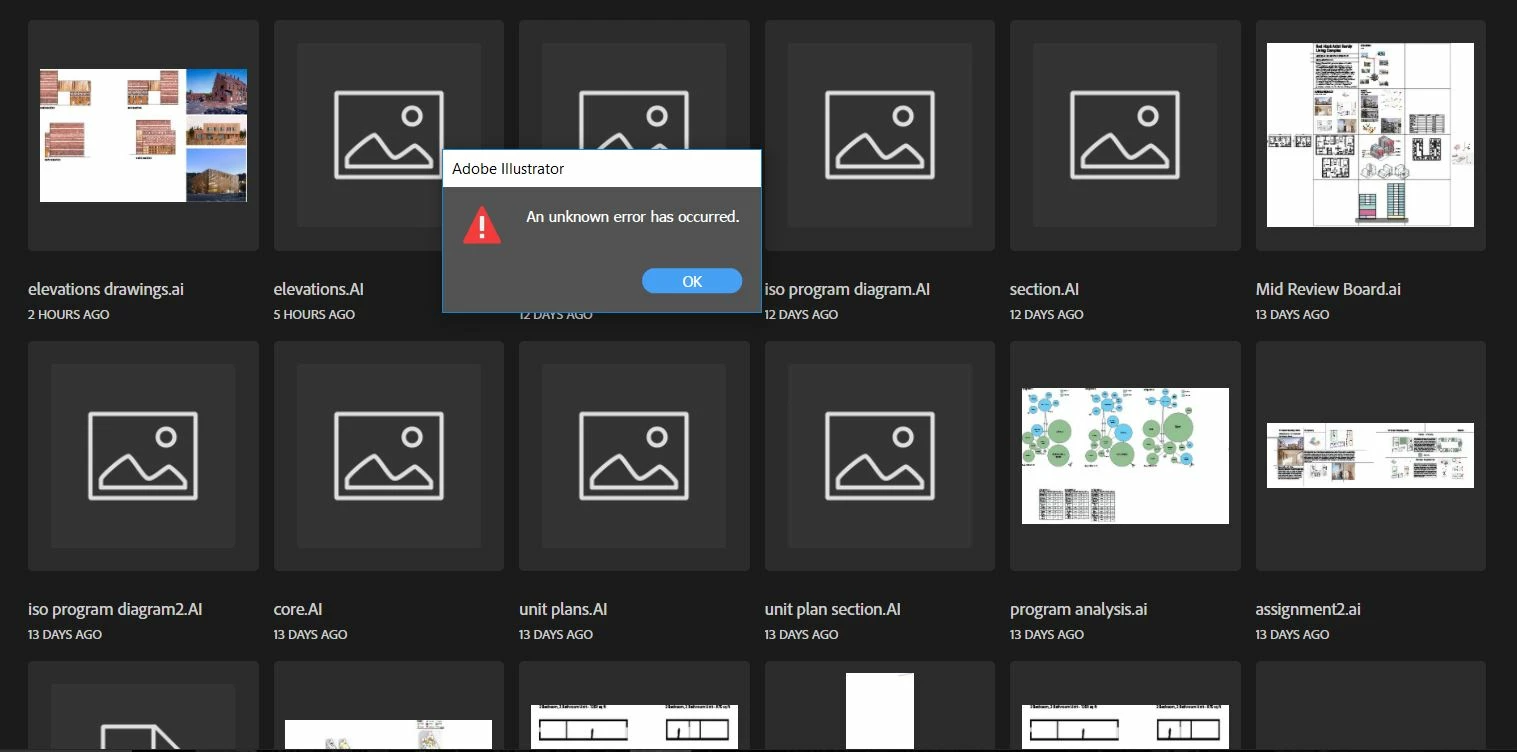
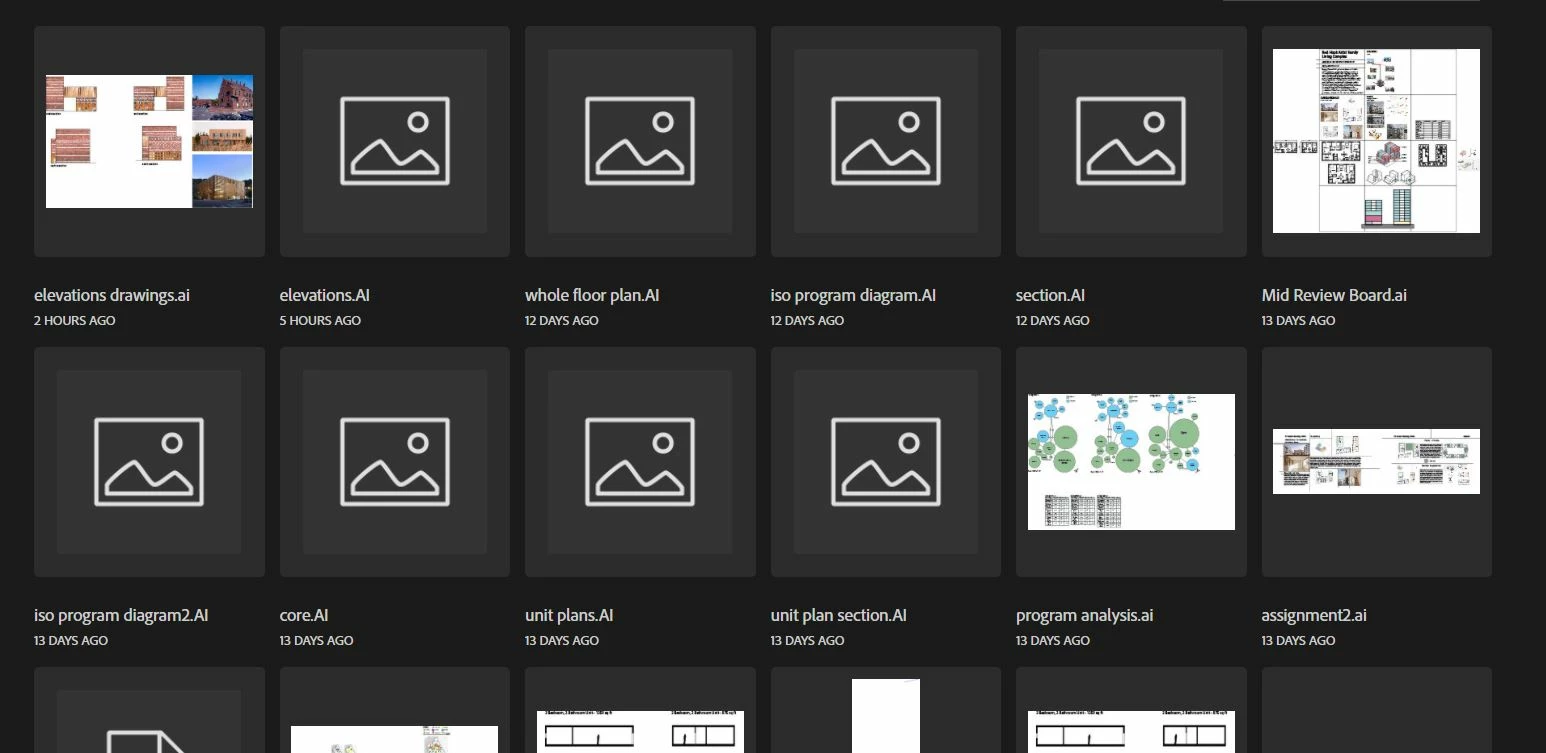
I am having an issue where I can only seem to be able to open illustrator files that have been exported from Rhino 3D. In Rhino, you have the option to convert your linework into an illustrator file. When it opens in illustrator it usually has the file name and [converted]. Whenever I try to open a regular illustrator file or even create a new template, I get an error message saying "an unknown error has occured." This makes illustrator almost completely useless as I can't open most of my files or even start a new one. I posted an image of my files and I can see that there is a distinction between the files that are exported rhino files and ones that aren't. The exported rhino files have a .AI label and the regular files have a .ai label. I'm sure this has something to do with the problem but I really don't know how to fix it. I am using Illustrator 2019. 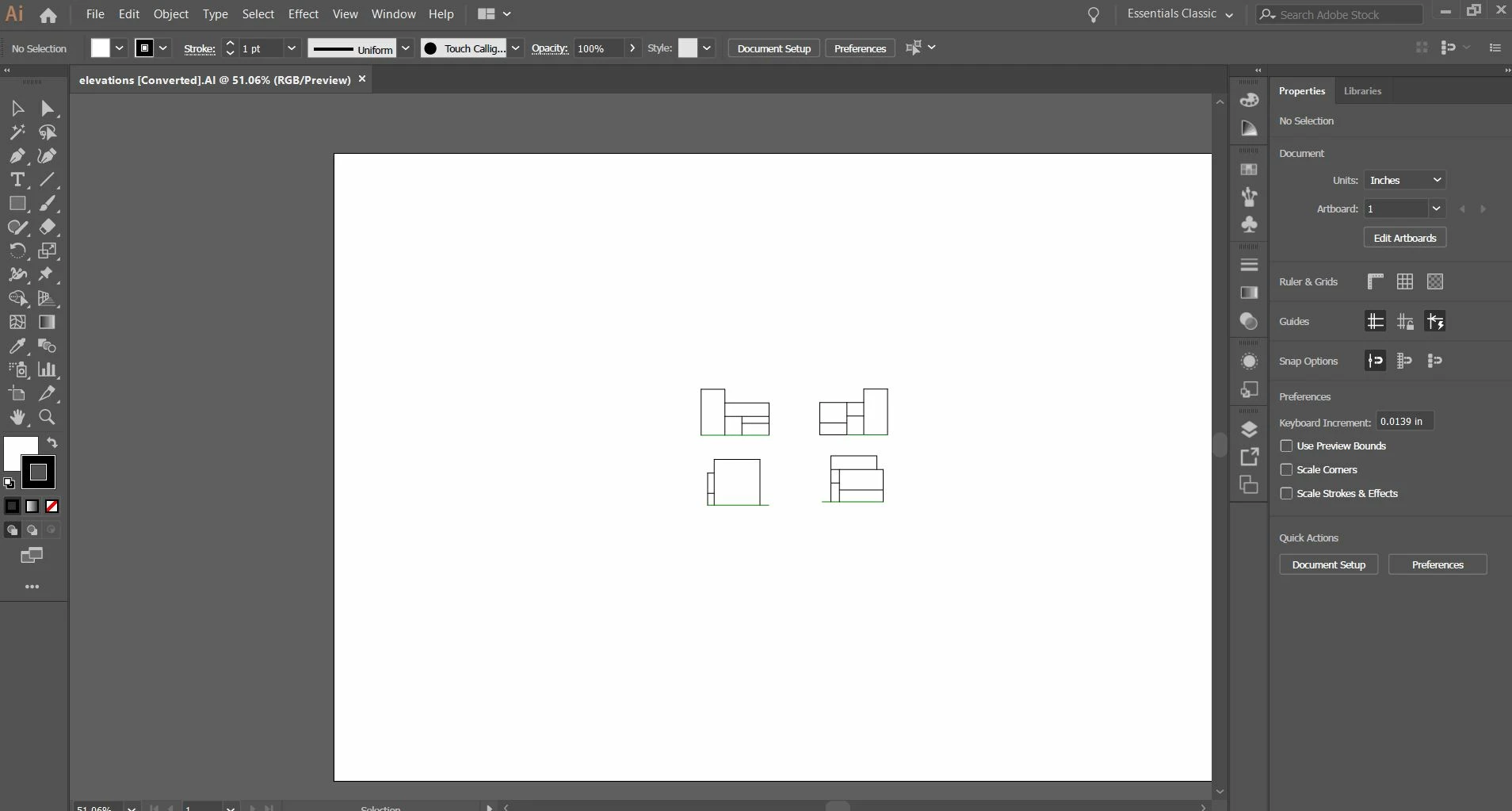


 AdChoices