


Question
can't change fill color
Hello, I am hitting a wall with something that should be easy. When I select an object (the black shape that surrounds the "skateboard") and try to change the fill from black to white, it shows it as white in the info but visually it is still black. I am much more used to photoshop than illustrator, but this seems so elementary, i'm not sure whats going on...the object is selected and the layer is unlocked... any help is greatly appresiated.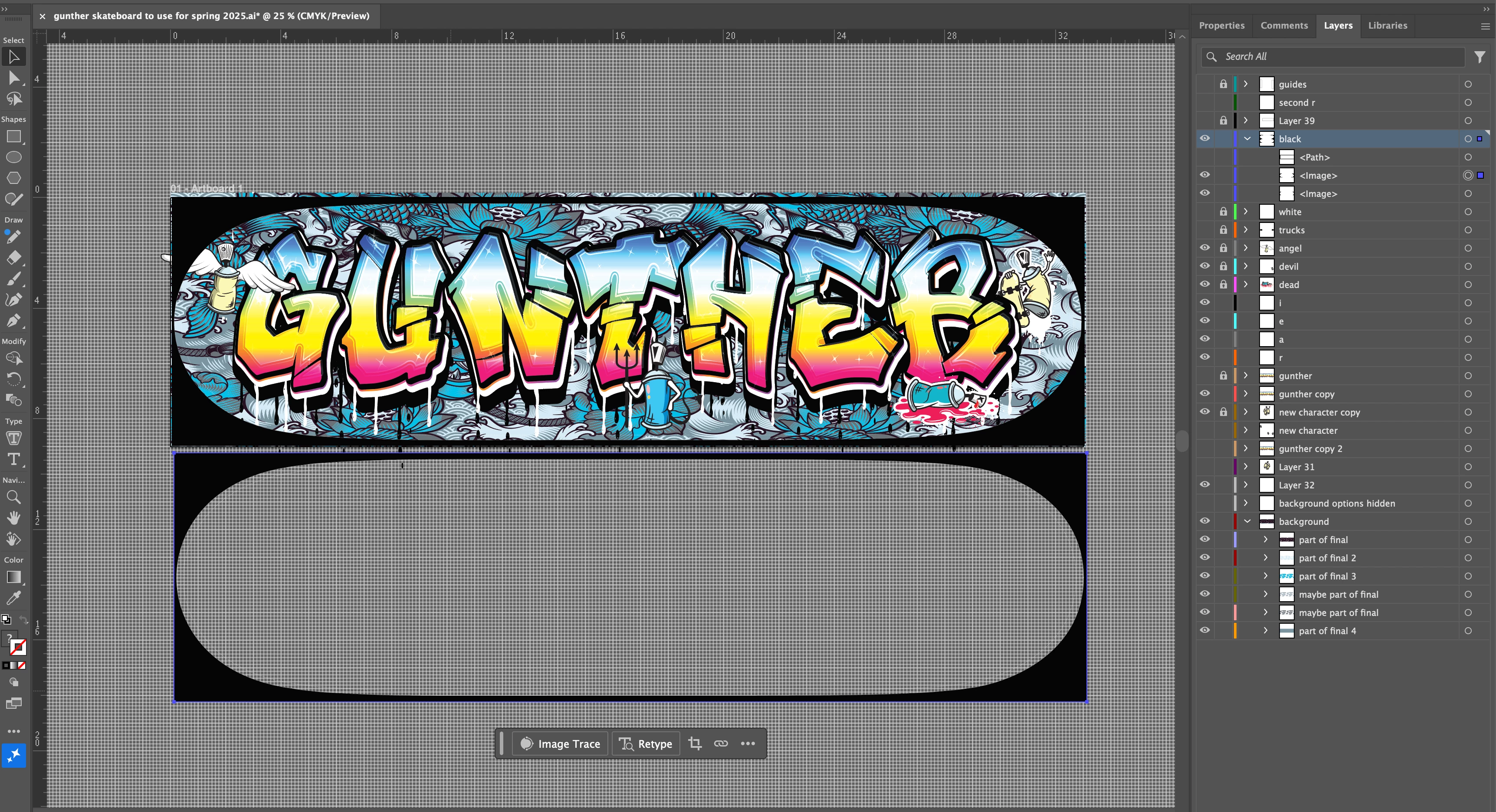
 AdChoices