

selinduman
Participant
June 30, 2020
Answered

Can't export transparent logo/web icon

  • June 30, 2020
  • 3 replies
  • 977 views

I have read through all discussions but nothing seems to work. I am unable to export my logo design with transparent background even though in preview it shows grids, when i export, it turns into black or white. I saved in PNG format and selected transparency in settings. No matter what i do this keeps happening, PLS help this is frustrating 🙂 
This topic has been closed for replies.
Correct answer Luke Jennings3

Try File> Export> Export as> PNG> Background Color> None.

Are you sure the background is white? can you place the PNG on top of another object?

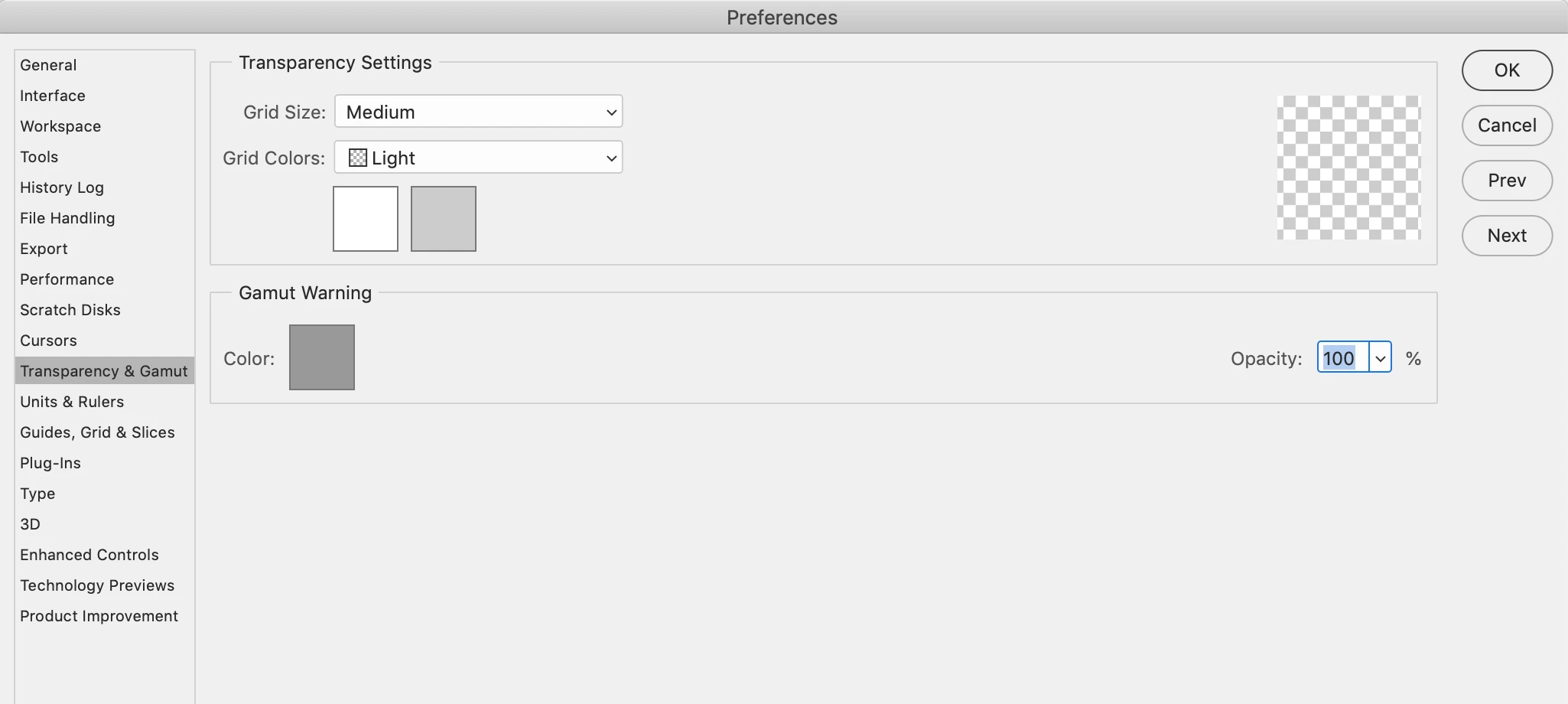
The grid (checkerboard) is showing you the background is transparent, you can turn off the preference to show the transparency grid in Photoshop by setting the grid size to None.

3 replies

Ton Frederiks
Community Expert
Community Expert
June 30, 2020

Can you share an Illustrator file with your problem?

(CC file sharing, Dropbox, Google sharing, WeTransfer...)

Luke Jennings3
Community Expert
Luke Jennings3Community ExpertCorrect answer
Community Expert
June 30, 2020

Try File> Export> Export as> PNG> Background Color> None.

Are you sure the background is white? can you place the PNG on top of another object?

The grid (checkerboard) is showing you the background is transparent, you can turn off the preference to show the transparency grid in Photoshop by setting the grid size to None.

selinduman
Participant
June 30, 2020

Thank you for the answer but there is no option as none just black, white and transparent. I chose transparent and it seems that way in preview but when i export it and open the png, it keeps adding that black/white background. I'm using AI 2020. 24.2.1

Luke Jennings3
Community Expert
Community Expert
June 30, 2020

Yes, you are correct, the option is transparent.

How are you opening your png?

Participating Frequently
June 30, 2020

Sounds like your taking the correct steps. 

Try creating a new artboard, copy/paste logo into new artboard, Save.

Export Again...options: File>Export As... or File>Save for Web (Legacy)

What version of Illustrator?

selinduman
Participant
June 30, 2020

I am using AI 2020. 24.2.1 I tried copying it but still doesn't work 😕😕