
Participant
November 19, 2022
Question

"Can't Finish previewing. Could not complete the requested operation"
  • November 19, 2022
  • 3 replies
  • 7687 views

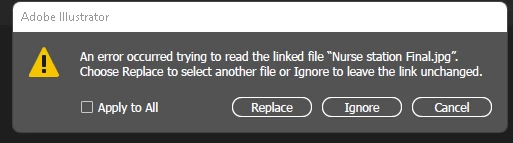
After the window above, I selected "Ignore". Only to end up at another popup saying "Can't Finish previewing. Could not complete the requested operation"
 

I cannot open my file. The HUGE file is 1,571,001 KB. I can open smaller files but not this one (Main file). 


PLEASE HELP!!!


This topic has been closed for replies.

3 replies

Anshul_Saini
Community Manager
Community Manager
December 2, 2022

Hi @MVGROUPUSA,


Thanks for reaching out and sharing the detailed info on the issue. This generally happens when there is not enough RAM or GPU VRAM available for Illustrator to create a preview of the document. Would you mind closing other apps running in the background and seeing if that helps? Additionally, if there are multiple artboards in the file, then would you mind checking if saving each artboard to a separate file helps or not?


If this doesn't help, would you mind confirming your system specification and sharing the file with us? We'll check on our end and see if anything can be done to reduce the file size.


Kindly update the discussion if you still need assistance with it. We'd be happy to help.


Thanks,

Anshul Saini

Met1
Legend
November 21, 2022

Try using Replace with a simple jpg, like a 1x1 magenta square...

Monika Gause
Community Expert
Community Expert
November 19, 2022

What happened? Are you just opening a file or is this happening when recovering a file? Where is this linked files located?