Participant
March 3, 2023
Answered

Can't get export to be correct size

  • March 3, 2023
  • 3 replies
  • 593 views

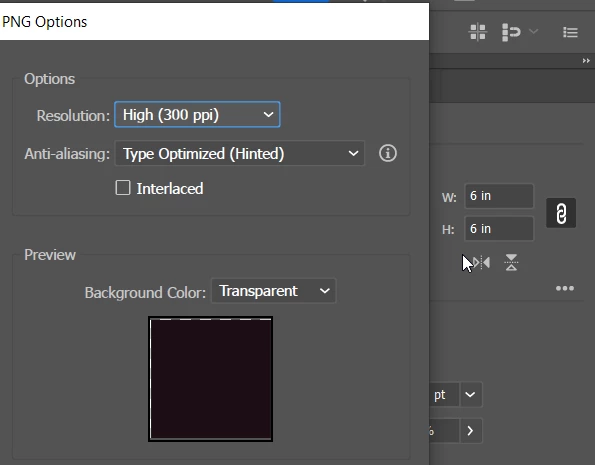
I have a 6" artboard and 6" rectangle but it still exports with extra space on the perimeter. I need to create a seamless image.



This topic has been closed for replies.
Correct answer Kevin Stohlmeyer

Hi @Rawad27339205nr3k are you snapping to pixel to make sure your art falls within a Pixel Grid?

https://helpx.adobe.com/illustrator/how-to/pixel-perfect.html


3 replies

Anubhav M
Community Manager
Community Manager
March 3, 2023

Hello @Rawad27339205nr3k,


Thanks for reaching out. I hope the suggestions shared by Ton and Kevin helped resolve the problem. If not, kindly share a sample Ai and output file so that we can check it on our end.


Looking forward to your response.


Thanks,

Anubhav

Ton Frederiks
Community Expert
Community Expert
March 3, 2023

Check if the upper left coordinates of you artboard contain fractional values. If so correct it.

Best to use points or pixels as units to check. Fractional pixels don't exist.


Kevin Stohlmeyer
Community Expert
Kevin StohlmeyerCommunity ExpertCorrect answer
Community Expert
March 3, 2023

Hi @Rawad27339205nr3k are you snapping to pixel to make sure your art falls within a Pixel Grid?

https://helpx.adobe.com/illustrator/how-to/pixel-perfect.html