


Participant
January 25, 2025
Answered

Can't get rid of live mirror axis

  • January 25, 2025
  • 3 replies
  • 271 views

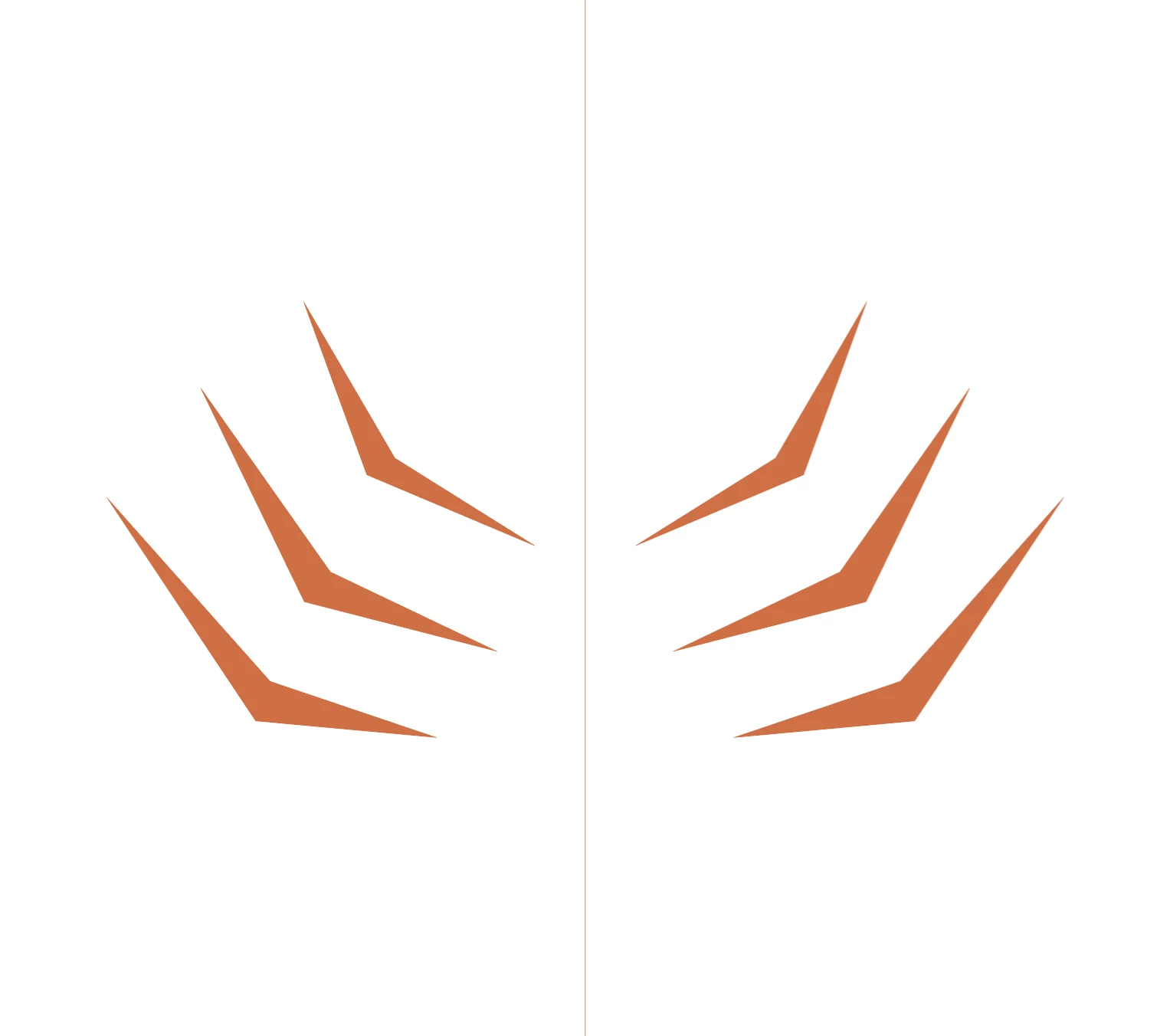
I created a live mirror using this line as an axis. I selected the line then went to Object> Repeat> Mirror and continued from there to create the photo below. Now I am stuck with no Idea how to get rid of that center line. How do I get rid of it???


Correct answer Kurt Gold

Select the Mirror object and go to Object menu > Expand.

3 replies

DougKatz17096006
Inspiring
February 1, 2026

Dr. Gold, I selected a simple Object>Repeat>Mirror effect. I then expanded the object (from the Object menu) But the component objects weren’t made independently available.


Next stop was the Layers panel to see if I could deconstruct the effect. No luck. I can move the contents in the Layers panel up and down, trying to ungroup groups, but I was unable to crack the code.. Can you (once again) come to the rescue?


PS. The Object>Repeat>Radial and Object>Repeat>Grid operations both work as you prescribe: Object>Expand and the components become manipulable.

Known Participant
February 1, 2026

Hello, I’m having the same issue but after I have expanded my mirror object and try to delete the line, it causes both sides to come together in the center and not in their original position. The mirror function is still active as well so what I created is not one object. Any advice on this? 

Kurt Gold
Community Expert
Kurt GoldCommunity ExpertCorrect answer
Community Expert
January 25, 2025

Select the Mirror object and go to Object menu > Expand.

Known Participant
February 1, 2026

Hello yes I shared I did that already. I have a guideline for where the mirror axis is and when I try to remove it after I expand the object, what I drew on the left goes towards the center. Everything misaligns. Im not sure how to get rid of the mirror axis without this happening.