Can't increase layer size using shift key without distorting components!!!
Hi there Adobe Support Community,
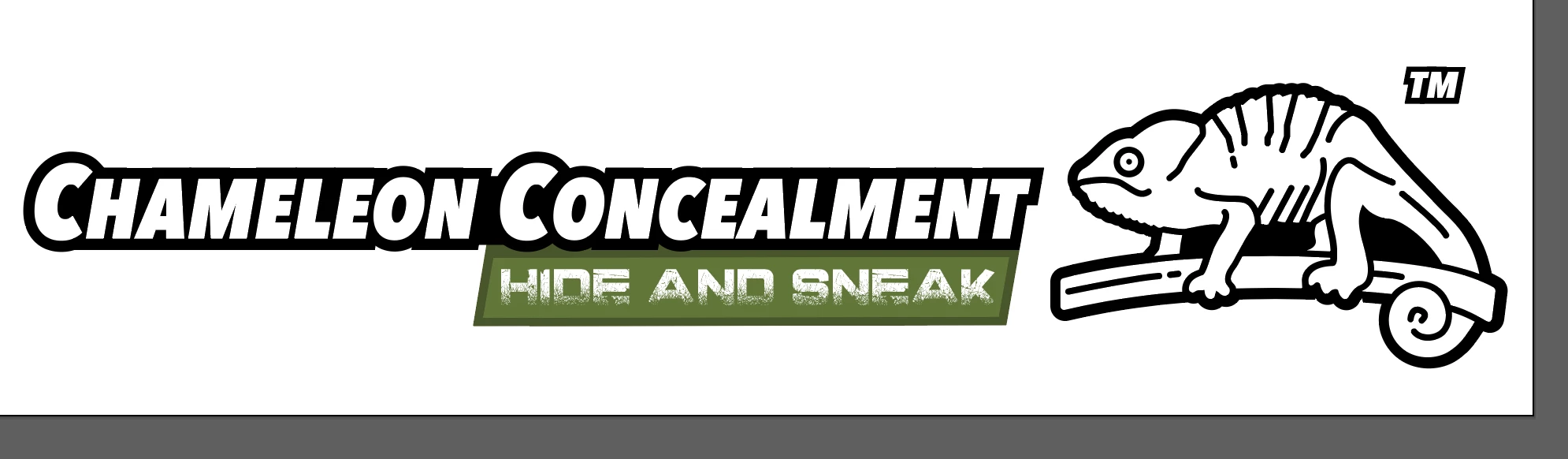
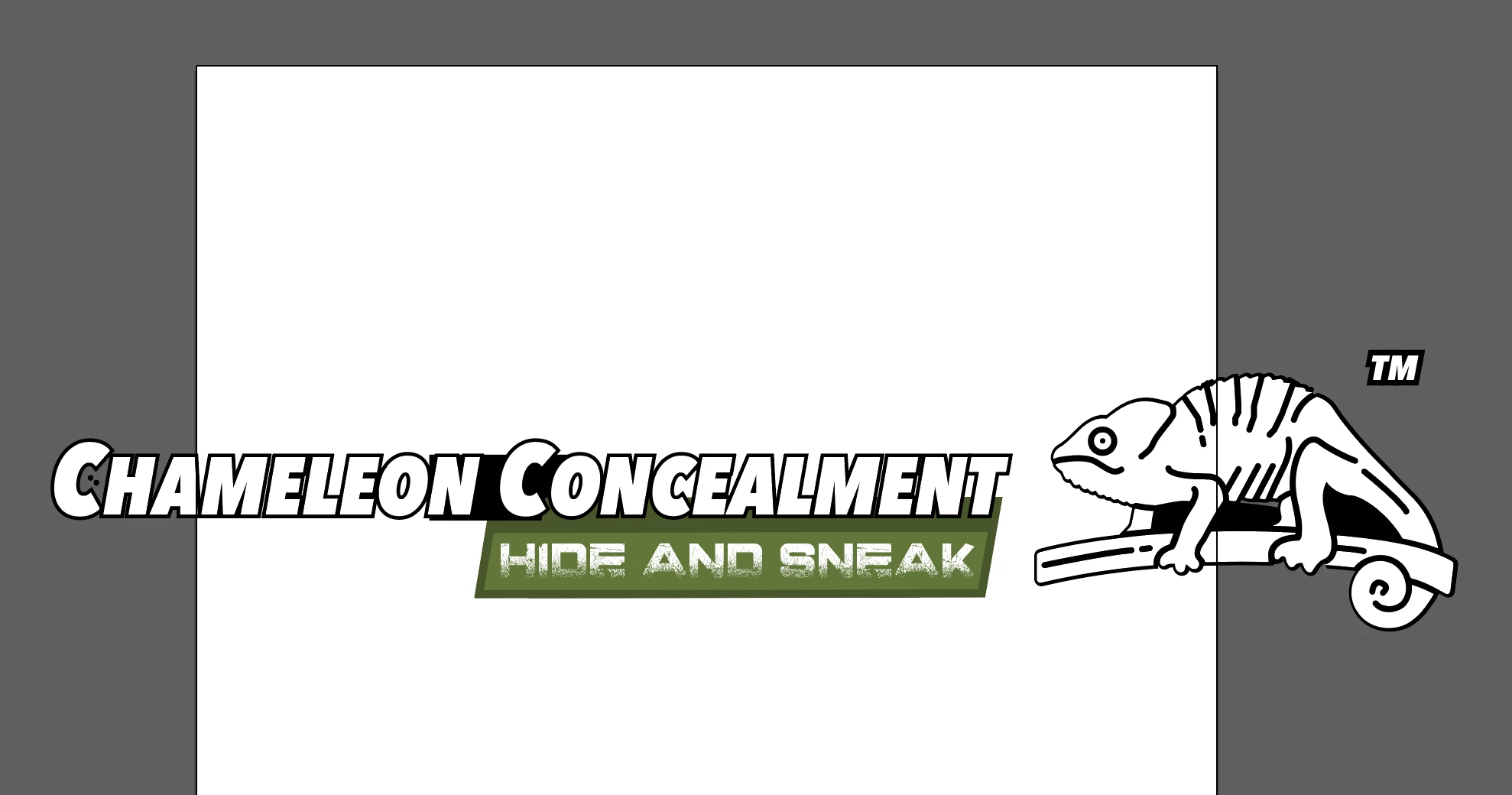
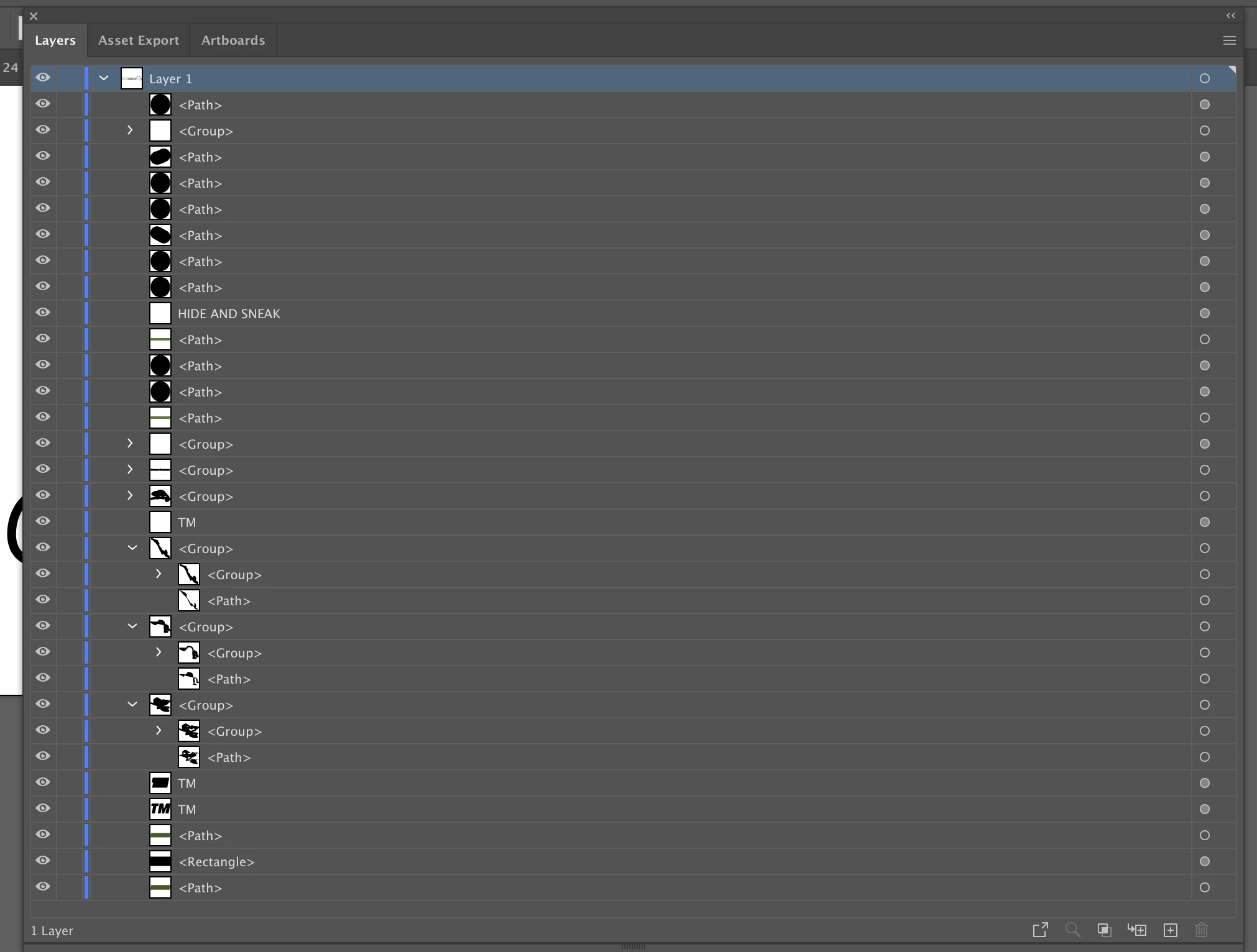
I have a layer, made up of a group of 20+ intricate components, and when I try to increase the size of the layer using the select tool and holding down the shift key, the layer ends up looking different to how it originally looked – ie the black stroke behind the text and the chameleon (separate components) appears to be way too thin; the proportions are off. Any ideas how to solve this annoying problem? Solutions would be much appreciated.
I have attached a) one photo showing how the image / layer looked before using the scale tool b) one photo showing how the image / layer looked after using the scale tool c) one photo showing the components that make up the layer.
Again, thanks for your time.
Best regards
Alex
 AdChoices