Participant
January 19, 2017
Answered

Can't join two paths on the same layer

  • January 19, 2017
  • 2 replies
  • 497 views

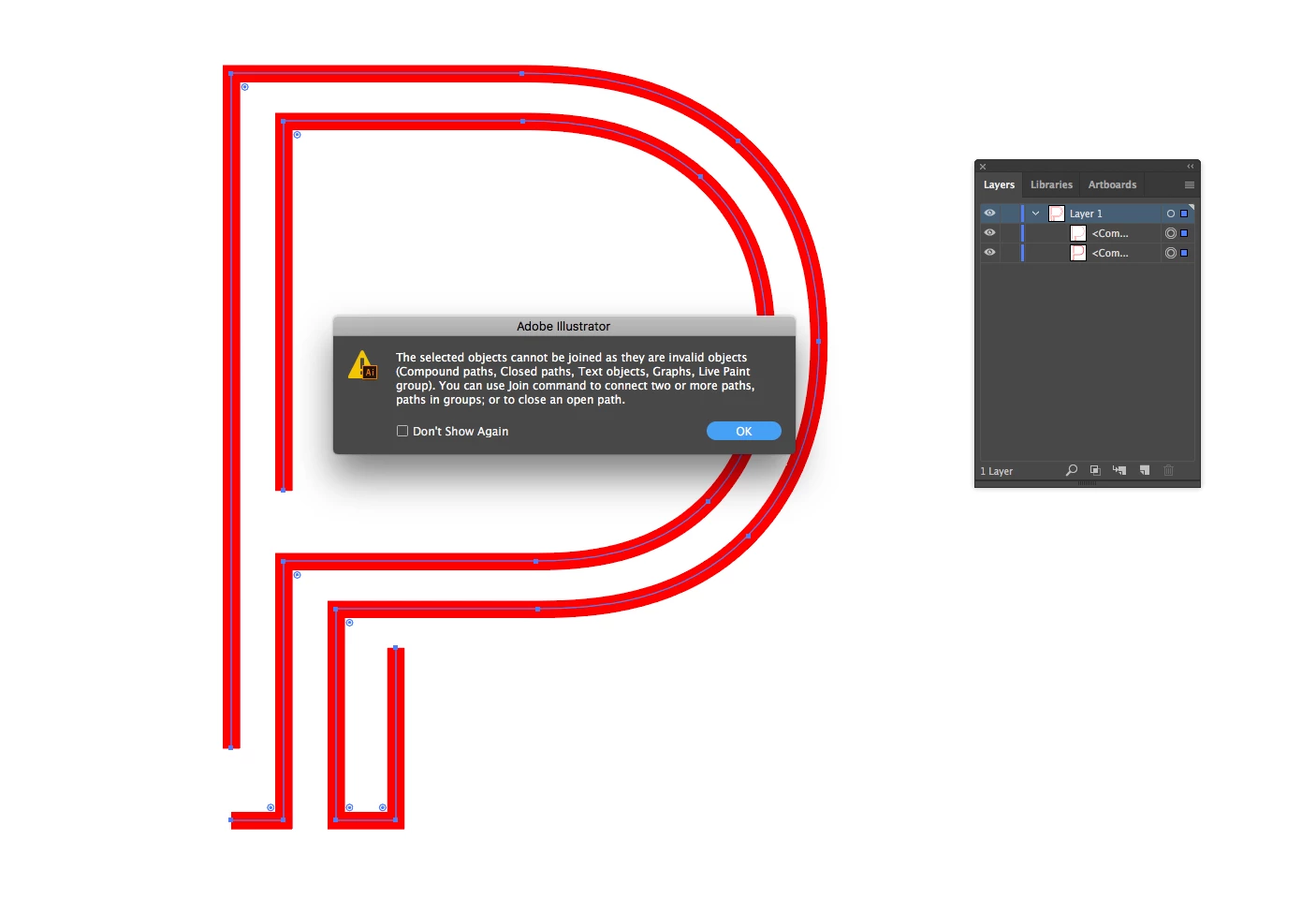
These paths can't be joined with cmd-j or the pen tool, the'yre not grouped, can someone explain please
This topic has been closed for replies.
Correct answer Ash10390

ANSWER They needed to released from a compound path but the alt-shift cmd 8 shortcut doesnt work on multiple paths at once so it wasn't working when I thought it would

2 replies

jane-e
Community Expert
Community Expert
January 19, 2017

Try this: select only one and Cmd + J. It will join the two endpoints of that path. It is probably not what you want, so Undo.

You should be able to use the Pen tool and click one Anchor point and then another to connect. Then repeat for the other two. If that doesn't work, we need to see what these are.

Select one and post a screen shot with the Layers panel expanded and the Appearance panel.

What are you trying to achieve? Would a Compound Path work?

jane-e
Community Expert
Community Expert
January 19, 2017

As I was typing, you found the answer — good!

Ash10390AuthorCorrect answer
Participant
January 19, 2017

ANSWER They needed to released from a compound path but the alt-shift cmd 8 shortcut doesnt work on multiple paths at once so it wasn't working when I thought it would