
Answered
Can't knockout this area no matter what I do, even after Expanding and Pathfinder > Minus Front
The vector below has been expanded and Pathfinder > Minus Front-ed, but that sliver of white fill refuses to be removed or knocked out (Fig 1, below).
I've tried messing with all the path options under the Object menu.
I'm at the end of my wits, the stubborn white area is not even a path, so I can't select it and delete it.
When I move the ancors on that one little shape, the fill will go away, but then I have a shape I don't want (Fig 2, below).
How can I get rid of this annoying fill that refuses to go away?
Fig 1.
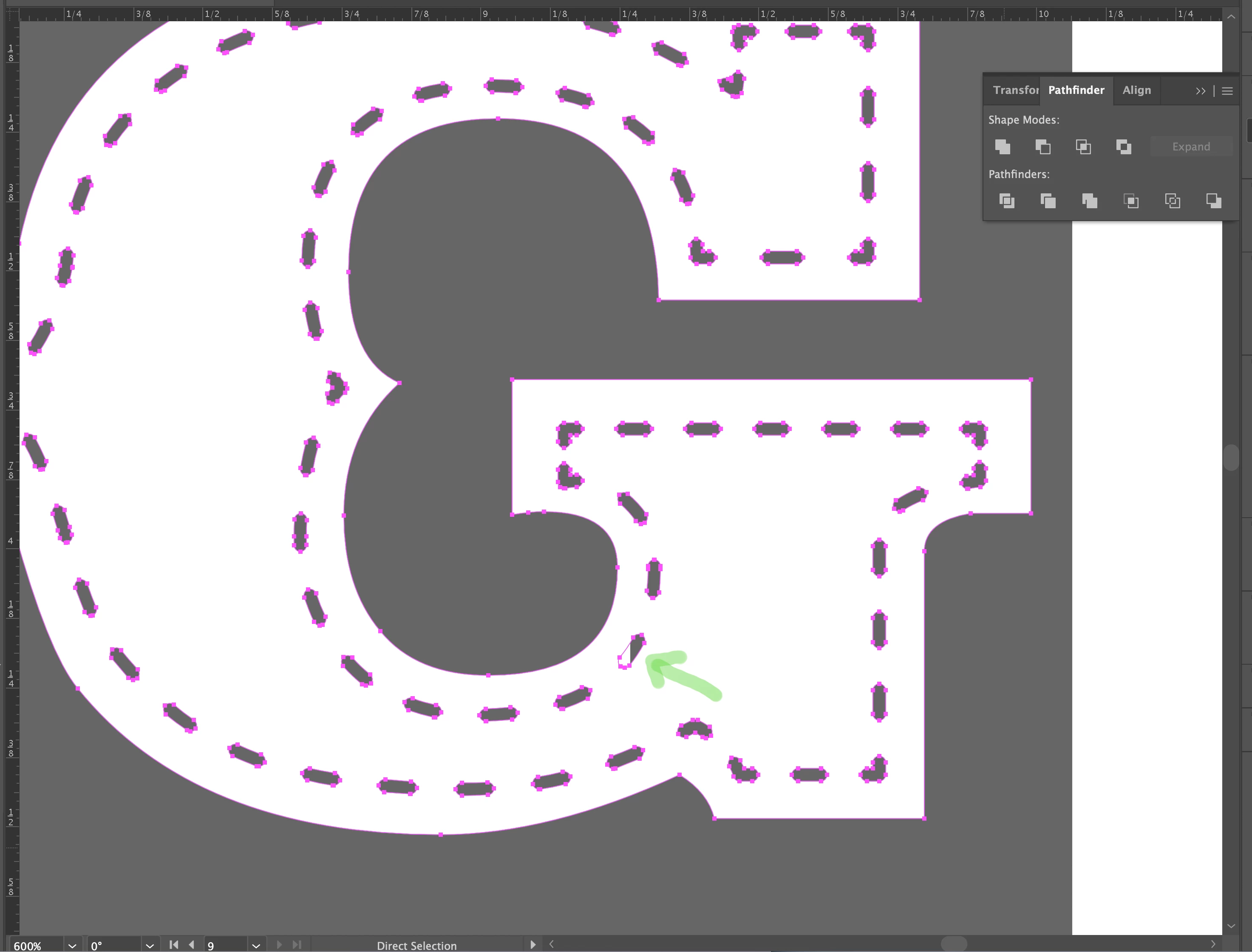
Fig 2. 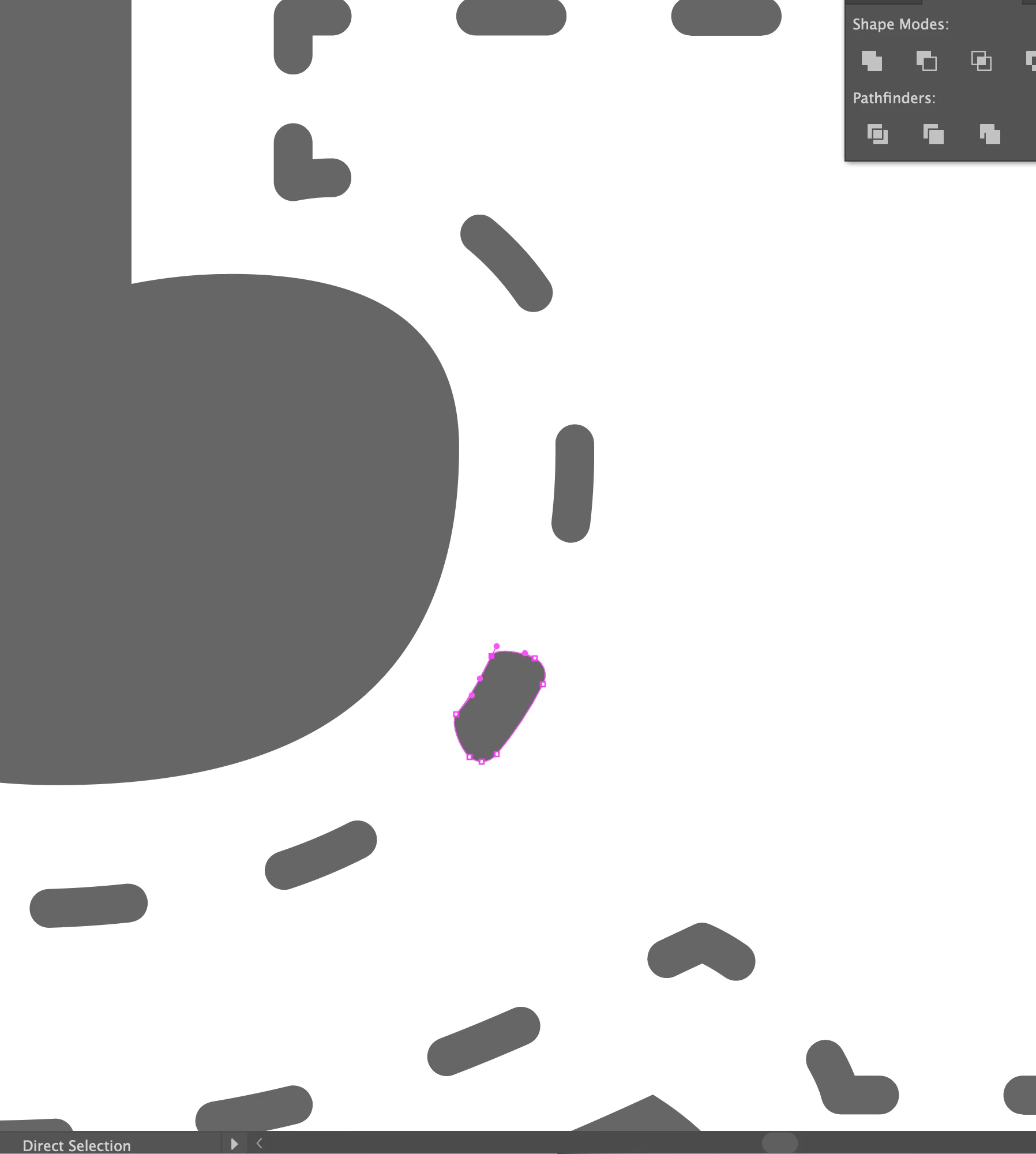
 AdChoices