

Jeffery.Wright
Inspiring
August 16, 2023
Question

Can't make clipping mask?

  • August 16, 2023
  • 6 replies
  • 15161 views

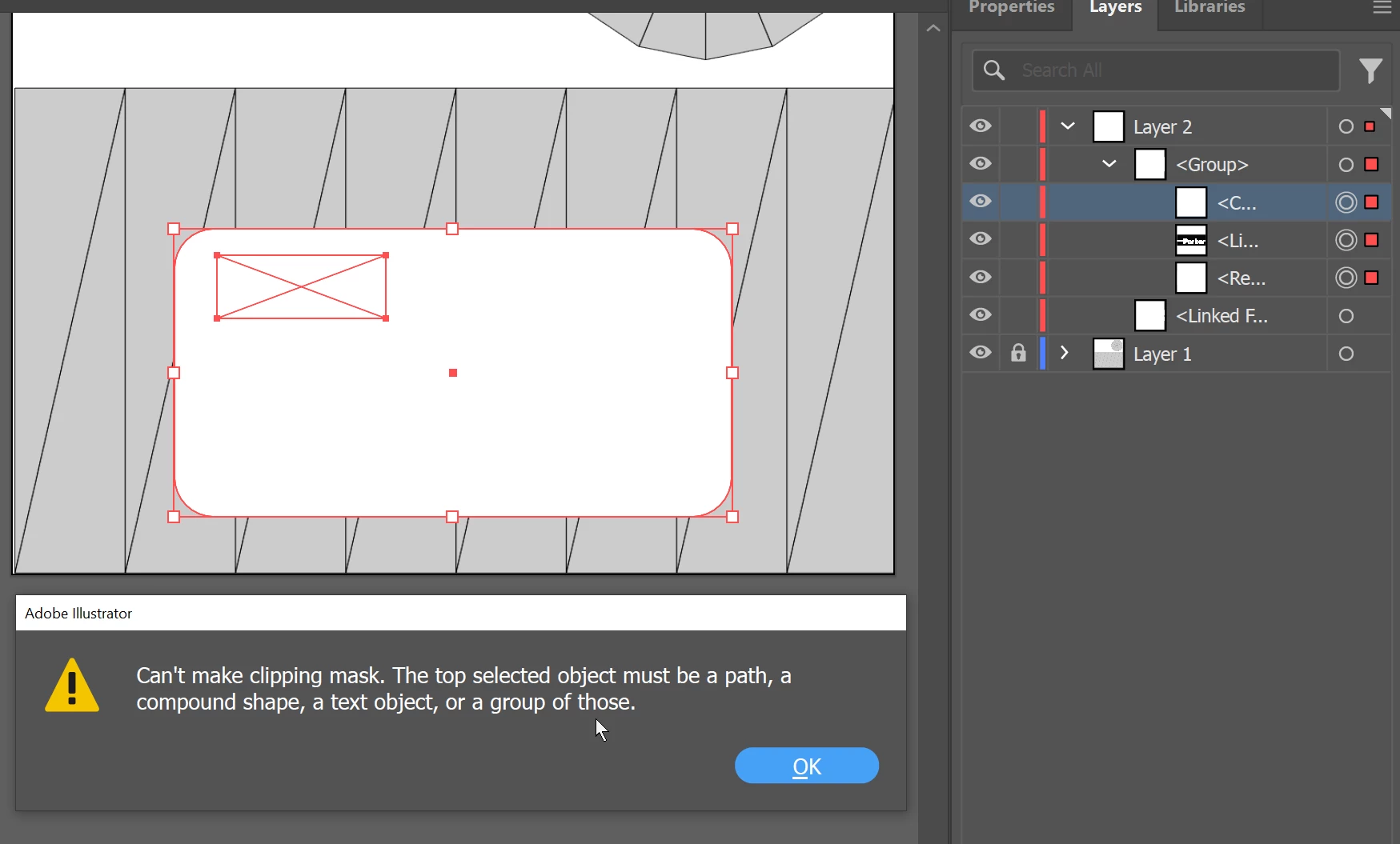
The top selected object must be a path, a compound shape, a text object, or a group of those.


As usual, Adobe's so called "Help" is anything but.
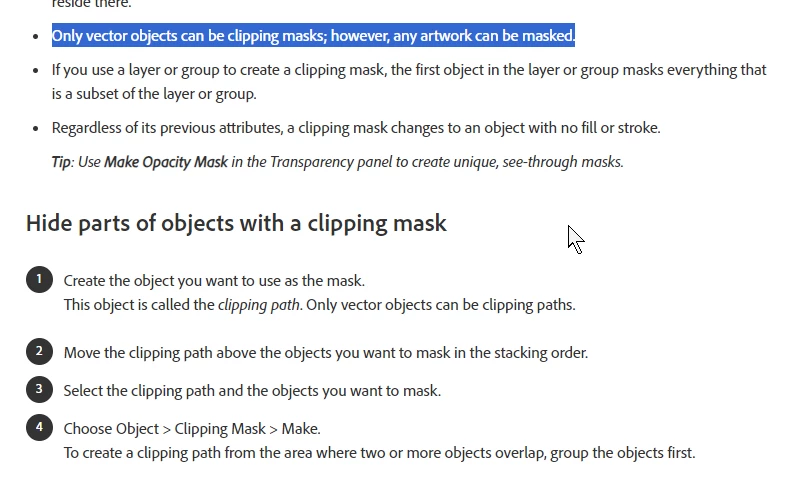
 

"Only vector objects can be clipping masks; however, any artwork can be masked." 

Well, what is a Rectangle? Not a vector? 

Why on Earth would Illustrator not let a Rectangle be used for a clipping mask? 


Why would this be active if it is not a possible operation? 
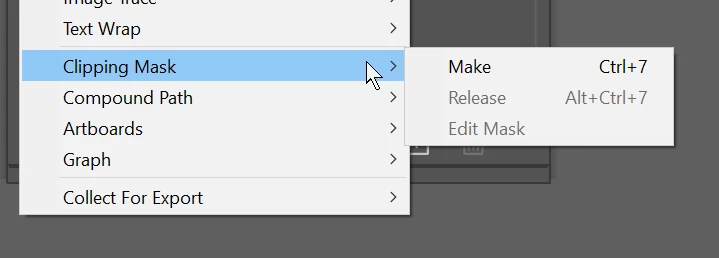


Who's idea was it to make simple operations baffling, impossible and openly hostile to users trying to get some work done? 


Why would this not be a simple and quick function? 


Can anyone at Adobe explain this philosophy? 


6 replies

tonytopper
Participating Frequently
June 10, 2024

I understand what you are trying to do and completely agree with "Who's idea was it to make simple operations baffling, impossible and openly hostile to users trying to get some work done? "

The UX for clipping paths is a dumpster fire in Illustrator.

My guess, lazy developers at Adobe didn't consider the clipping mask UX around grouping very well.  

Sometimes moving stuff to its own layer rather than using a bunch of groups can make things easier to clip.  Also, check out https://helpx.adobe.com/illustrator/using/clipping-masks.html

Monika Gause
Community Expert
Community Expert
June 10, 2024

This is an older thread.

In the current version creating a clipping mask with a bunch of grouped objects with the top one being a vector path just works. This is probably not about the group at all but about whatever object is on top of that stack. The thread opener never reported back what "C" is here. But yeah, bashing the engineers is easier.

Lukas Engqvist
Community Expert
Community Expert
November 14, 2023

The top object is not a rectange because in the layer I can see it starts "<C..." would be good to see the layers panel a bit more clearly to trouble shoot. 

Participant
November 14, 2023

I had the same issue in my graphic design class. Most kids had the image over the shape and the mask would work and a few kids tried to do that but gave them that same error. So I had them switch it and arrange to bring shape in front and then the image would be behind the shape. The clipping mask would then work. I wonder if that is a setting that was accidently changed, not sure.

michelew83603738
Community Expert
Community Expert
August 16, 2023

It looks like the top layer in your group may be a compoud path. Can you go into isolation mode and also explain what you are try to do so that we can better help you.

Ares Hovhannesyan
Community Expert
Community Expert
August 16, 2023

Please describe what you want to do and what is your task? Thanks

Monika Gause
Community Expert
Community Expert
August 16, 2023

You are operating inside a group there. How about isolation mode? Does that work? Exactly what are you planning to mask there?