
Can't open illustrator after reboot
Dears,
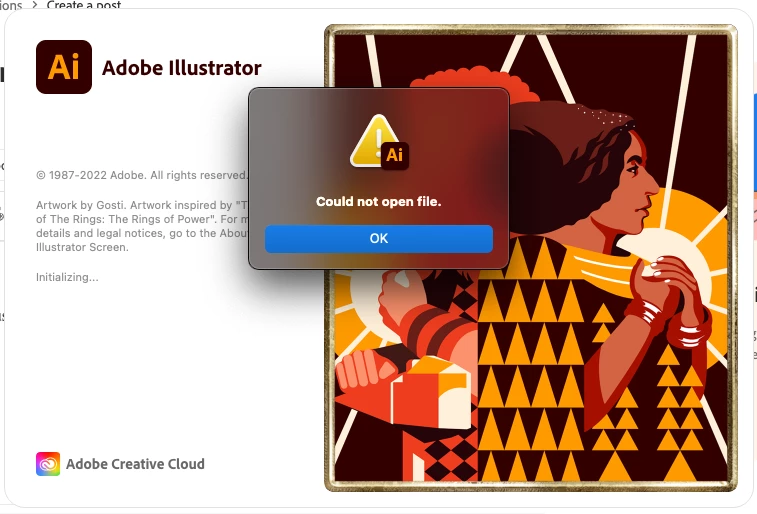
From this morning my illustrator just can open for an unknown reason, an error message of "Could not open file".
But the problem is weird that I did not open illustrator by opening a file, I just open my illustrator from my app library but it still causing a "could not open file" error.
( The illustrator also can't be open by opening a file too, same error message. )
To my understanding, the illustrator was still working normally last Friday, Sep 2, but after a shout-down and reopening of the mac this morning (Monday Sep5), this unexpected behavior happened.
I also have open Adobe programs, Ps, Id, Pr, Ae, and Lr are all working normally, but just the Ai can't be open.
Note:
I didn't update my macOS
This morning I see the picture of the illustrator has been changing from last Friday, probably caused by the illustrator update?
I have tried to uninstall and reinstall, reboot and reinstall, etc... and it still has the same error.
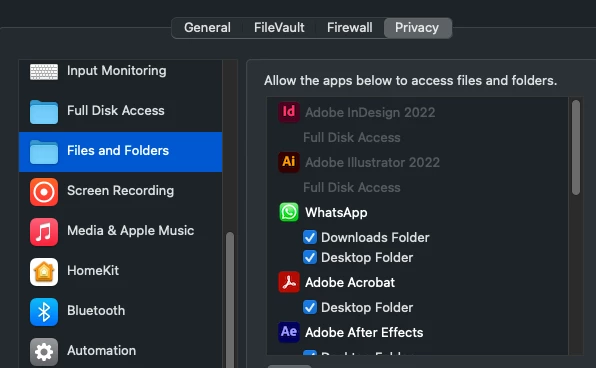
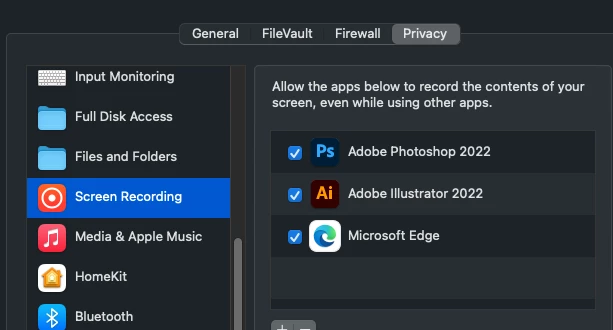
Privacy setting at the MacOS, the illustrator Files and Folder permissions are ticked, I tried to enable Full Disk Access but still have the same error.
 AdChoices