


Participant
May 28, 2025
Question

Can't preview layer after crashing

  • May 28, 2025
  • 2 replies
  • 169 views

Hi, my laptop crashed suddenly and so Illustrator recovered the document I was working on, however every time I try to change the visibility on one of the layers it defaults to outline mode and 'cant finish previewing'
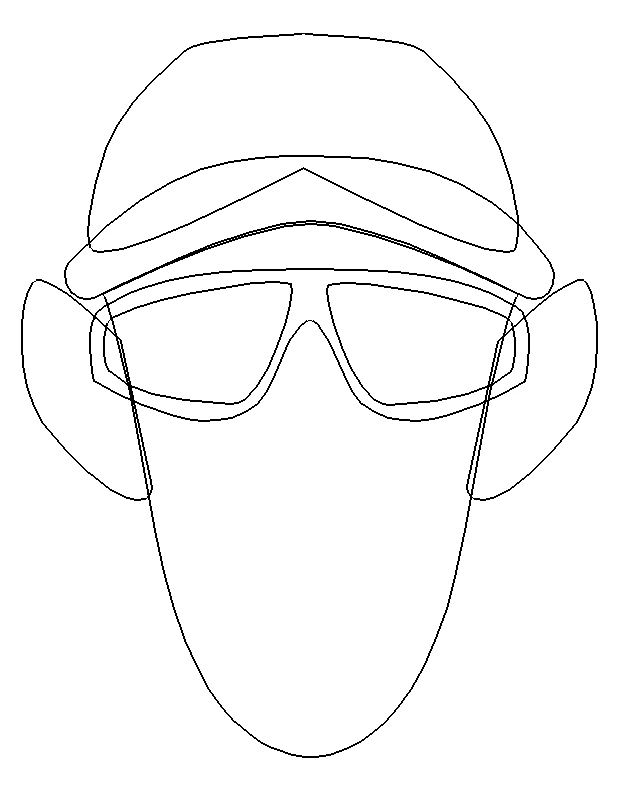
The only paths that I can preview are these three if the other paths aren't visible:

 

Any ideas on how to fix this please? I have tried Cmd+Y and no use.

2 replies

Tina_Irvine
Community Expert
Community Expert
May 29, 2025

@thetricktoellie, in addition to what @Monika Gause mentioned, try duplicating the file and saving as a different file name. Or, if it lets you select everything, try copying and pasting the layers into a new document.

Monika Gause
Community Expert
Community Expert
May 28, 2025

How much RAM do you have?

Is this file special? Like huge filsize? Lot of transparency, anything that could cause Illustrator to not like it?