Participant
May 22, 2023
Question

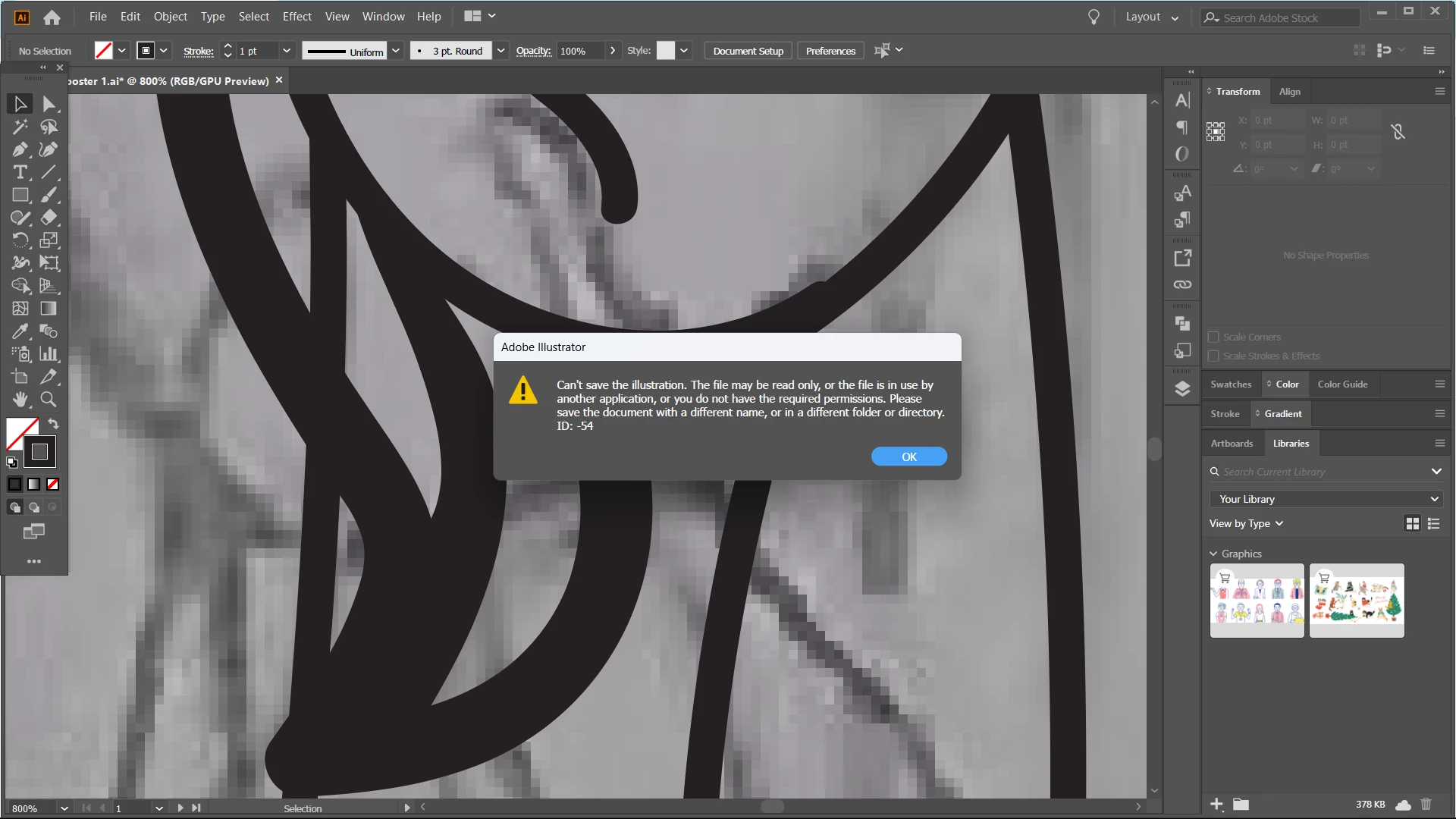
can't save file in adobe illustrator
  • May 22, 2023
  • 3 replies
  • 331 views


i have problem when saving it.. already turn off the save in background but still didn't worked


i'm using it in laptop, windows 11

please help how to solve it because its an important works.

 

This topic has been closed for replies.

3 replies

Anubhav M
Community Manager
Community Manager
May 23, 2023

Hello @Jan_ic,


We understand that encountering technical issues can be frustrating. Would you mind confirming the file type you are saving as and if you are trying to save your work to a network drive, removable media, or a cloud-synced folder (Google Drive / Dropbox / OneDrive, etc.)?


If yes, kindly try saving to a local directory, like the Desktop, as suggested by Mike and Monika, and check if it helps.


Looking forward to hearing from you.


Thanks,

Anubhav

Mike_Gondek10189183
Community Expert
Community Expert
May 22, 2023

The message is stating that Illustrator sees the file is busy or locked.


Try save as to a different location like a thumb drive. In worst case save to the cloud, I try to avoid suggesting using the cloud as if you are not an expert with that you can have other problems, bti n your case you could save your file, reboot, fix permissions.

Monika Gause
Community Expert
Community Expert
May 22, 2023

Where do you save your files?

Try on the desktop, no server, no synchronized folder

Does Illustrator have full disk access?

Does it work when you save it using a new name?