
Participant
September 27, 2017
Answered

"Can't save the illustration." error when outputting .EPS file on High Sierra

  • September 27, 2017
  • 2 replies
  • 3952 views

Hi all,

Since upgrading to High Sierra yesterday I am running into a pretty crucial error.

I am unable to save .EPS files now, but only on our local fileserver here at the office. I can save to the desktop, but not any servers.

Things I can do:

  • Save to PDF, AI, SVG, AIT, etc, etc... just not EPS on a server
  • Save any file format to my desktop

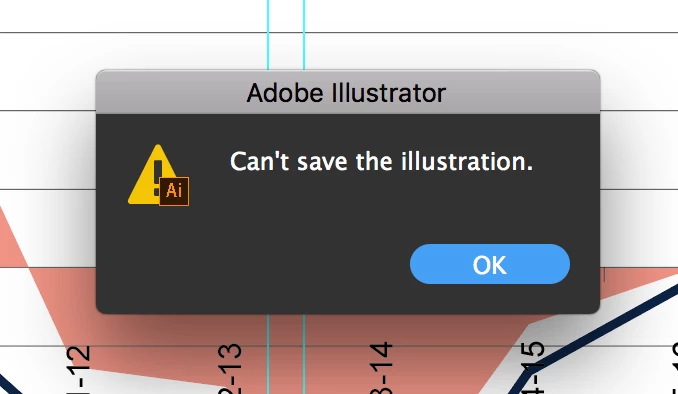
Here is the error message:
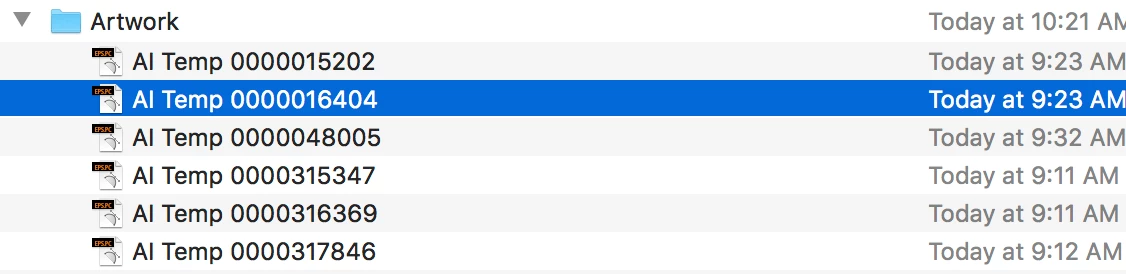
When I make the program try to save an EPS file, the directory then shows a temp file there instead, see these:
I've tried reinstalling fresh from CC, as well I have tried removing any non-system fonts in the file... and I even tried removing/adding my printers (as I saw this mentioned in another thread).

Anyone else experiencing this? Or just me?

Thanks,

Dan

This topic has been closed for replies.
Correct answer AshutoshChaturvedi

UPDATE: Adobe has released the fix in the latest version.

Please accept my assurance. Apple and Adobe are doing their best to address compatibility issues with the product. We have also heard Wacom driver issues on this forum. They are concerned too and are working on to get this resolved ASAP. Till that time we fix all of this I would humbly request you to be with OSX 10.12.

Meanwhile, we are also baking a build please join us on our pre-release forum: http://adobe.ly/1Q3rCPI

2 replies

Monika Gause
Community Expert
Community Expert
September 27, 2017

danr70626941  schrieb

Anyone else experiencing this? Or just me?

Actually we all hope that you will be the only one, because it has been a very bad idea to update your system.

Revert it to whatever you had before if you can.

And please tell others:

Known issues - Running Illustrator CC on macOS 10.13 High Sierra

AshutoshChaturvedi
AshutoshChaturvediCorrect answer
Legend
October 4, 2017

UPDATE: Adobe has released the fix in the latest version.

Please accept my assurance. Apple and Adobe are doing their best to address compatibility issues with the product. We have also heard Wacom driver issues on this forum. They are concerned too and are working on to get this resolved ASAP. Till that time we fix all of this I would humbly request you to be with OSX 10.12.

Meanwhile, we are also baking a build please join us on our pre-release forum: http://adobe.ly/1Q3rCPI

John T Smith
Community Expert
Community Expert
September 27, 2017

This is an open forum with "some" Adobe staff participation, use the links below to make a report

https://www.adobe.com/cfusion/mmform/index.cfm?name=wishform for feature requests or bug reports

-or Feedback forum https://forums.adobe.com/community/creative_cloud/desktop-app/content