authorsha
Participant
May 21, 2020
Question

Can't scale images when Perspective grid is on in Illustrator 2020 on Mac OS

  • May 21, 2020
  • 2 replies
  • 1522 views

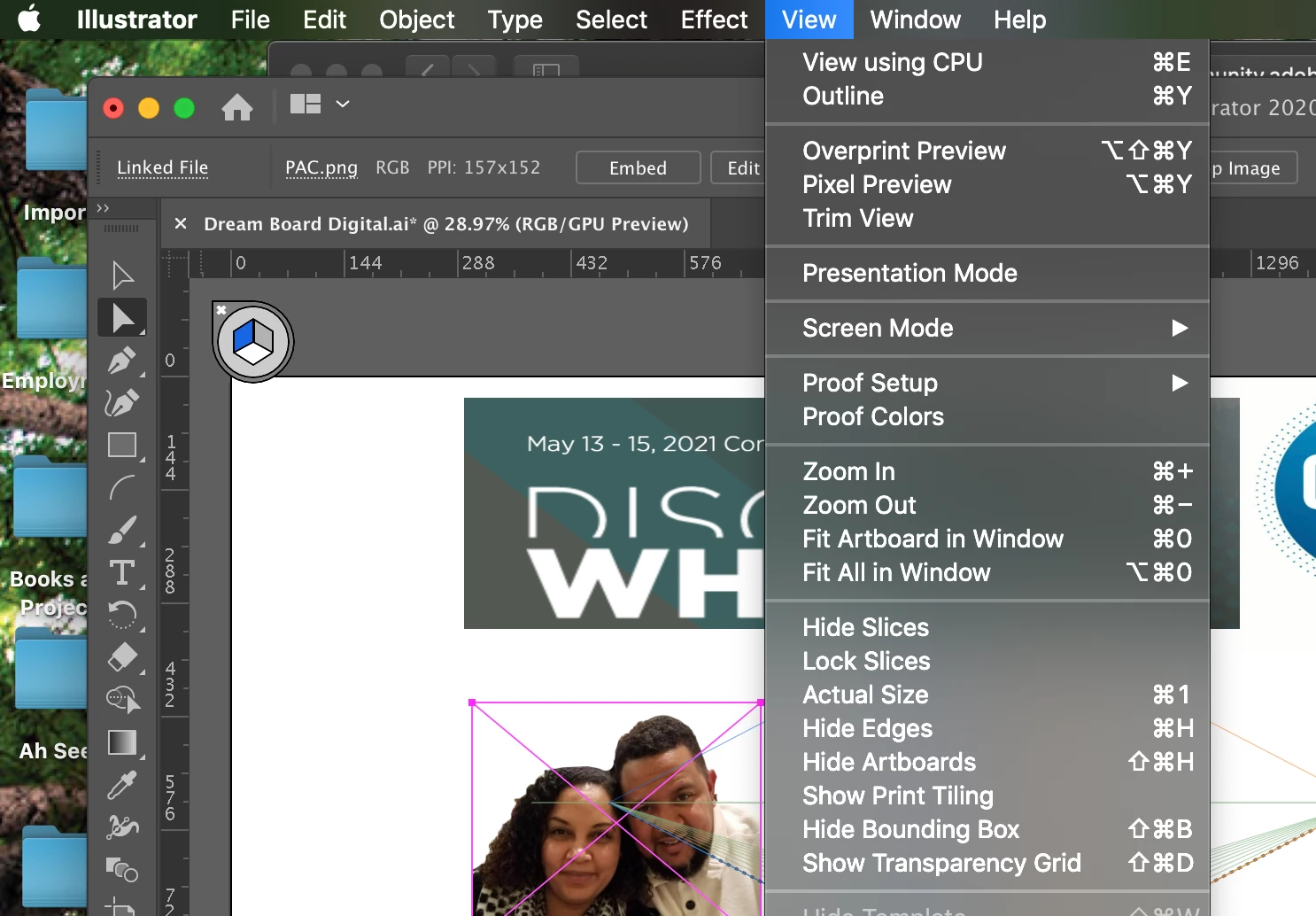
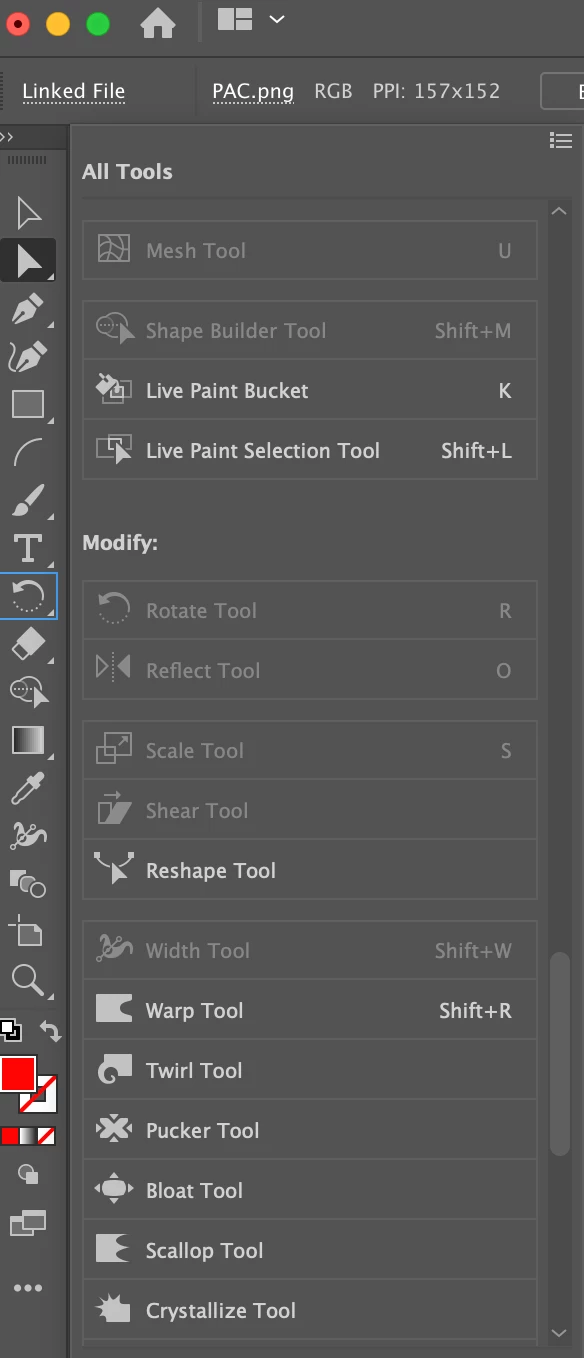
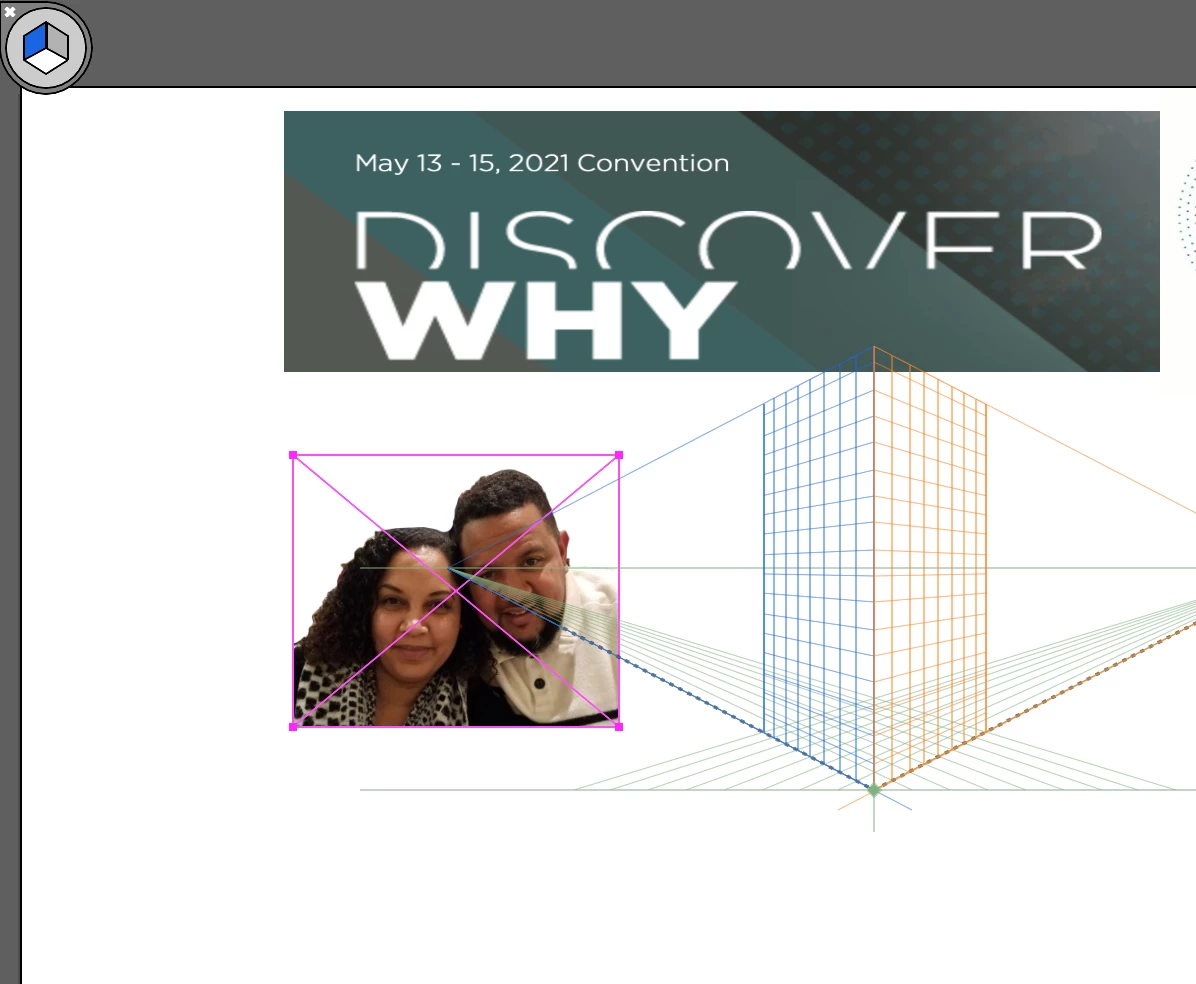
I was able to click on an image and the blue bounding box would appear, then I could drag a corner to scale the image. But now, that blue box is gone and never comes back up. I also don't have the option to edit the images. All I can do is move them. Attaching sceenschots. 


{Renamed by MOD}

This topic has been closed for replies.

2 replies

Srishti_Bali
Legend
May 22, 2020

Hi there,


Ton has already answered all your questions. You should be able to scale images even when the perspective grid on. In your free time, please try following these steps and share your observations with us:

  • Is the issue related to a specific document? Try creating a new file and check how it works there.
  • If that works the same way, try resetting preferences for Illustrator by following these steps:

    Close all Adobe applications.

    Go to locations

    ~/Library/Caches

    ~/Library/Application Support/Adobe

    ~/Library/Preferences

    Rename Adobe Illustrator, com.adobe.illustrator and Adobe Illustrator 24 Settings folders to Adobe Illustrator.old, com.adobe.illustrator.old and Adobe Illustrator 24 Settings.old

    Launch Illustrator from the Creative Cloud.

    Please note that resetting preferences will remove all the custom settings and Illustrator will launch with default settings. This way all your old settings will be saved in .old folders and Illustrator will recreate new folders with default settings.


Regards,

Srishti

Ton Frederiks
Community Expert
Community Expert
May 21, 2020

Try to use the Selction tool (V)

authorsha
authorshaAuthor
Participant
May 21, 2020

I did. Didn't work. It still only lets me move it, but not scale or adjust it. 

Ton Frederiks
Community Expert
Community Expert
May 21, 2020

On your screendumps you have the Direct selection tool selected.