
Answered
Can't see any of my work in Illustrator
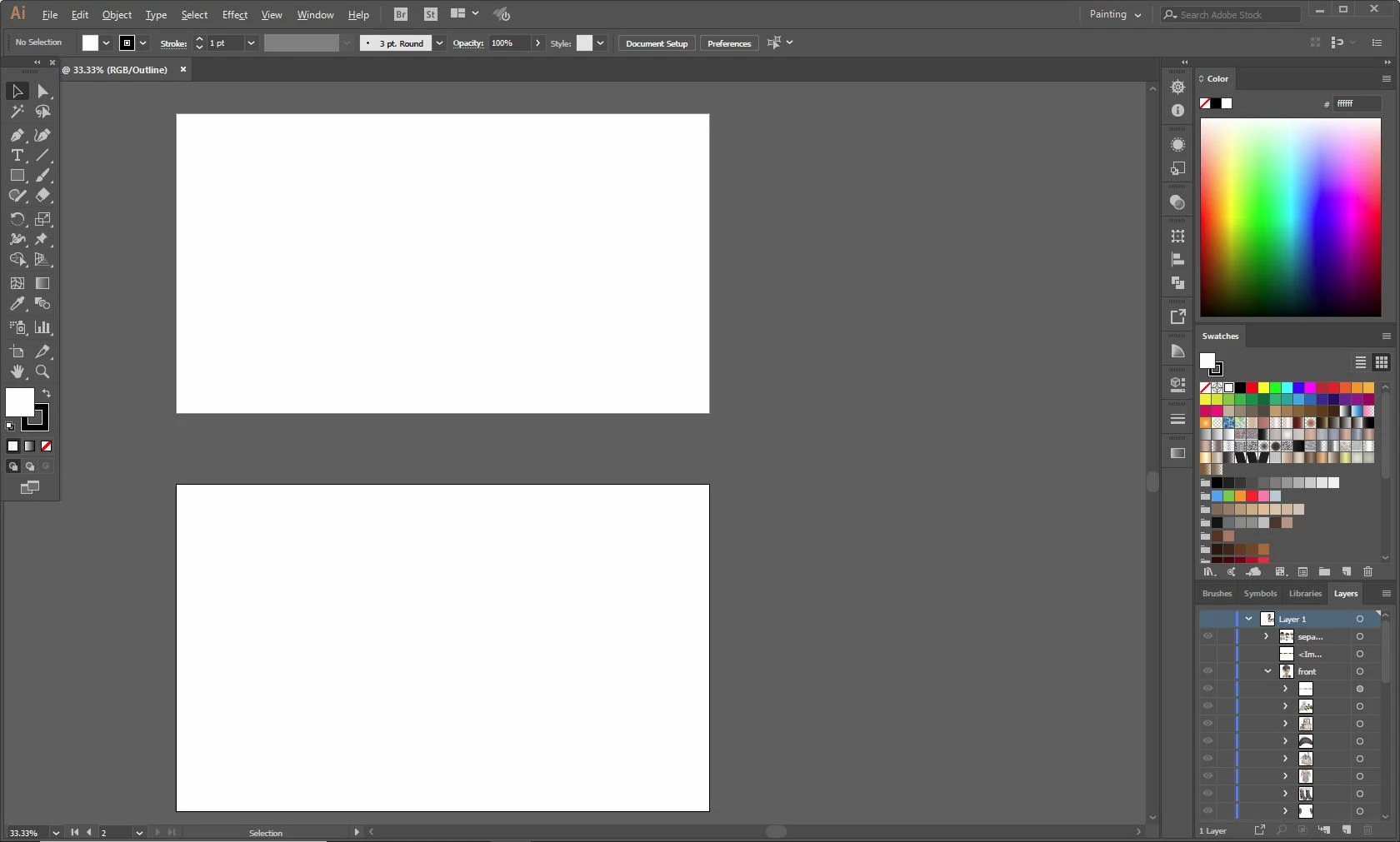 I need help. I've been working on a project and last night the art boards went white and all my work disappeared. I can still see all my work in the layers pannel, but I can't select any of them. I have no idea what is going on. I've restarted the program and it still pops up this way. I also restarted my computer and that didn't help either. I can open other projects/files just fine in Illustrator, but not this file. This is hours of work. I really hope someone can help me get it back. I've put a picture below of what it looks like when I open the file.
 AdChoices