
Can't see some of my option screens
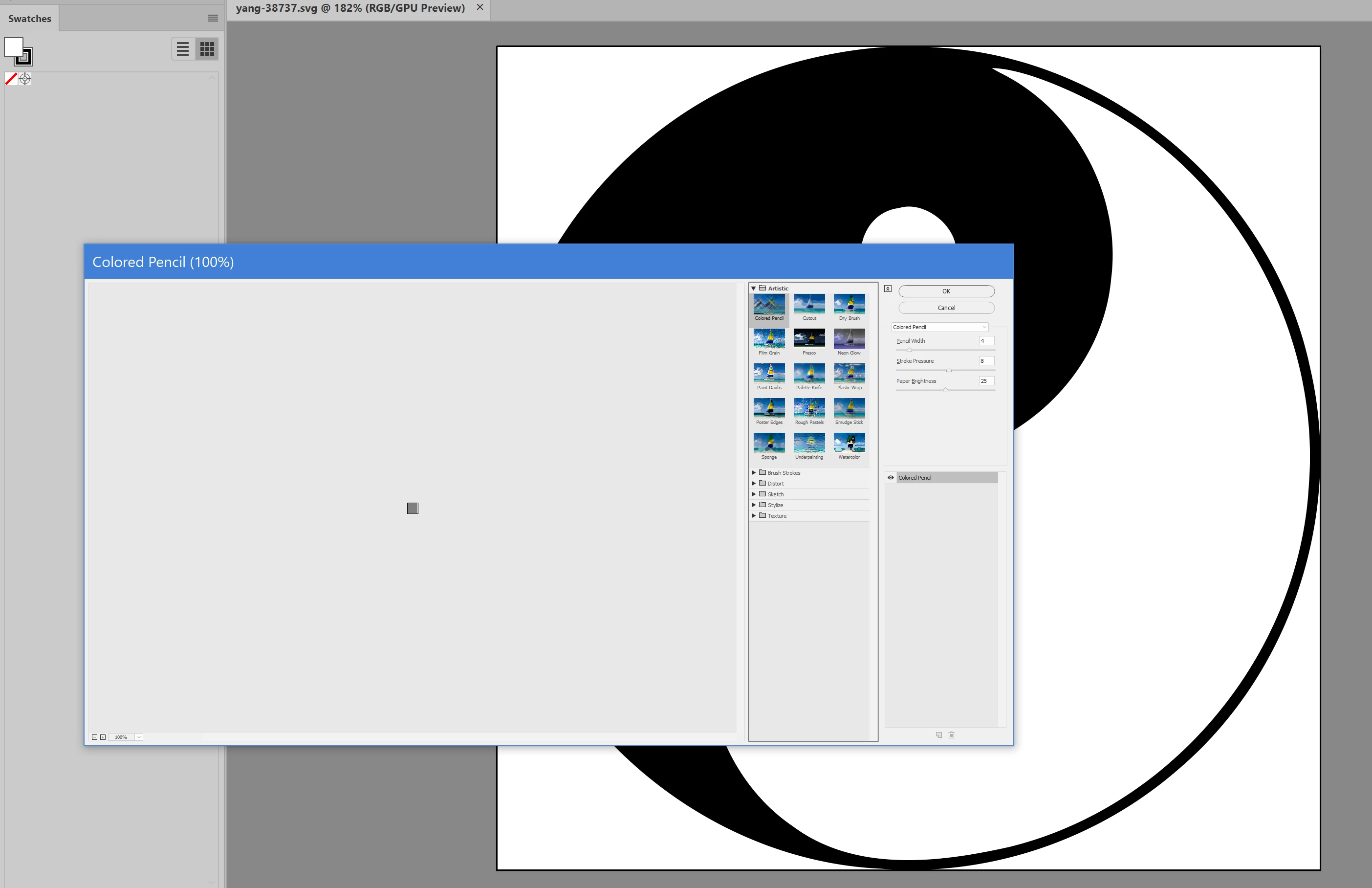
I wanted to try out some "effects" on a piece of artwork (trying to match a client's purloined image) but as you can see from the attached screenshot, the Effects Gallery window is almost impossible to read, and the artwork I wish to experiment with is just a tiny square in the left-hand of the window, so there's no way to see the effect anyway. I tried selecting the effects individually from the menu vs. going through the gallery, but when I choose one, it just opens the gallery anyway. Does anyone have any idea why this palette is so tiny in its resolution when other palettes work just fine? I'm using Illustrator CC, latest. I use a 28" monitor with resolution set high (but on the recommended setting) and everything else I do is at an appropriate size and readable. But I have to squint at this palette, and again, it doesn't matter because the artwork I want to affect is too small to see at left. Any ideas would be appreciated.
 AdChoices