
Can't seem to find Color Picker in Illustrator
Hey, I can't find Color Picker in Adobe Illustrator 2021.
I have a document open in RGB mode (I've also tried a CMYK document)...
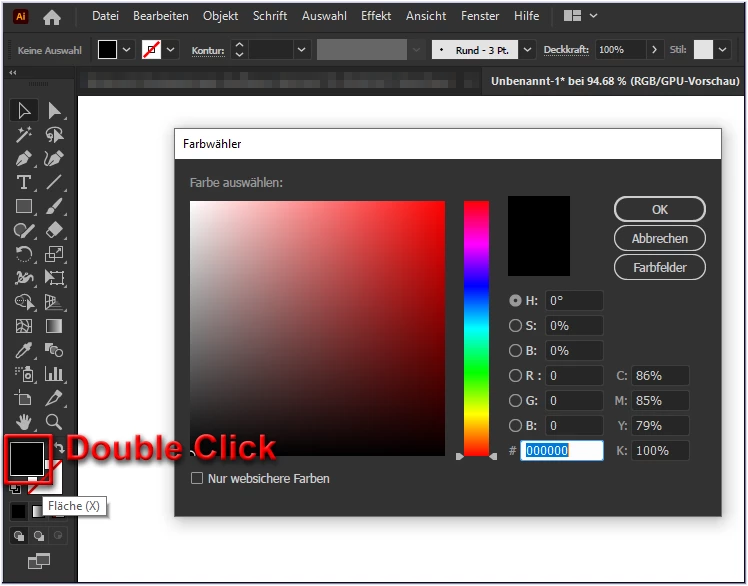
-Double-clicking on the fill or stroke color selection box (as per Adobe's documentation) doesn't do much except briefly open and then close the color swatch panel;
-single clicking a color selection box brings up swatches which isn't what I want
-shift-clicking a color selection box brings up the Color panel which is okay, and I can move between Grayscale/ RGB/ HSB etc but what I really want is the Color Picker.
- I can bring up windows for Color / Color Guide / Adobe Color Themes which are all lovely but darn, I can't find Color Picker.
- I've poked around in the preferences and didn't see anything promising
Suggestions for finding Color Picker?


 AdChoices