Known Participant
January 8, 2020
Question

can't select all

  • January 8, 2020
  • 2 replies
  • 1213 views

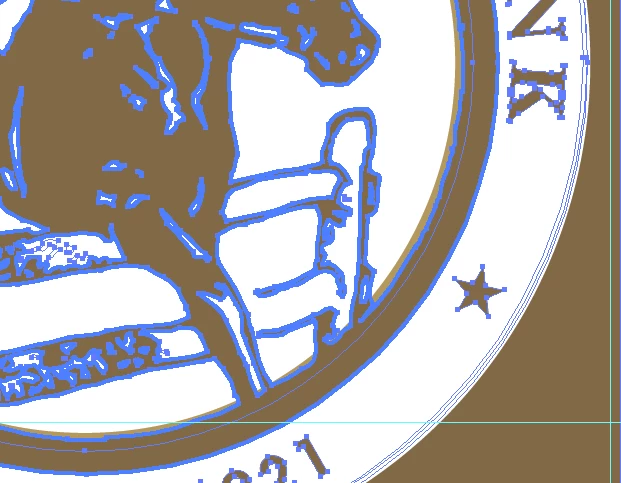
Hi, I inherited an AI vector logo and can't select all the vector lines. See the light gold on riight which I can't select to change its color.

One layer and no masks. Object > Lock is turned off. What am I missing? I'm on AI CC,  can't upgrade due to my OS.

This topic has been closed for replies.

2 replies

michelew83603738
Community Expert
Community Expert
January 8, 2020

Have you expanded all of the layers to see where it is, if it is locked and if you can select it that way?

anita1390Author
Known Participant
January 8, 2020

It's all one layer.  I tried selecting these but didn't find the riight element... you think it's in here somewhere? 


michelew83603738
Community Expert
Community Expert
January 9, 2020

It is in there, but that is a lot of layers. Too hard to figure from screenshots. Have you tried using the magic wand to select just that? If that doesn't work, what I would do is it start by turning the visibility of all the paths off and then turn each on one at a time. It takes a while, isn't fun, but may be the solution unless someone else comes up with unother option.

Monika Gause
Community Expert
Community Expert
January 8, 2020

Please show the contents of the layers panel.