Participant
July 31, 2020
Answered

Can't select images or text in Adobe stock photo in Illustrator 2020.

  • July 31, 2020
  • 1 reply
  • 593 views

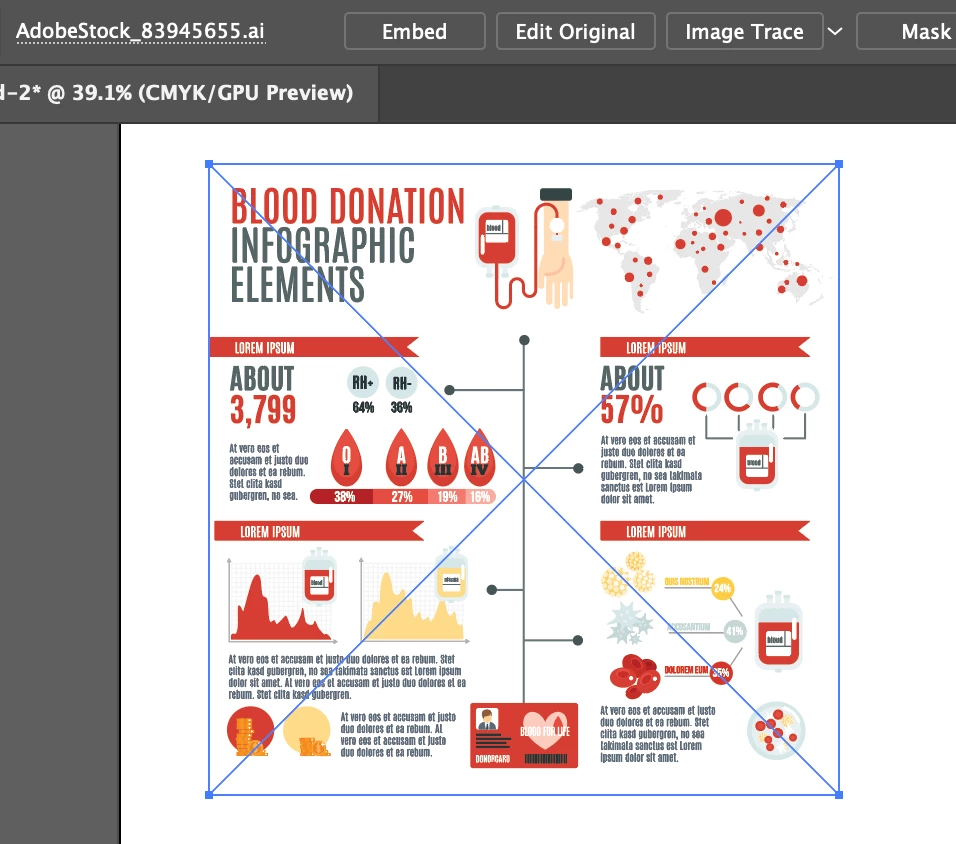
I purchased the license for two images and I am unable to select any text or graphics in the image to make changes.  I am baffled why I can't ungroup or select text to change the latin that is in the image? 
This topic has been closed for replies.
Correct answer Doug A Roberts

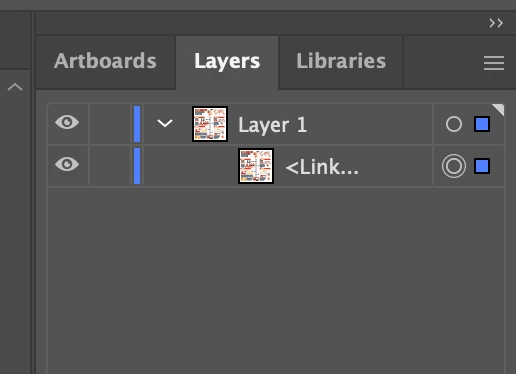
This is a linked file. Did you place it in an existing document? Try opening it directly.

1 reply

Doug A Roberts
Community Expert
Doug A RobertsCommunity ExpertCorrect answer
Community Expert
July 31, 2020

This is a linked file. Did you place it in an existing document? Try opening it directly.

Participant
July 31, 2020

Thanks! That worked and now I have access to each image and text individually. 

Greatly appreciate your response and assistance.