Can't trim/crop/erase layered (?) objects
Hi,
I'm fairly new to illustrator but got a task for work which should be doable but isn't, as the artwork (vector illustration) my bosses chose is crazy hard to work with.
I want to get rid of the part of the objects I circled red (picture 1). However, these are layers upon layers of objects stacked together (I think?) and there's a point where I can't even ungroup them. I have not the slightest clue how the artist made these shapes... I've tried everything in this post https://helpx.adobe.com/illustrator/using/cutting-dividing-objects.html (cutting, trimming, dividing etc.) but nothing works. I tried putting a shape on top and build a bigger shape out of the smaller ones but that doesn't work either. I tried erasing, but it doesn't work on the complex shapes/lines (I'm not even sure what they're called in this state..), either.
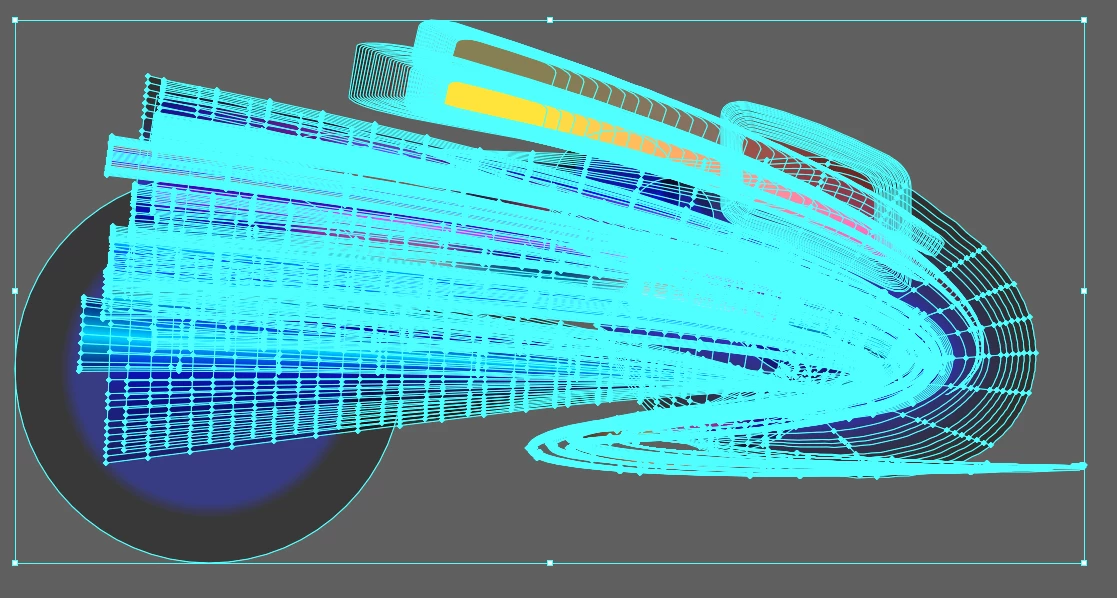
Picture 2 and 3 are close ups.
Do you think it is at all possible for me to somehow get rid of that part of the artwork?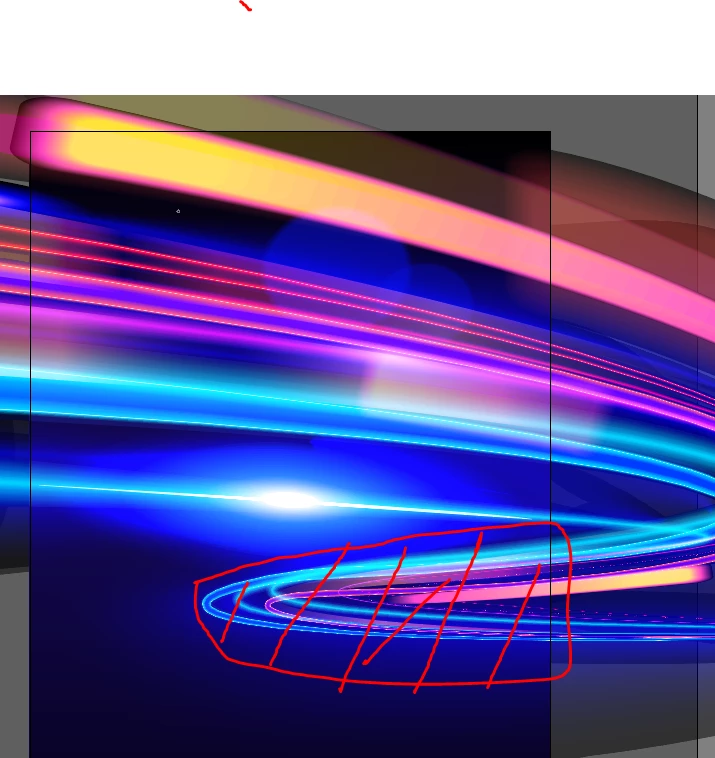

 AdChoices