Participating Frequently
January 18, 2018
Answered

Can't use pathfinder on "placed" Image

  • January 18, 2018
  • 4 replies
  • 21940 views

So I'm trying to create a butterfly and I want to include a pattern I added using "Place" to only one wing. I'm trying to use pathfinder to do this but it won't work.

This is what the butterfly looks like with the pattern on:
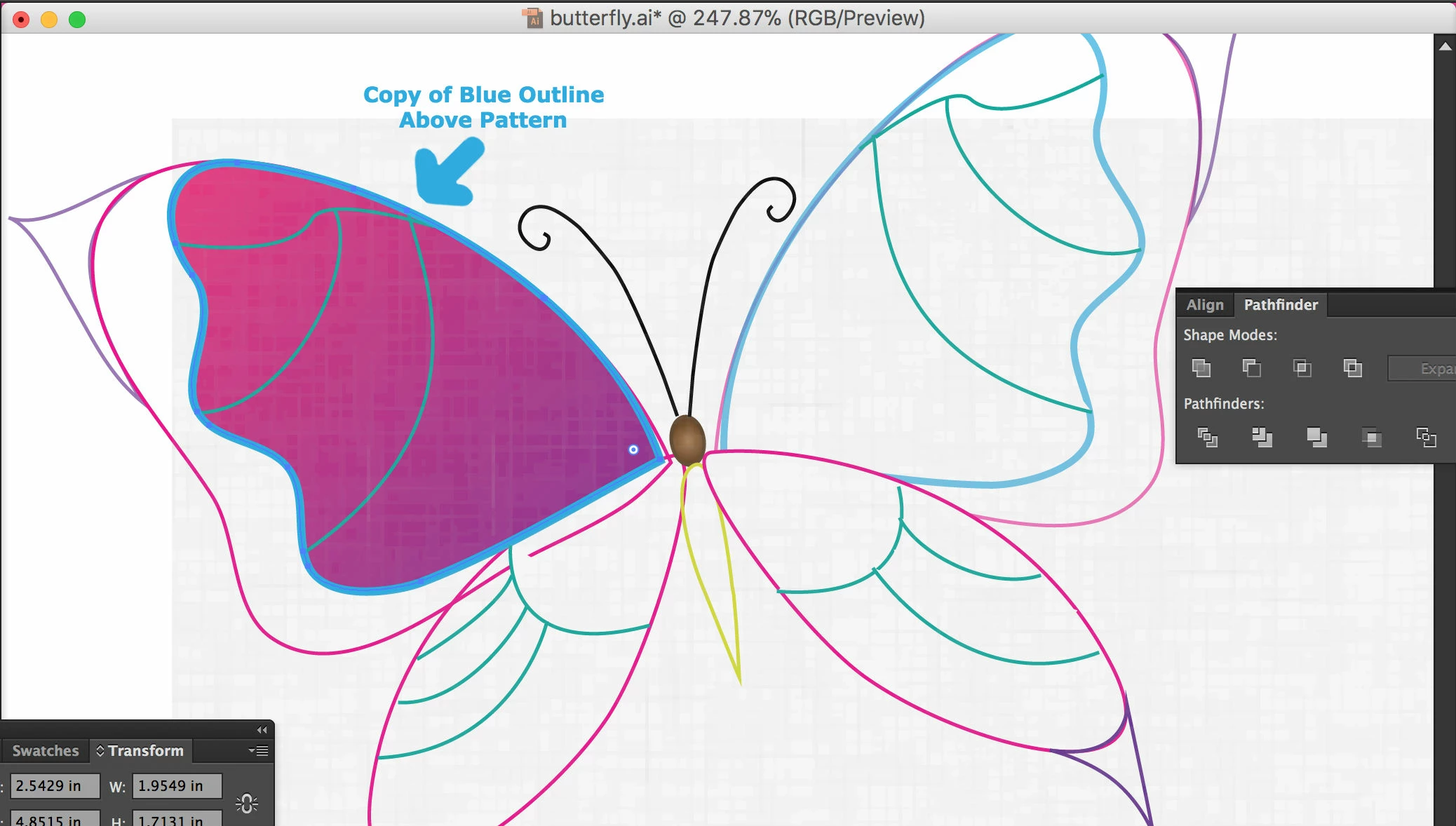
I duplicated the left blue wing outline w/o fill and placed it above the pattern hoping that I could use "Intersect" in the pathfinder to crop it so it is only visible on the top left wing. However, I got this warning:
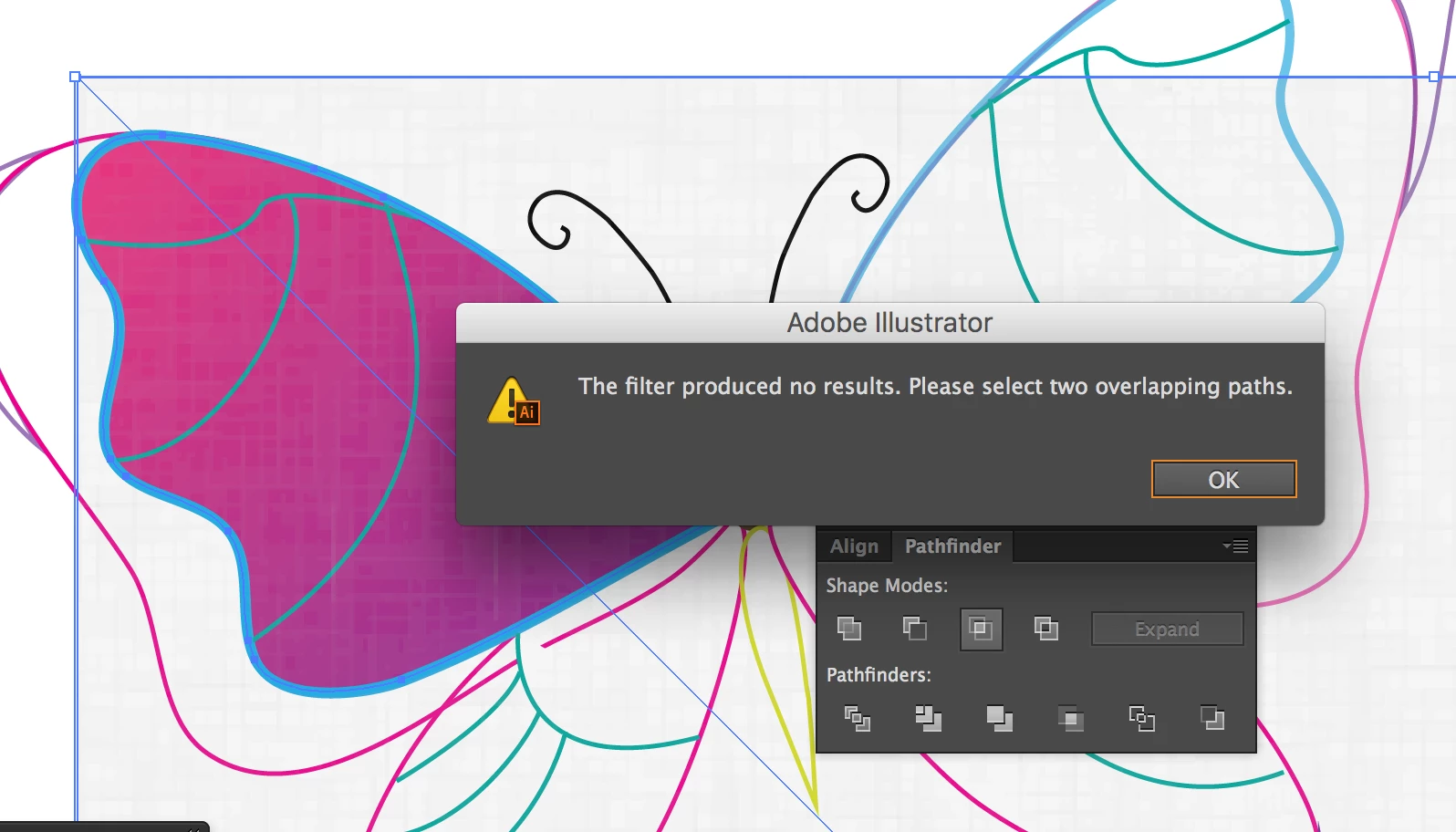
I'm not sure if it is because the texture isn't vector or what. I hope you were able to understand the problem!

This topic has been closed for replies.
Correct answer porter1643

Seems like you need to apply a clipping mask.

Object/Clipping Mask/Make

Make sure mask shape is on top of your image.

4 replies

Community Expert
January 18, 2018

Pathfinder doesn't work with images. it only works with  shaoes, you can make image to shape by image trace. Then expand and ungroup, and then you can work with pathfinder

Participant
January 18, 2018

it's not pathfinder you need but a clipping mask.

- your placed image, your wing, duplicate your placed image and paste it in front of your wing image. Select all, right click and make clipping mask

Omar.Fathy
Community Expert
Community Expert
January 18, 2018

You can NOT use the Pathfinder panel with images. Just you can use it with Shapes.

as porter1643​ said, here you need to use the Slipping Mask.

You can make it by bringing the shape above the image then select the shape and image and press Ctrl+7 or got to Object>Clipping Mask> Make.

It will be better if you make a copy from your shape first.

porter1643
porter1643Correct answer
Participant
January 18, 2018

Seems like you need to apply a clipping mask.

Object/Clipping Mask/Make

Make sure mask shape is on top of your image.