Answered
Can't use pathfinder to cut the background away from shape?
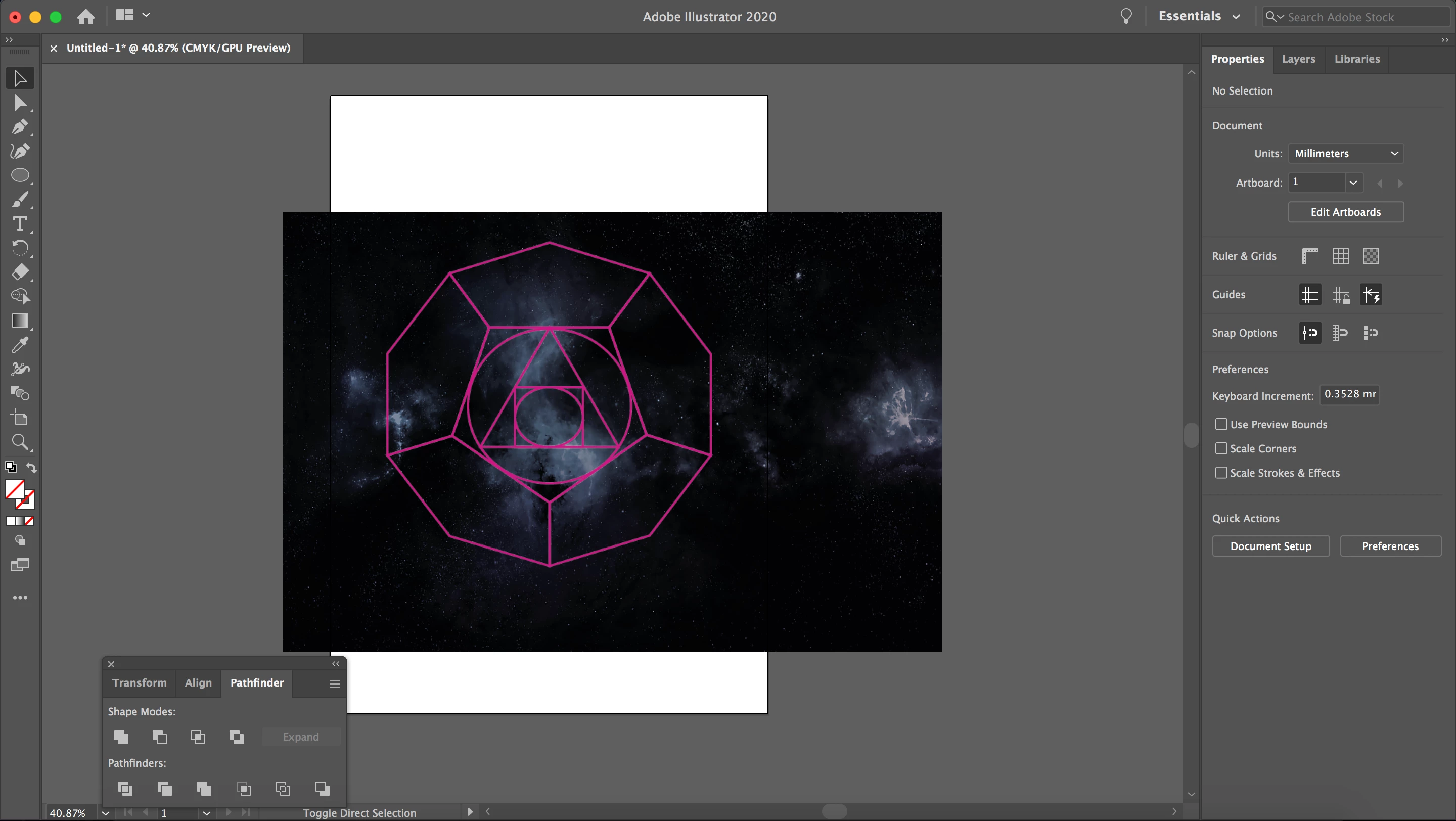
Does anyone know how i can cut away the background but keep the background within the shape and all the lines within the shape? the Shape is an imported png that has the mesh gap within the spaces as im trying to create a logo.
Pathfinder is not working as it says "the filter produced not results. please select two overlapping paths". I've seen other bits of advice saying to expand the shape but the expand button stays greyed out no matter what i select. I've tried making it a clipping mask, a compound thingy etc. At a loss now lol, please help x
 AdChoices