Aside from the list not saying open, you already get a lot of that in the current font list. And it uses fewer steps, because there is no need to move text to the panel and back out to the artboard, just select it on the artboard. When you select the text on the layout, you get to preview the text in real time exactly as it will be used in the design…precise feedback, no guessing.
Although the list won’t stay open, notice that you can preview different fonts without closing the list. So you can at least leave the list open while trying out different fonts. The important thing to remember here is to simply hover over the font names, don’t click to select one yet. Only click when you like the font that the hover-preview is temporarily showing on the layout, and want to apply it.
It’s kind of the best of both worlds: You get to keep the font list open as long as you’re not sure and trying out fonts, and it closes after you apply the font and need to free up the screen space so that you can see what you’re designing.
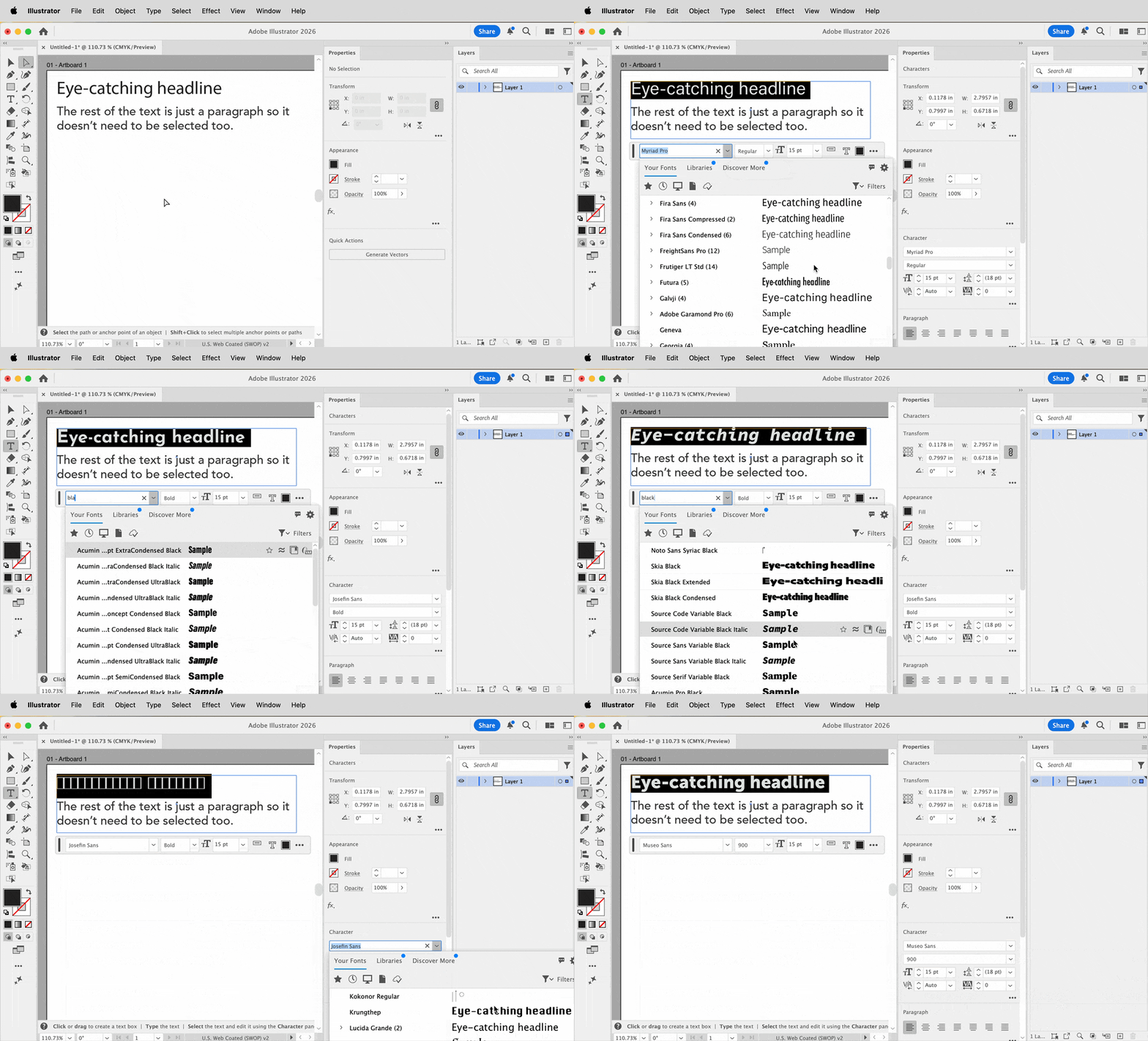
Also notice that I often type into the font field when I want to narrow things down a bit. At one point in the demo I enter “black” into the font field because I want it to show only fonts with “black” in the name, because I want a thick headline/display font.
And finally, you can do this in the Contextual Task Bar or the Properties panel, so if one is closed you can still do it. It's really quite flexible.




 AdChoices