
Piter1288
Inspiring
January 14, 2021
Answered

Cannot align wreath to path using Blend and Brush

  • January 14, 2021
  • 3 replies
  • 586 views

So, this is what my final result should look like. 4 leafs following half a circle up and reducing sizes:



I've followed a few tutorials but I cannot get it to work.


· The blend option: The leafs are reduced in size but the spacing is not the same. Plus, the result is far from what I expected: https://recordit.co/wHIltG1512 


· The Brush option: I have reduced the shape sizes, distributed the objects, grouped it and created the art brush. Now, when it comes to applying it to the path this is the result:
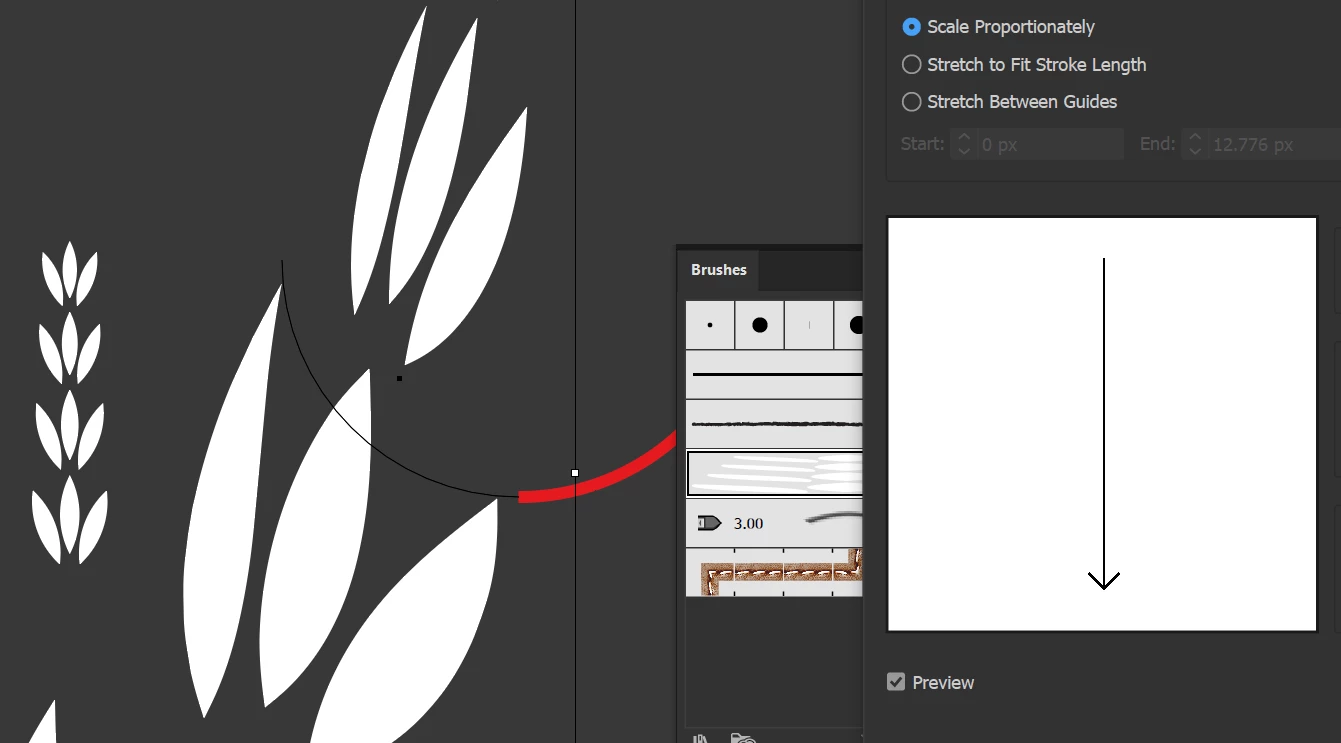
 

The shapes do not have to be aligned to the exact size of the path, that is just a reference. I can move it or resize it a bit.


Thanks!
This topic has been closed for replies.
Correct answer kphotopage

Piter, Hi.


As Monika mention, check the settings on your Art Brush.

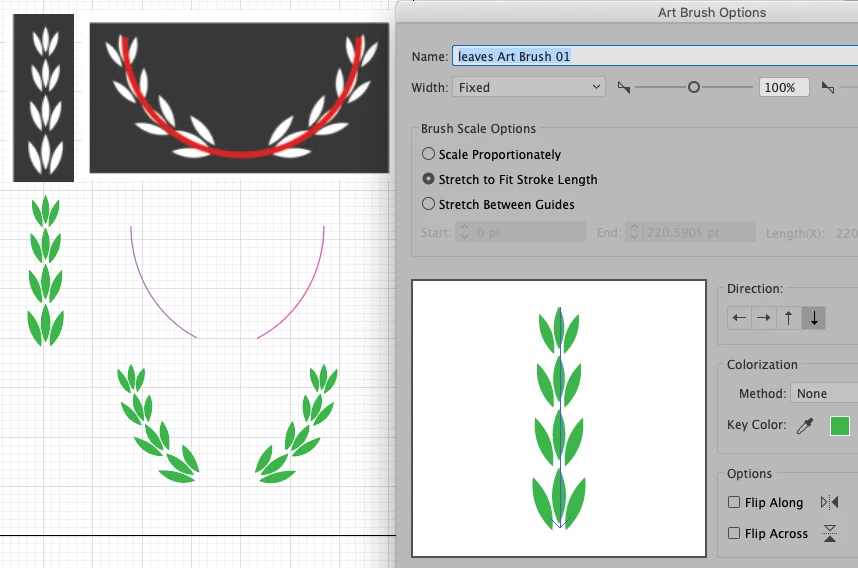
Another potential thing to check if needed is Object>Path>Reverse Path Direction on your arc path. You should have two arc paths with a space in between.


K  

3 replies

Monika Gause
Community Expert
Community Expert
January 15, 2021

Yes, that's how art brushes work, they will always distort the base elements of the brush. The only brush that doesn't distort is the scatter brush. But then it will be tricky toget the scaling of the wreath elements. Not impossible, but very tricky.

kphotopage
kphotopageCorrect answer
Legend
January 14, 2021

Piter, Hi.


As Monika mention, check the settings on your Art Brush.

Another potential thing to check if needed is Object>Path>Reverse Path Direction on your arc path. You should have two arc paths with a space in between.


K  

kphotopage
Legend
January 14, 2021

Edit:

My Brush Panel

Piter1288
Piter1288Author
Inspiring
January 15, 2021

Hi kphotopage,


Thanks for your response. I did that you both mentioned and created the brush horizontally and that made it work. The result is not flawless as the leaves look a bit distorted, but I can see you got the same result as me. You can check my final result on my response to Monika.


🙂

Monika Gause
Community Expert
Community Expert
January 14, 2021

1. Blends are tricky to handle. You might try if this works better when you create the initial blend in horizontal direction. Or perhaps apply the transform effect to rotate the elements.

2. The artbrush has the wrong direction. There are 4 buttons with arrows in the artbrush settings. Choose the appropriate one and you will see an improvement.

Piter1288
Piter1288Author
Inspiring
January 15, 2021

Hi,

For 1) I re-created the blend in horizontal way and it yes, it looks so much better than initially, however the leaves are a bit deformed:


For 2) I did try changing all the settings with different variations and nothing changed.