
Inspiring
March 17, 2023
Question

Cannot change bottom angle of repeat / mirror

  • March 17, 2023
  • 2 replies
  • 1058 views

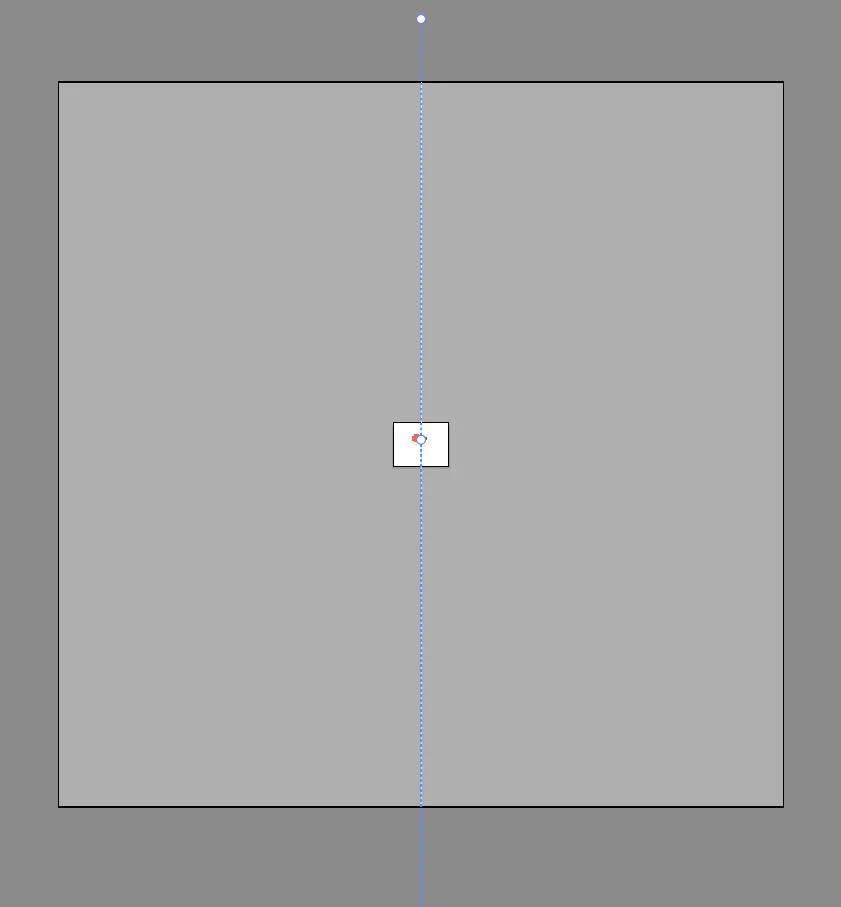
When using the repeat / mirror feature, the line in the middle is too long for my screen... it means I can't change the angle from the bottom.


Here I'm zoomed out to just 3%, but the dotted line still extends off the bottom of the screen? I can only change the top one.
This topic has been closed for replies.

2 replies

Egor Chistyakov
Inspiring
March 19, 2023

Indeed, you are missing the bottom marker for some reason, the dashed line goes beyond the screen’s edge.

Please tell more about it: Do you work on Windows or Mac? Are you in a full screen mode or not? What are your specs?

Can you change the angle of it using the 'Angle of Mirror Axis' field in the Control panel?

mttplbkpAuthor
Inspiring
April 19, 2023

I'm on a Mac and have just realised I can see the full line if I enable the application frame, although I still cant change the length of it.


This is now the 3rd issue I've had across the CC suite as a result of my having the application frame turned off... I really wish Adobe would test it like this for those of us that dont like the app. frame

Ton Frederiks
Community Expert
Community Expert
March 17, 2023

Do you really need such a long line? It would be easier when you make it shorter using the Transform panel.

Or use the Transform Effect.

mttplbkpAuthor
Inspiring
March 17, 2023

I dont need / want such a long line no... that's what I'm trying to figure out (e.g. how to make it shorter). If I use the transform feature it just scales down the size of the shape, not the line?

Ton Frederiks
Community Expert
Community Expert
March 17, 2023

If you select the line, you can change the length.

But if yoo don't need such a long line, delete it and make a shorter one.