This topic has been closed for replies.
Correct answer Monika Gause

Does it get better when you select View > Preview on CPU?

Or even turn off the GPU acceleration in the preferences?

2 replies

schulterblick
Participating Frequently
March 13, 2022

do you have a solution?

Monika Gause
Community Expert
Community Expert
November 16, 2020

So what exactly is keeping you from editing?

These are new documents? Or existing documents?

Please tell us step by step what is happening.

Jeri5D11
Jeri5D11Author
Participant
November 16, 2020

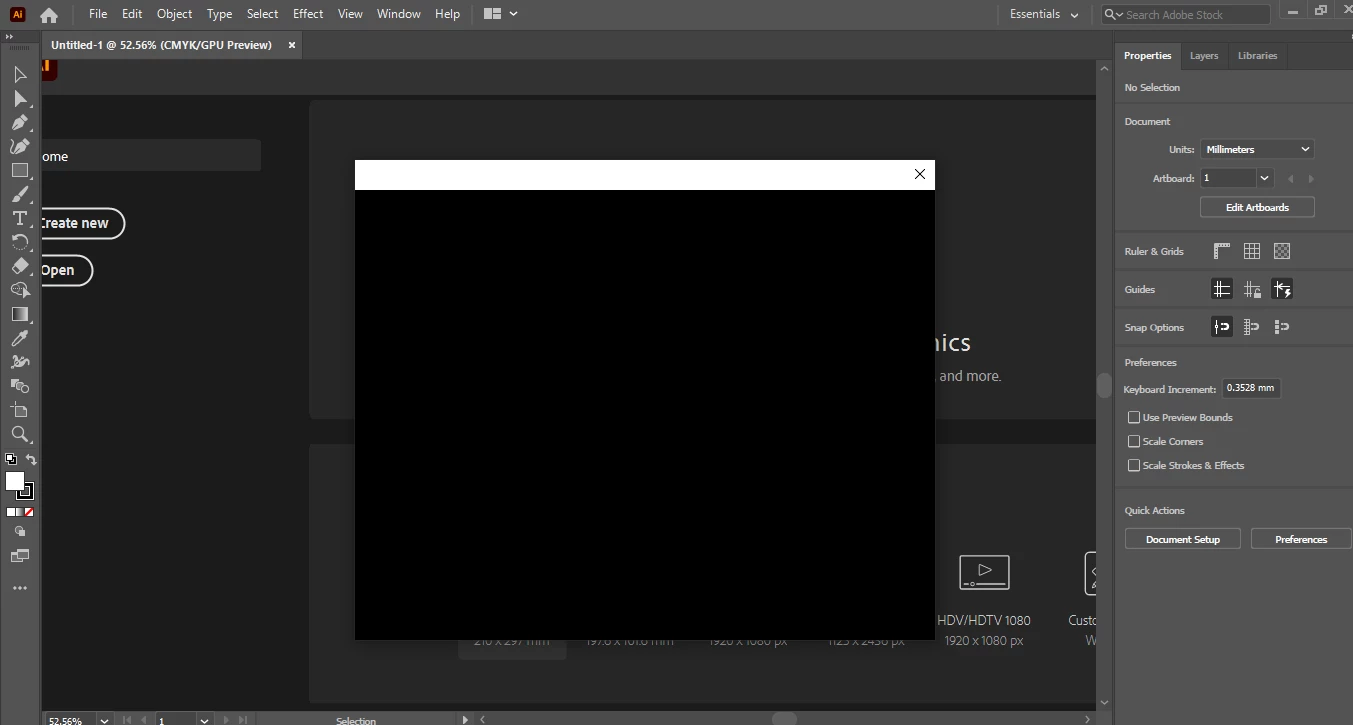
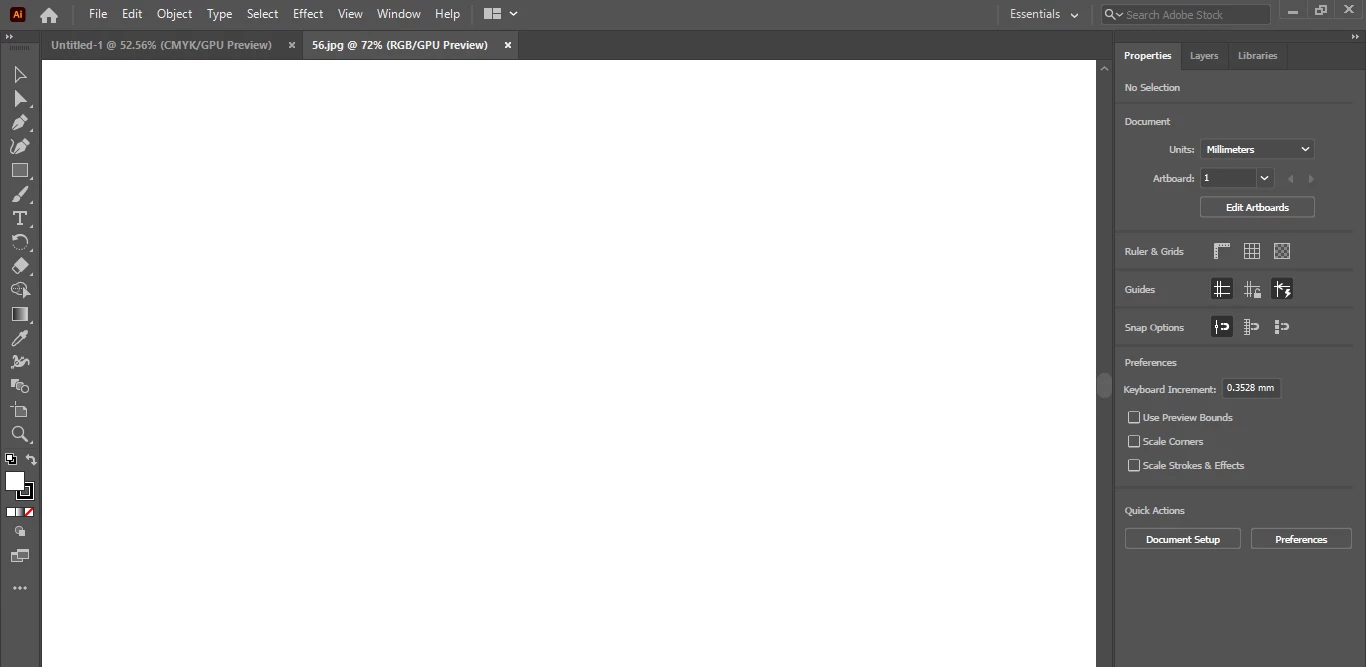
bro when i edit in a document or add, no change happen , and 

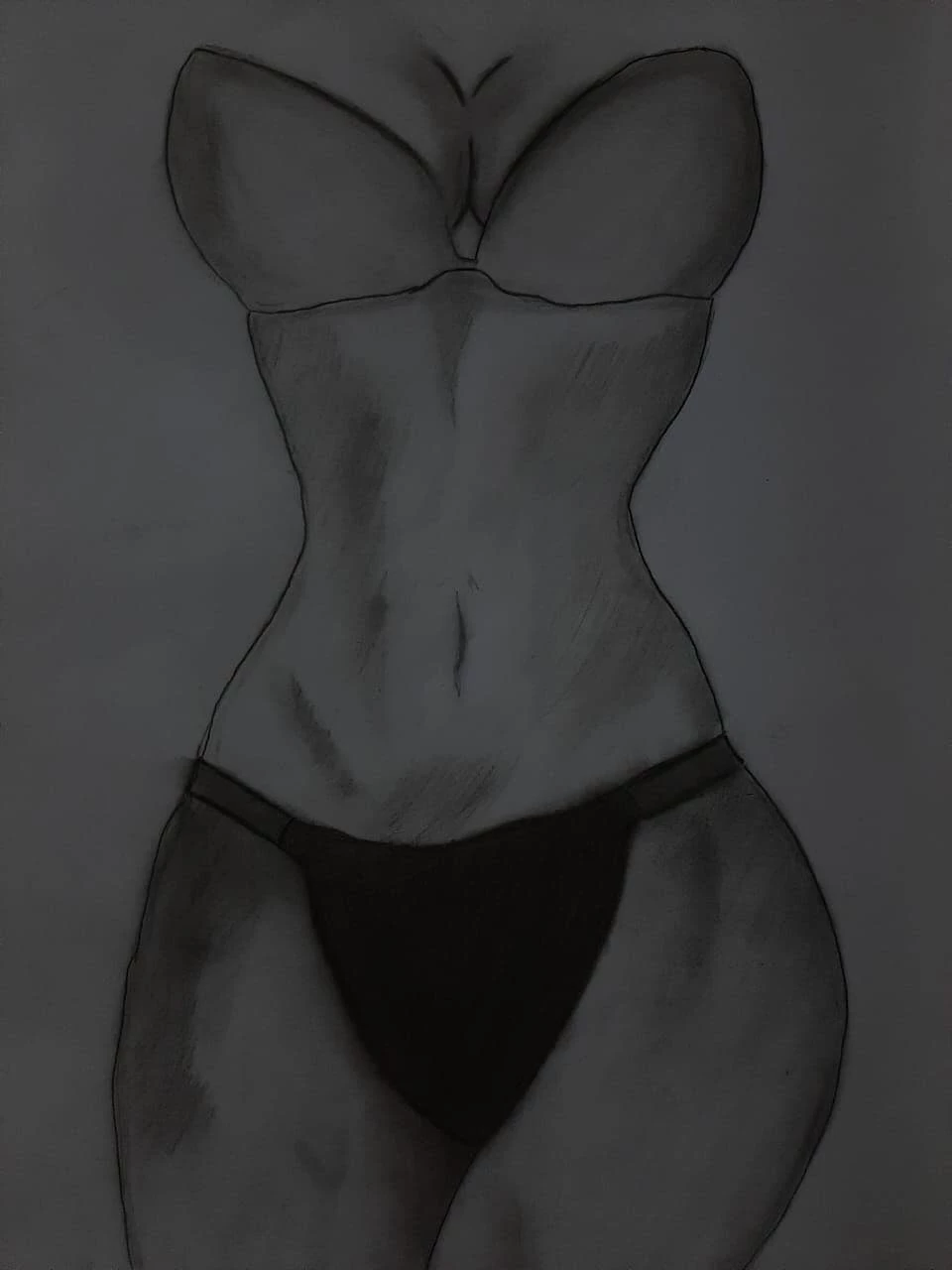
when i open photo to draw . the document sill all white and not the picture i oppen it . 

Monika Gause
Community Expert
Monika GauseCommunity ExpertCorrect answer
Community Expert
November 16, 2020

Does it get better when you select View > Preview on CPU?

Or even turn off the GPU acceleration in the preferences?