
Question
"Cannot finish previewing"
Being getting this error message every time I try to load an image to Illustrator. A small image, in this case only 227 KB, Geforce 3060 GPU, 32.9 GB free space in disk C:, nothing running in the background. Illustrator is up-to-date, have uninstalled, removed all preferences then reinstalled. Problem remains.
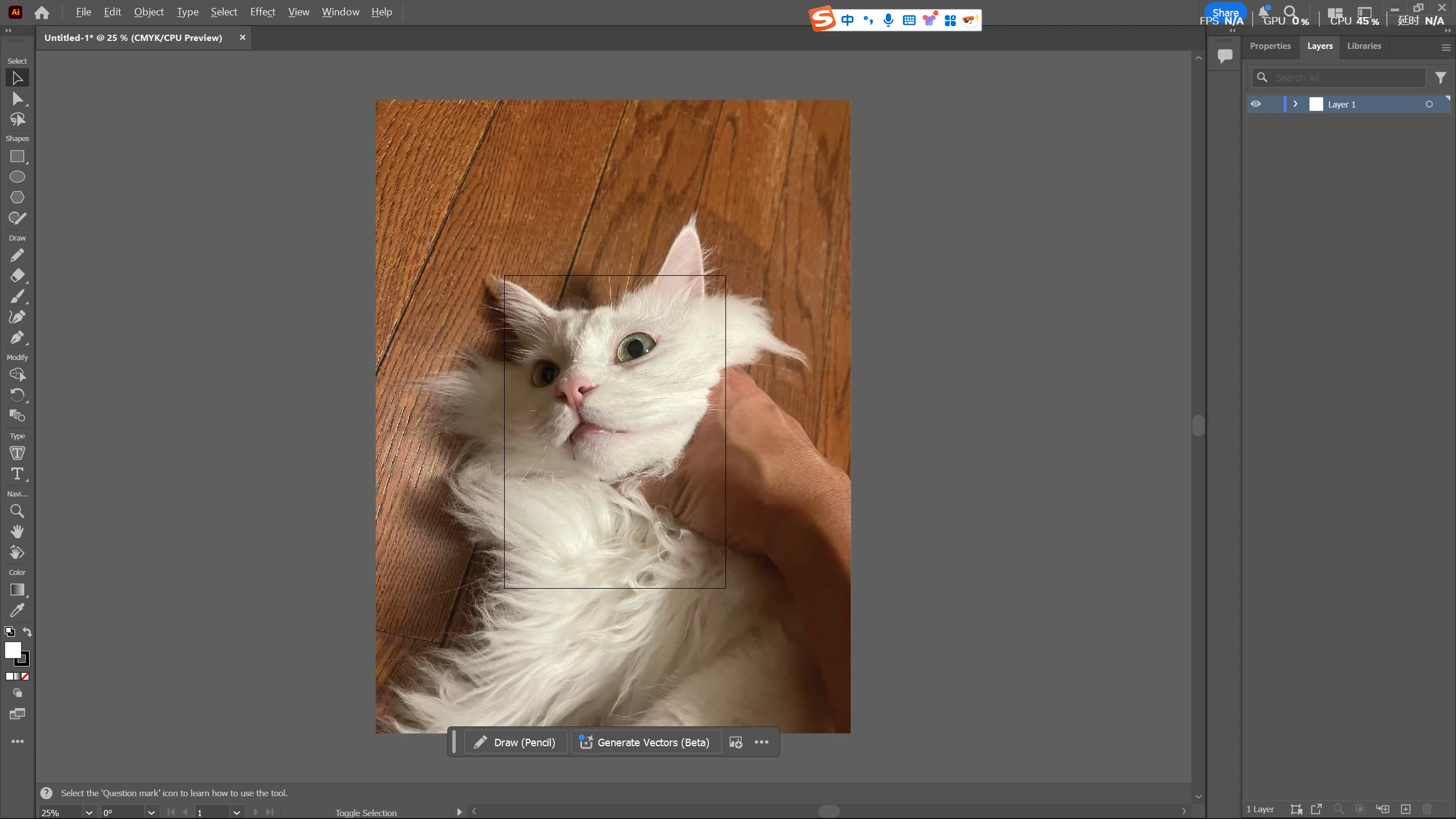
It's often fine when the image is in its original size:
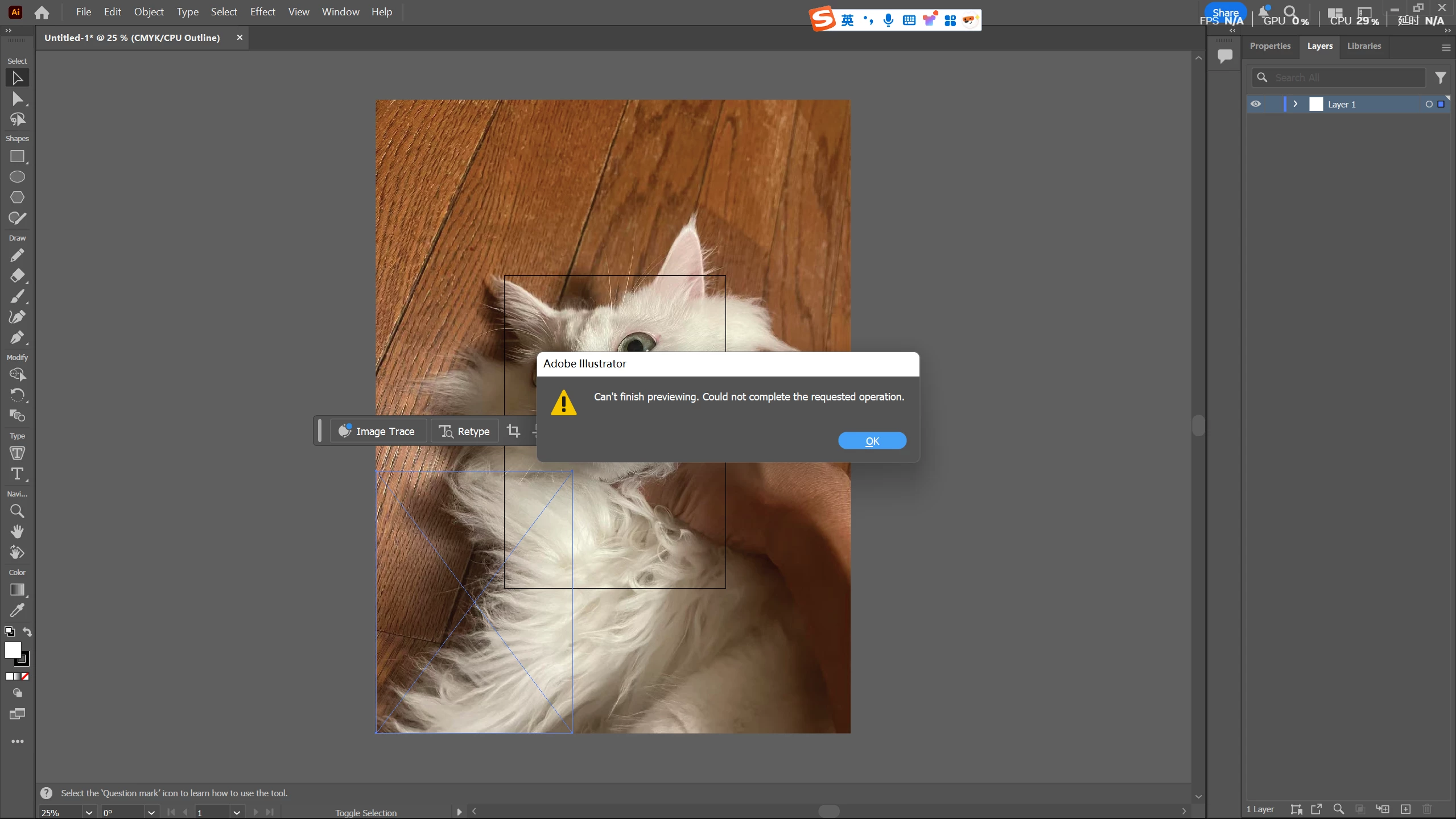
Then when I try to scale down the image, it shows "can't finish previewing"
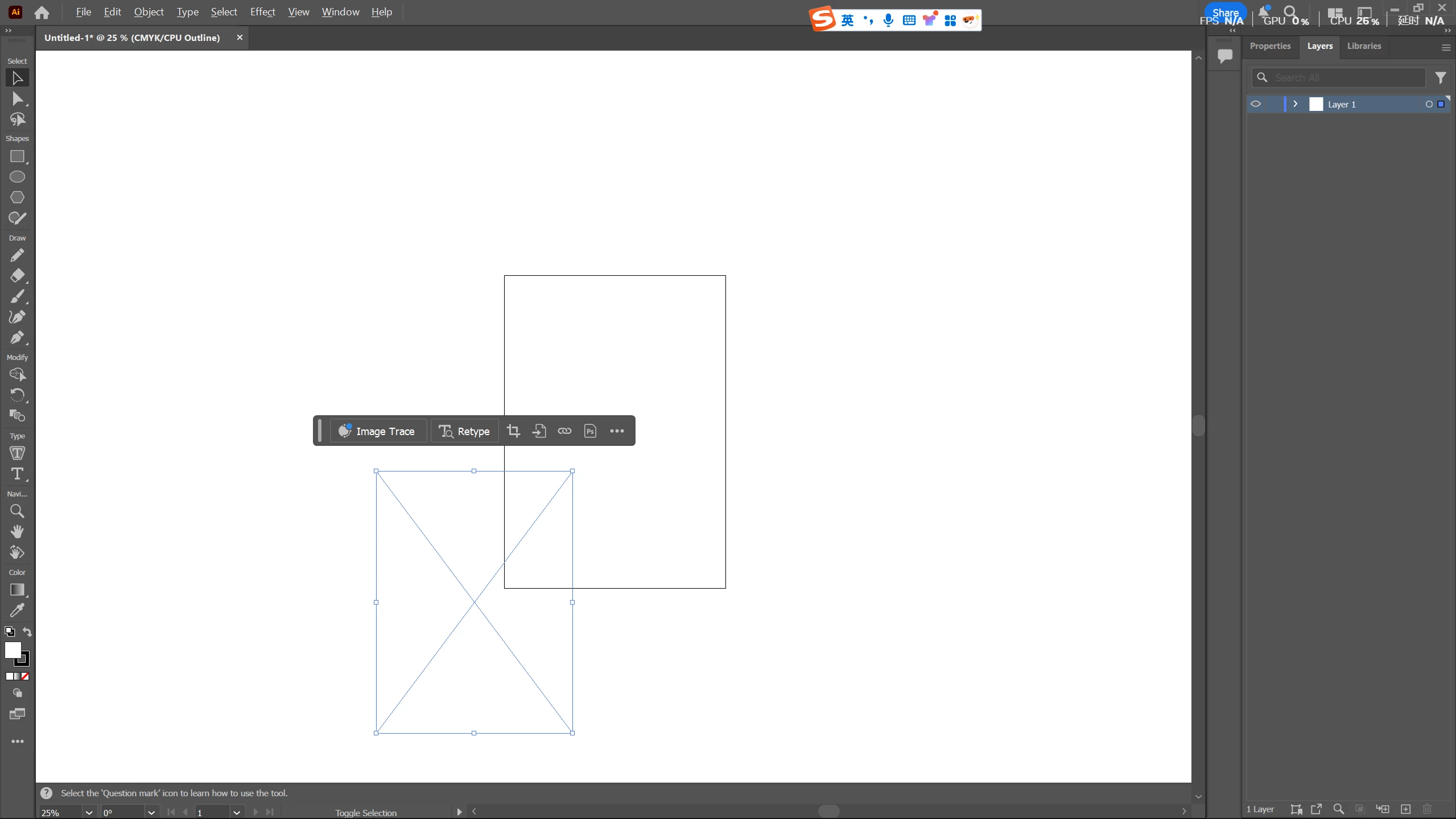
and turn white
I have asked a couple of people experienced with the program and they all tell me they have never seen this issue.
(the image is my cat that I'm trying to make a key chain of. He's totally fine
 AdChoices