December 31, 2025
Question

Cannot modify anchor point

  • December 31, 2025
  • 2 replies
  • 159 views

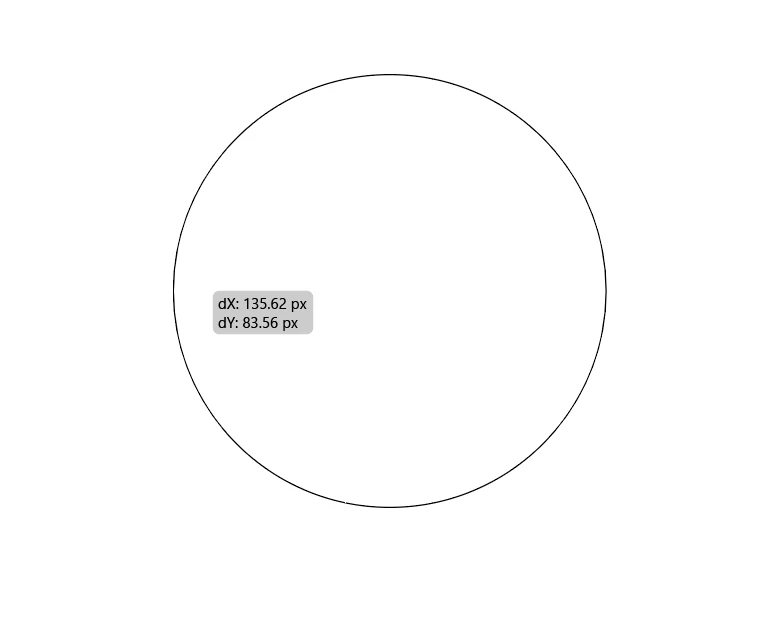
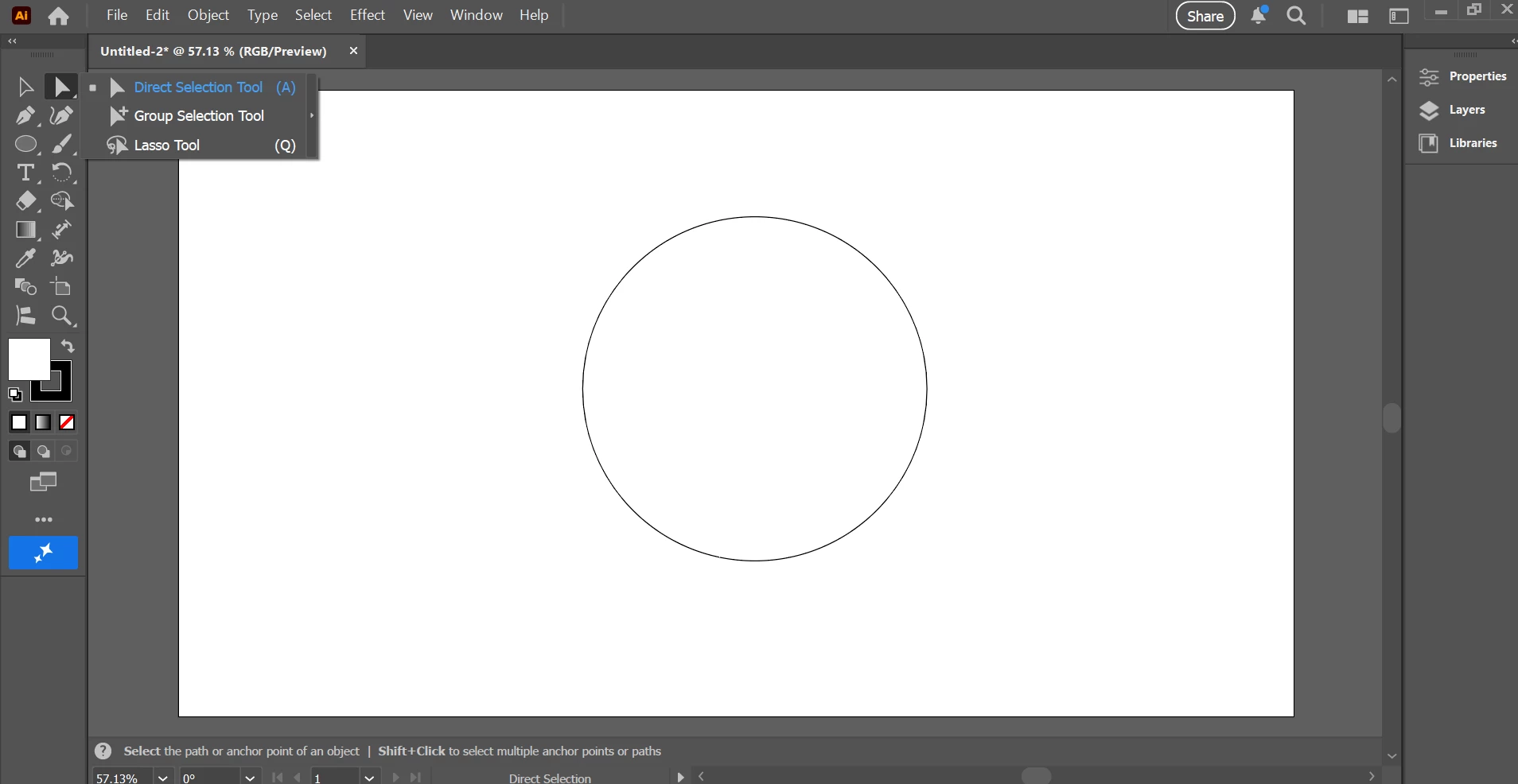
Hello. I'm using Adobe Illustrator v 30.1 I'm going through tutorials and creating simple shapes, circles and squares. The tutorial has me use the direct select tool to grab the shape and then grab the anchor point and move it to modify the shape. But when I grab the anchor point it just moves the entire object. Please tell me what I'm doing wrong.


Thanks.
 

Jeff_Simpkins7770_0-1767159492825.png

Jeff_Simpkins7770_0-1767159626042.png

Jeff_Simpkins7770_1-1767159662744.png


2 replies

Monika Gause
Community Expert
Community Expert
December 31, 2025

Before moving it around, make sure that only the anchor point is selected. Only the selected anchor should be dark, the other ones should be hollow.

Ton Frederiks
Community Expert
Community Expert
December 31, 2025

Try resetting  the Preferences. There is a button for that in the Illustrator Settings.