
Known Participant
April 14, 2023
Question

Cannot open an illustrator file with a broken link

  • April 14, 2023
  • 2 replies
  • 723 views

Hello,

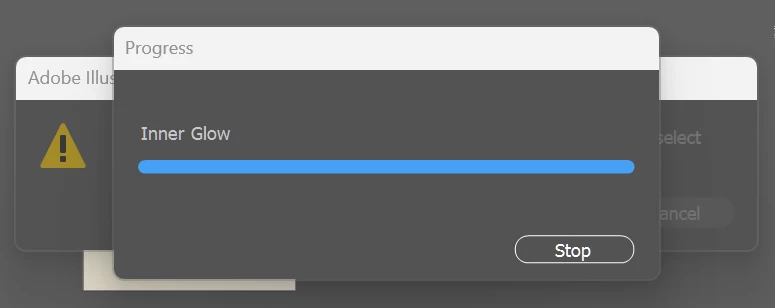
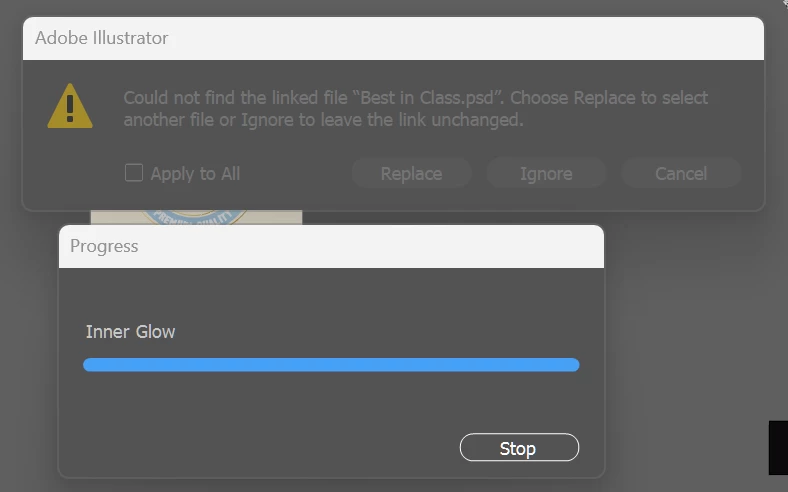
I am working off a work dropbox and one of the team members re-named the folders, which broke all the links in my Illustrator files. For most of the files I can just re-link, but for one of them it crashes illustrator when I try to open it. It gets stuck on an "Inner Glow" filter while simultaneously giving a broken link error. I can't click anything including the "Stop" button, and have to ctrl-alt-del.

This file is pretty important - is there any way anyone can think of to open it?

This is what pops up when I open the file:

I can move the Inner Glow dialog but can't Stop it or do anything else:
 

This topic has been closed for replies.

2 replies

Known Participant
June 15, 2023

Anyone have anything to suggest? I've lost multiple complete files now and even saving backups doesn't work. It looks like Illustrator searches for missing links and renders effects at the same time and won't let either task be interrupted...

Never happened until I started working off Dropbox, and it's a requirement with some teams so I can't switch back to working locally.

Ton Frederiks
Community Expert
Community Expert
June 15, 2023

It is always safer if you work locally and when done, save the file locally and copy the result to a cloud folder.

Ton Frederiks
Community Expert
Community Expert
April 14, 2023

Can you move the Illustrator file out of the DropBox folder to the desktop, create a new folder named Links next to this file and put the links in there. Then try opening the.ai file.

Known Participant
June 15, 2023

Sorry just saw this now. Thanks but I tried it and it doesn't look like Illustrator can find those links automatically. This happens with a bunch of my files that have effects... meaning my entire file is broken and I'm starting from scratch unable to access anything.