December 29, 2018
Answered

Cannot resize shapes, shift+cmd+B is not the solution

  • December 29, 2018
  • 2 replies
  • 1017 views

For some reason, my Illustrator will not let me resize shapes. Shapes made with the ellipse or rectangle tool. My work computer has no problem with this, so it is something specific to my personal Adobe.

I've tried resetting the bound box, that hasn't helped. I tried trashing preferences, also didn't fix it. I tried uninstalling and reinstalling Illustrator, still won't work.

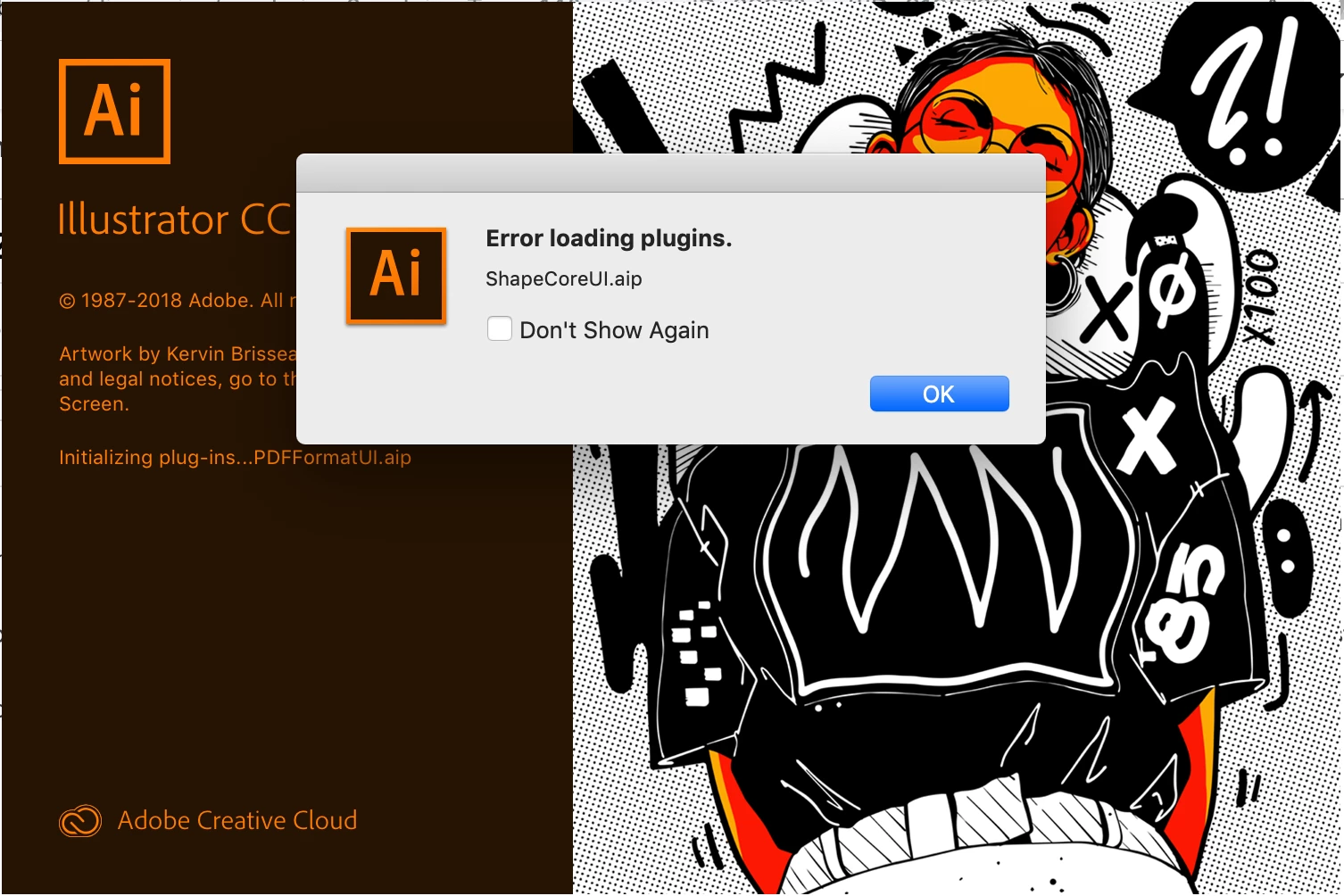
I feel like I noticed the problem shortly after installing CC2019. When I launch Illustrator, it tells me Shapecoreui.aip plugin isn't working. I can't find this plugin on my machine, I can't find anything about it on Google either.

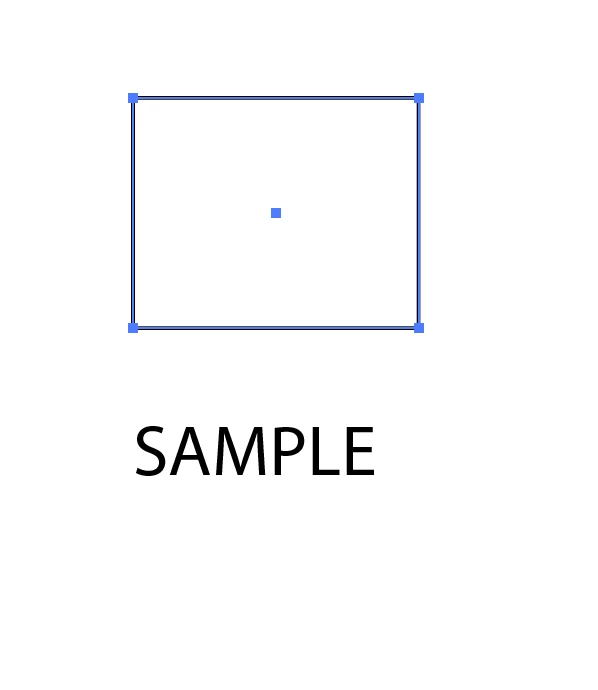
I've noticed my shapes have blue squares at the corners, and things I can resize, like text, have white squares. I feel like that is a clue to something, but I don't know what it is trying to tell me.

It's driving me absolutely insane.
This topic has been closed for replies.
Correct answer Monika Gause

Did not migrate preferences, and I restarted my computer.


Then you might need to uninstall, run the Cleaner tool and reinstall, since the error should not be there.

If that doesn't work, please contact support in the new year: Contact Customer Care Only they can log into your system to figure this out.

2 replies

Larry G. Schneider
Community Expert
Community Expert
December 30, 2018

Does it work with the Scale tool?

kinik
Participant
December 30, 2018

My OS is 10.14.1. I'm using the selection tool, I want to resize the whole shape, not just one of the nodes. Scale tool does work.

Monika Gause
Community Expert
Community Expert
December 30, 2018

Did you migrate the preferences when updating the software?

Did you restart the computer recently?

S_Gans
Community Expert
Community Expert
December 29, 2018

From research, I see that shapecore error popping up for a few years now, on some user's machines, but I don't see them posting that the issue you're seeing is the result. May I ask - are you using the SELECTION tool on this, or the Direct Selection tool? I get that look, when selecting with the Direct Selection tool (white arrow). Used to be, I had to deselect the shape and then click a point with the direct selection tool to get a single selected point, but now with 2019, it FINALLY seems to know I want JUST the point I pick with the direct selection tool.

If this is happening with the selection tool (black arrow), then it MAY be related to that new DS tool function - but that's just a thought.

Do you have other versions installed?

BTW - which OS are you using?

When all else fails, you can try using the Adobe Cleaner tool to completely uninstall Illustrator ( Use the Creative Cloud Cleaner Tool to solve installation problems )

Then, use the Adobe installer to reinstall Illustrator clean...

Adobe Community Expert / Adobe Certified Instructor