Participating Frequently
November 28, 2018
Answered

cannot round corners on a live shape??

  • November 28, 2018
  • 1 reply
  • 10304 views

I drew a shape using the rectangle tool-drawing multiple rectangles and placing them on top of each other- then used the pathfinder > unite option to combine the shapes into one single shape.

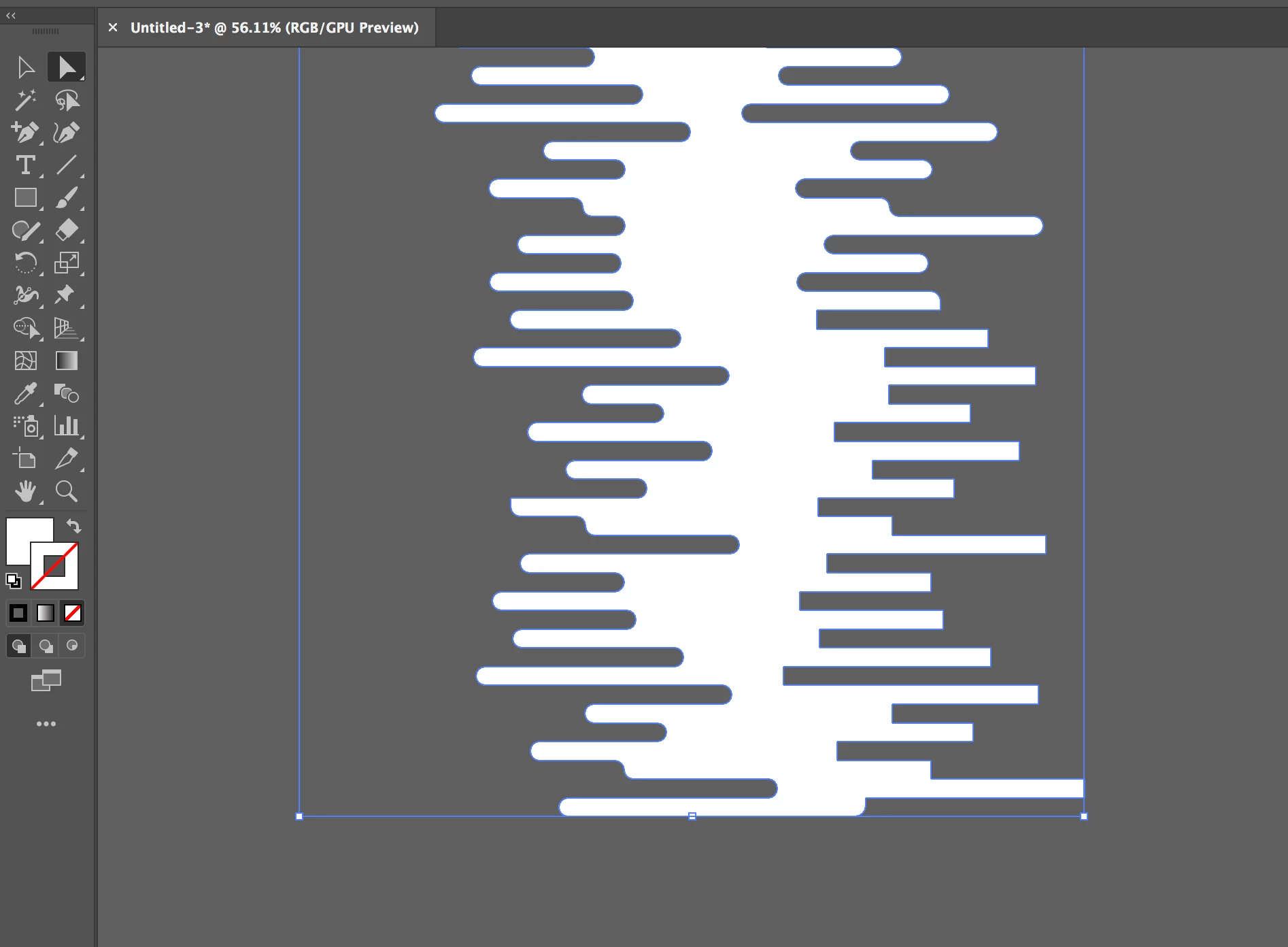
Then, I went in to round the corners by selecting portions of the shape with the direct selection tool. It worked for most of the shape but on the last section I absolutely cannot get rounded corners.

Here is a screenshot of the shape. You will see I have successfully rounded most of the other corners but that last section will not even show the live corner widget when I select the anchor points with the direct selection tool.  Please tell me why this is happening and how to fix it.
This topic has been closed for replies.
Correct answer Ton Frederiks

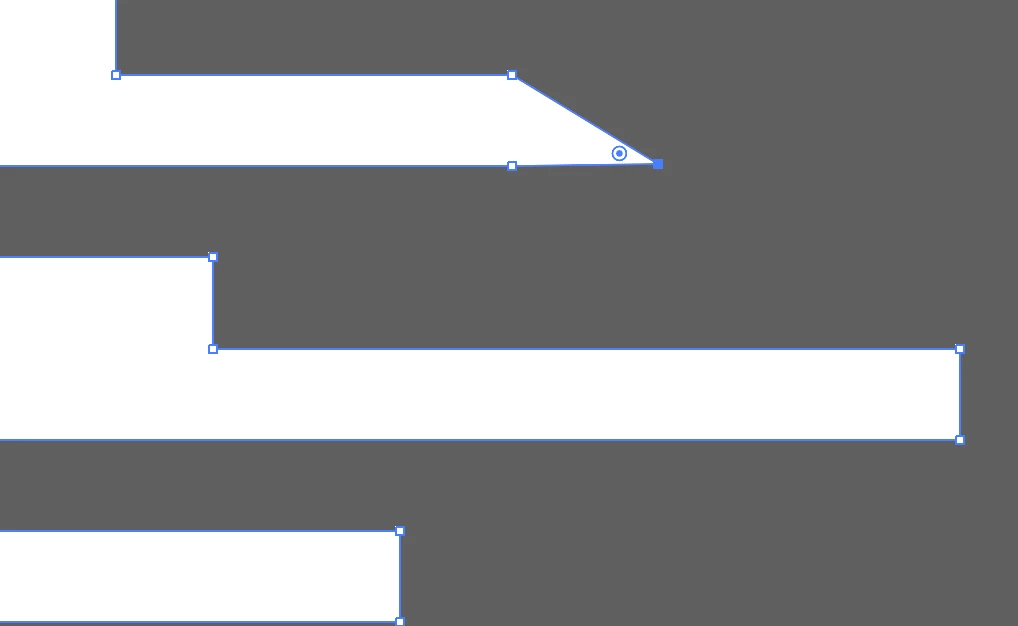
When I do that this is what happens. Does that mean that there are points on top of each other? and if so how does that happen?


If the points are really on top of each other, you can try this:

Select the object (in your case the white shape).

Choose Object > Live Paint > Make

Choose Object > Live Paint > Expand

1 reply

Ton Frederiks
Community Expert
Community Expert
November 28, 2018

Select View > show Corner Widgets.

Maybe Direct Select a part of the object. This looks like the entire object is selected.

Participating Frequently
November 28, 2018

Show corner widgets is already selected. I toggled it on and off but it did not make any difference.  I took that screen shot with the entire shape selected here is what it looks like when just those points are selected. no corner widgets appear except that one at the bottom, but i cant do anything with it and none of the other ones appear.

Ton Frederiks
Community Expert
Community Expert
November 28, 2018

Maybe the corners that don't show widgets contain multiple points close to each other.