


Question
Cannot see project tabs
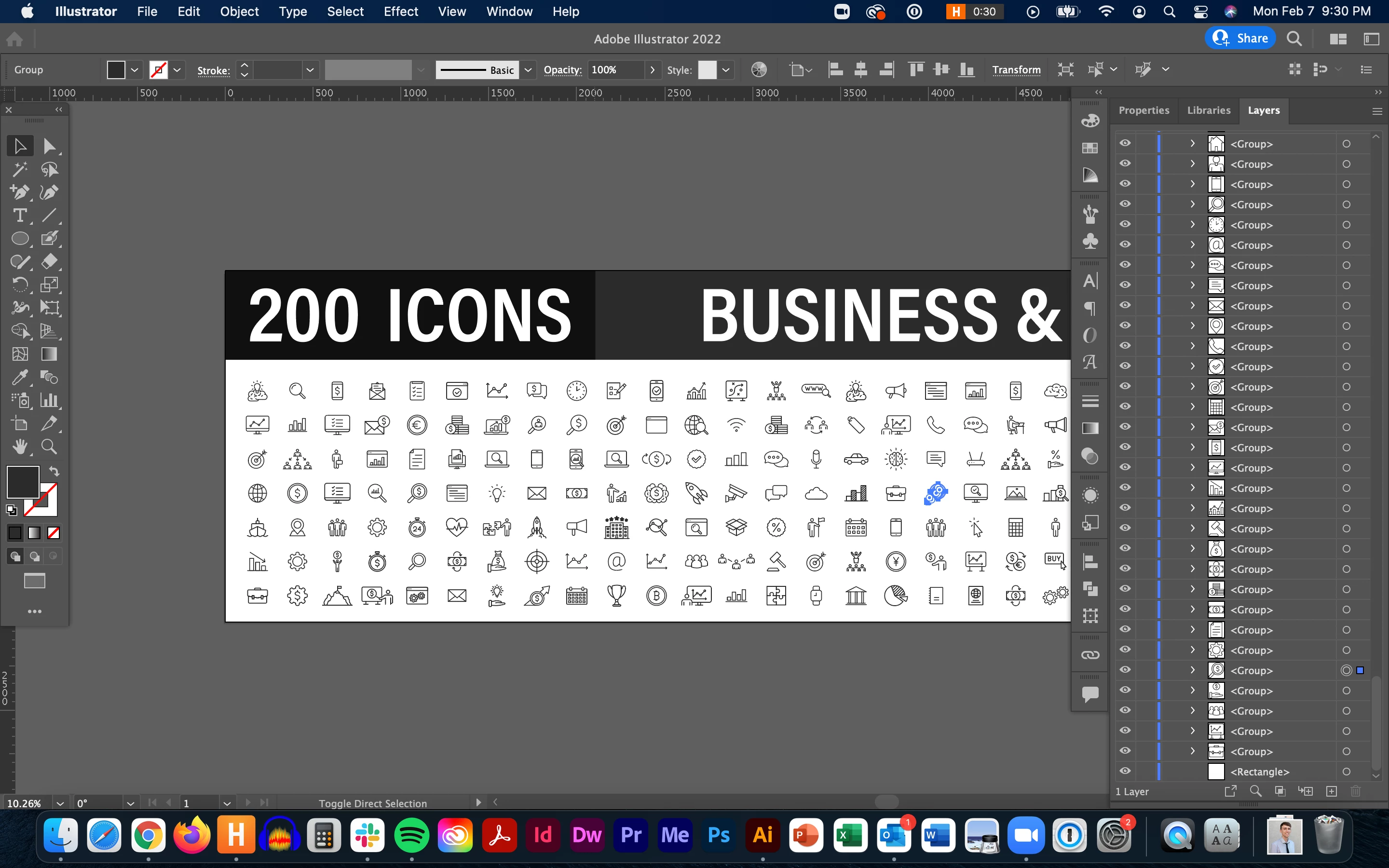
I accidentally used a shortcut and changed my workspace view. Although I have multiple projects open, I can only see one at a time, so I cannot switch between projects or easily close out of an individual project. Usually, between the menu bar and the ruler, I see projects in tabs. I'm sure this is super simple, but I cannot figure out how to get them back, and none of the keywords I search yield any meaningful results in the Discussions forum.
Note: I am using Illustrator 26.0.3 on MacOS Big Sur 11.5.2.
 AdChoices