Participant
February 21, 2023
Answered

Cannot start new file or open existing ai files

  • February 21, 2023
  • 1 reply
  • 433 views

Hi


I just installed Adobe Illustrator, that I will need for school projects. However, I have not yet been able to start a new file or open an existing project. 


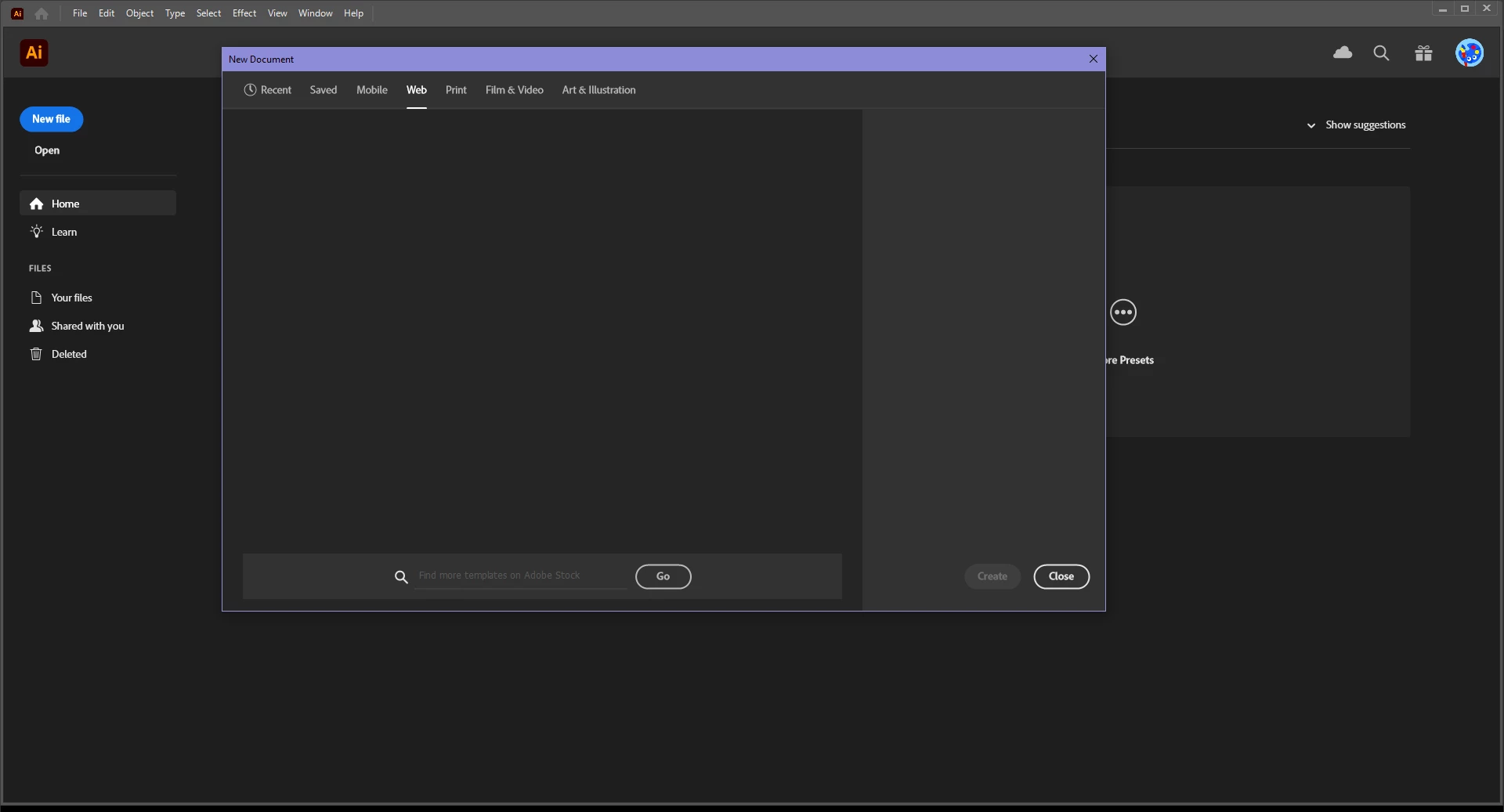
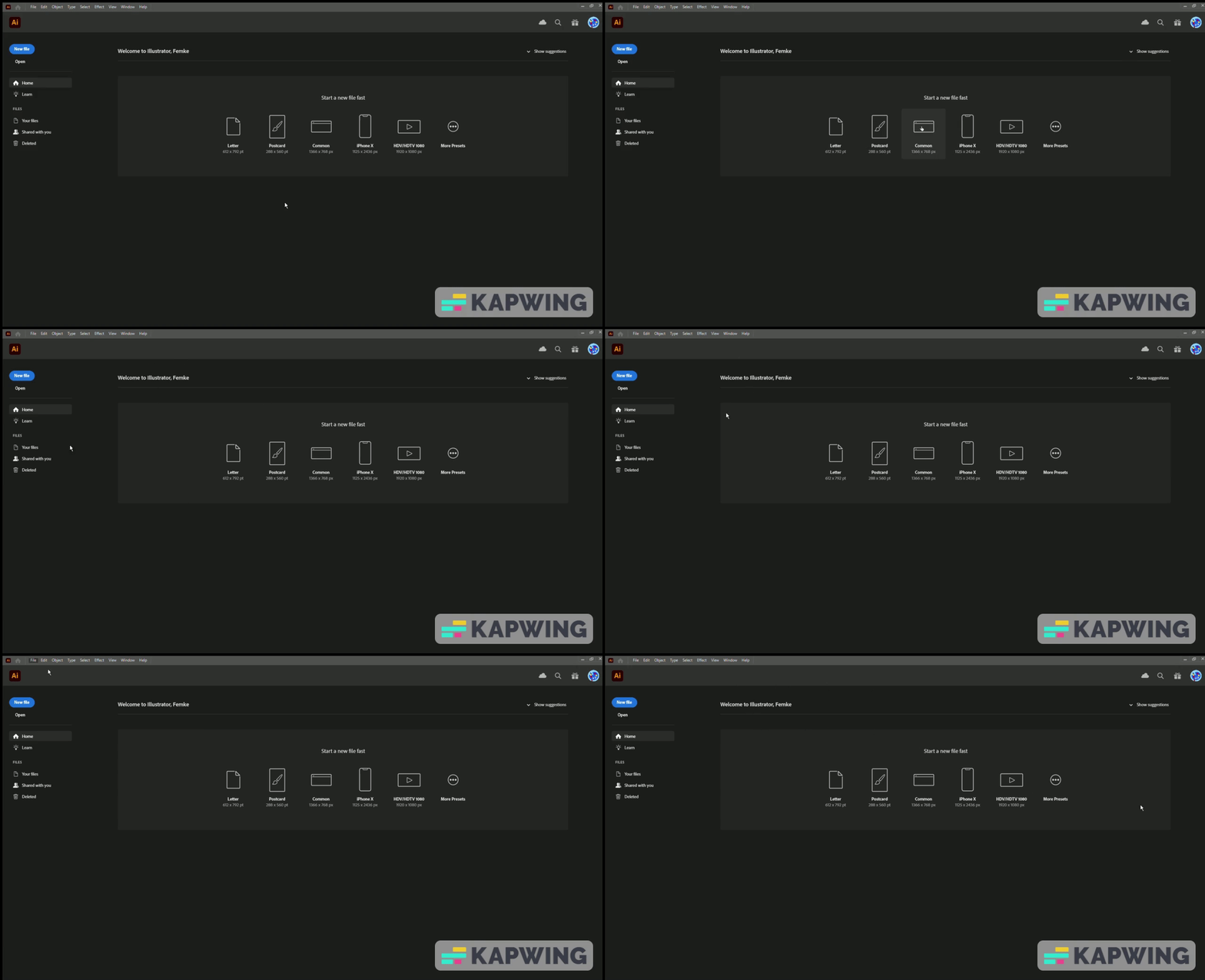
Whenever I click any of the 'quick start' suggestions, nothing happens. Whenever I try to start a 'new file', I get this pop-up screen that should contain suggestions, but doesn't. Whenever I try to open an existing file or template, nothing happens.


I'm truly at a loss. 


Thank you very much for any help and suggestions!


This topic has been closed for replies.
Correct answer Anubhav M

Hello @Femke2849922181nt,


We understand that encountering technical issues can be frustrating. We are here to help and would like to suggest trying to reset Illustrator's preferences as described in this article (https://helpx.adobe.com/illustrator/kb/troubleshoot-preference-issues.html). If you don't mind, could you please follow the steps and share your observations with us? We appreciate your time and effort in helping us resolve this issue.


Looking forward to your response.


Thanks,

Anubhav

1 reply

Anubhav M
Community Manager
Anubhav MCommunity ManagerCorrect answer
Community Manager
February 21, 2023

Hello @Femke2849922181nt,


We understand that encountering technical issues can be frustrating. We are here to help and would like to suggest trying to reset Illustrator's preferences as described in this article (https://helpx.adobe.com/illustrator/kb/troubleshoot-preference-issues.html). If you don't mind, could you please follow the steps and share your observations with us? We appreciate your time and effort in helping us resolve this issue.


Looking forward to your response.


Thanks,

Anubhav

Participant
February 21, 2023

Hi! 


Opening Illustrator with  Alt+Ctrl+Shift worked for me. Thank you so much!


Kind regards