

Inspiring
March 26, 2023
Answered
Cannot turn off Cap on 3D object in Illustrator
- March 26, 2023
- 1 reply
- 661 views
I am trying to create a hollow circular band in Illustrator 27.3.1. I’m on a Mac, OS 12.6.3
Seems simple enough:
1. I created a rectangle.
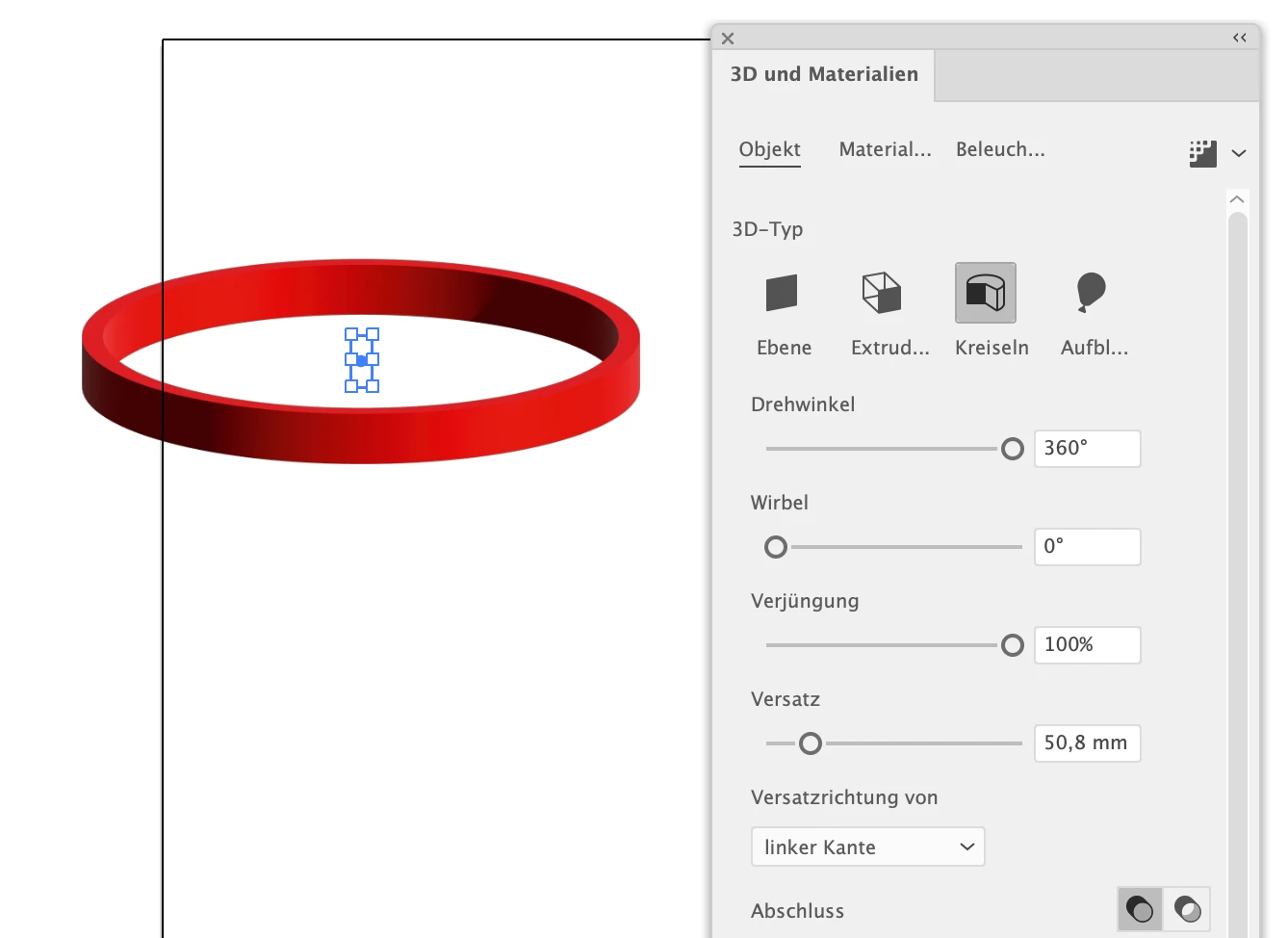
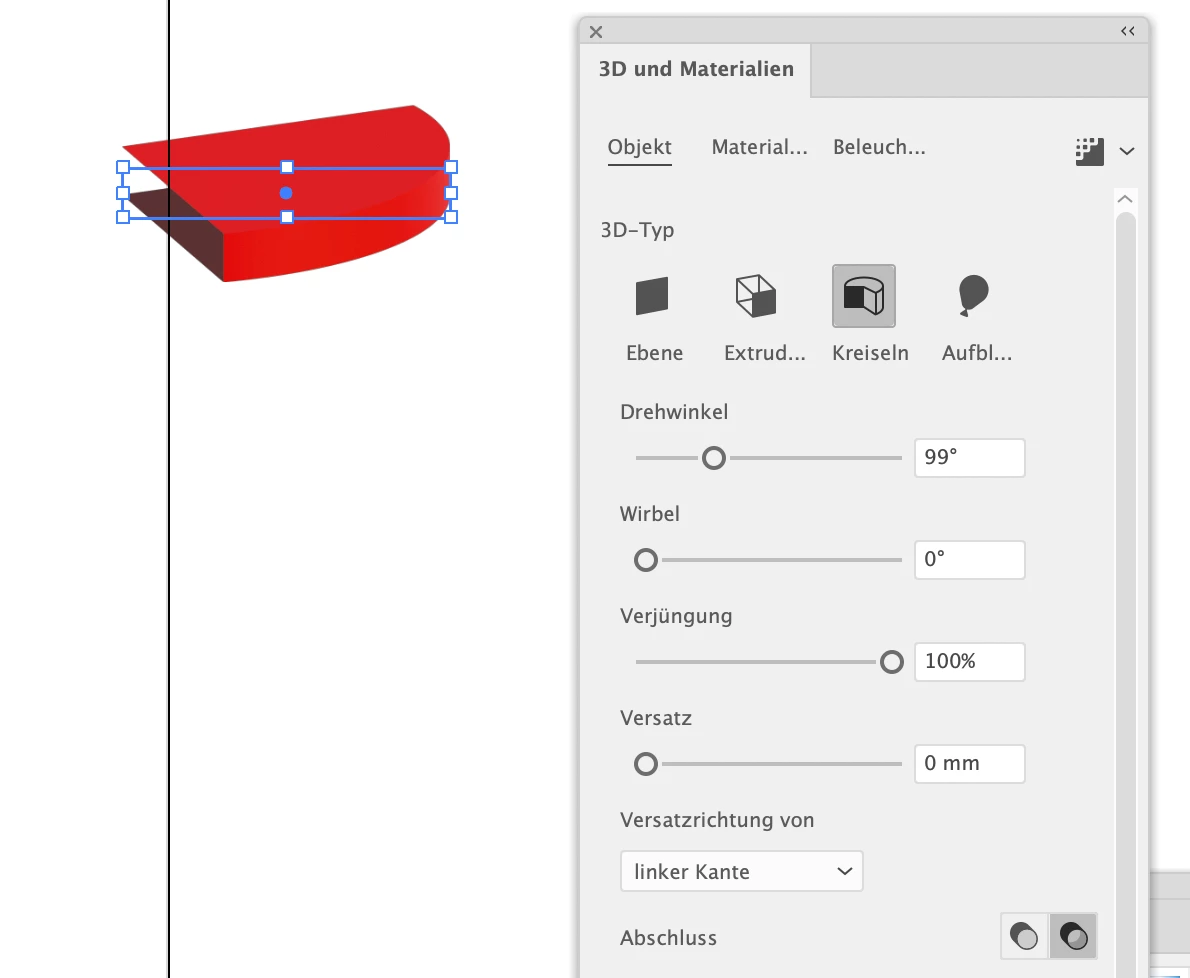
- In the 3d and Materials panel, I clicked on Revolve and set it at 360º. Now I’ve got a nice solid disk. So far, so good.
- But when I click on the Cap setting that indicates “Turn cap off for hollow appearance” nothing happens. Still looks like a solid disk instead of the hollow band look I am going for.
Am I doing something wrong?


 AdChoices