
[CANT] Error on startup AI 2018; Prev AI 2017 folder still present
Hi all,
I just upgraded to Illustrator 2018 but get a "CANT error" on startup (image 1). When I click the "ok" button everything seems to be fine and I'm give the minimal dock and am free to create a new document, save, etc.... everything seems fine. I've quit and restarted, but that CANT error message just won't go away.
I'm wondering if it might somehow be connected to still having an illustrator 2017 folder in my applications (Image #2 below). All that is now in this folder is an old 3D Maxxon Cineware extension and supporting files for it. Can I/should I just delete the old 2017 folder? and see if that prevents the CANT error?
Image 1 - on startup
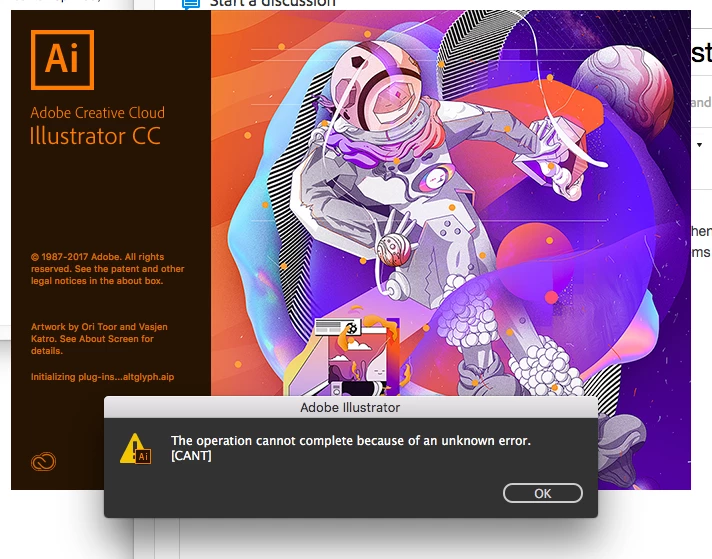
Image 2 - Old illustrator cc 2017 folder in applications. All that's in here are old supporting files for a 3D extension.

 AdChoices