Participant
November 7, 2024
Answered

Captcha doesn't work in the Noun Project addon

  • November 7, 2024
  • 7 replies
  • 1296 views
I am trying to log into the noun project's plugin inside Adobe Illustrator, but I can't do it because the Captcha is gone. There is just a grey box where the captcha should be, and it tells me I can't log in because I haven't checked the Captcha. P.s this is not just for Illustrator, but also Photoshop, but I posted it here because I couldn't find a Adobe plugin general thread.
This topic has been closed for replies.
Correct answer NounProject

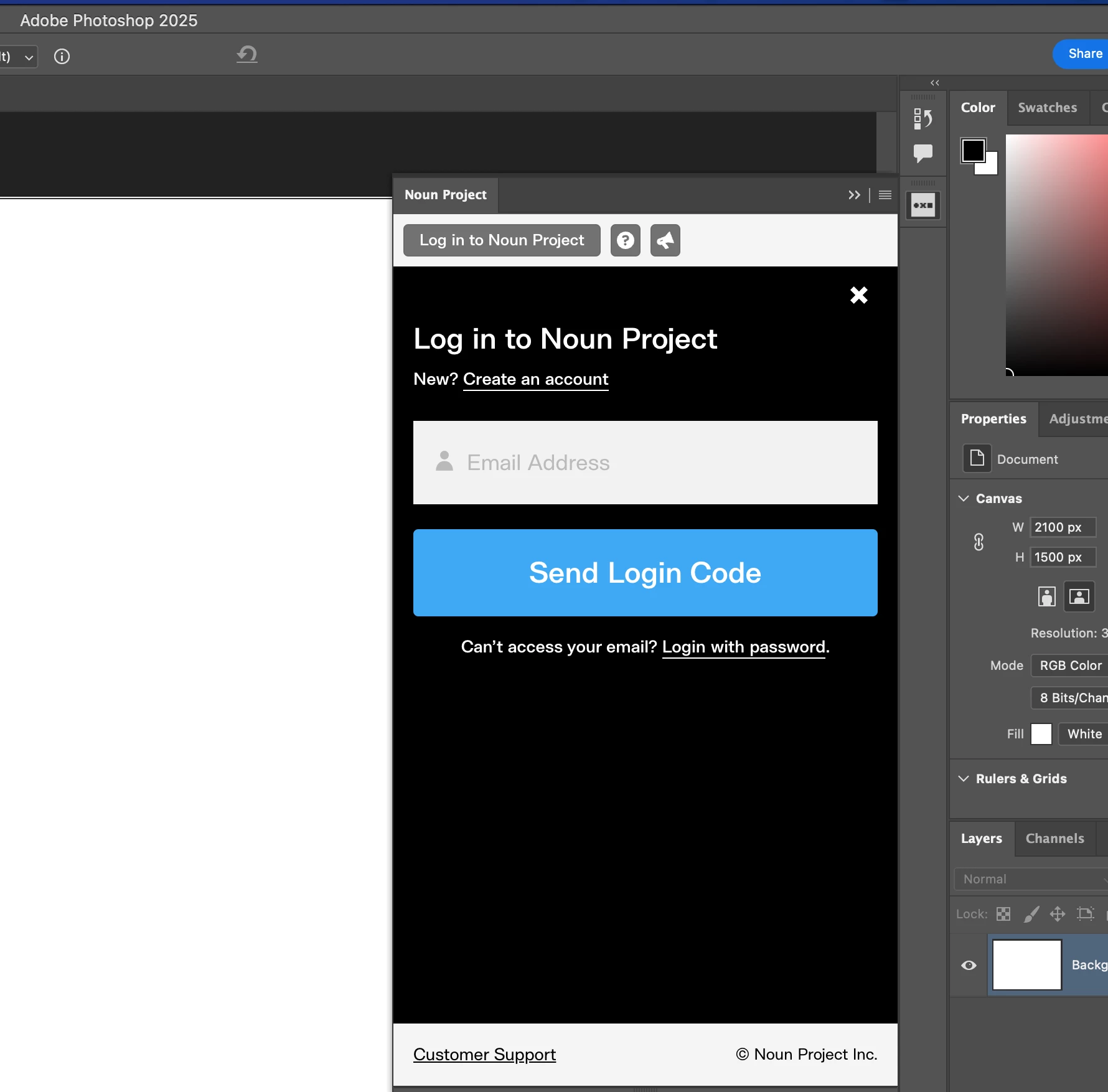
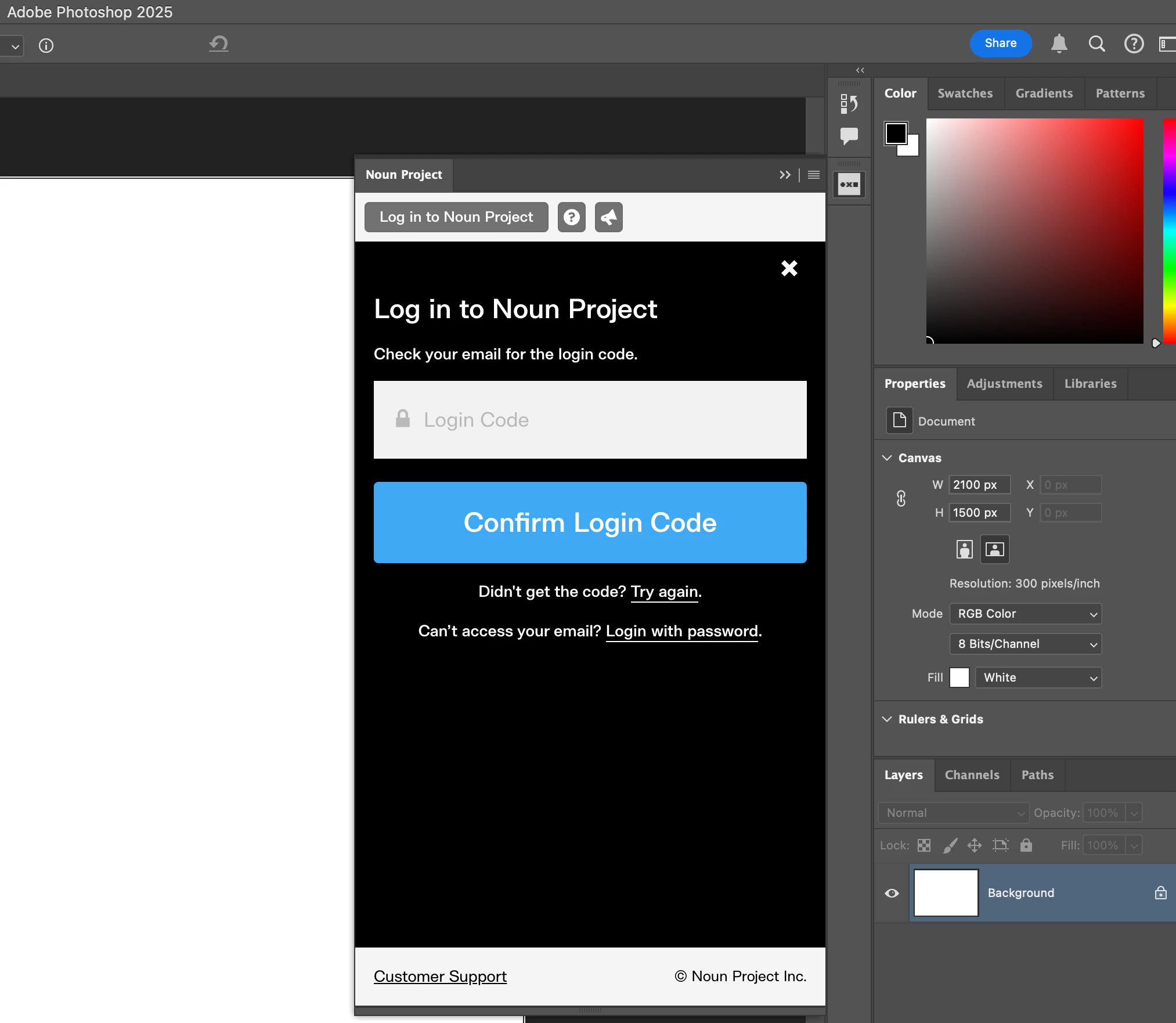
I've checked this morning, it seems like the Noun Project have a new way of signing in now - Sign in by code. It bypassed the hCaptcha box. And I just tried, it worked great and I can now login.

7 replies

Participant
December 13, 2024

Thanks for the replies! Good to know that  i'm not alone and just an Adobe noob 🙂

NounProjectCorrect answer
Participant
November 26, 2024

I've checked this morning, it seems like the Noun Project have a new way of signing in now - Sign in by code. It bypassed the hCaptcha box. And I just tried, it worked great and I can now login.

Participant
November 26, 2024

Thanks for the heads up, I tried it over the weekend and it wasn't working so that is new.  Cheers!

Participant
November 18, 2024

Same issue here. And its is not only with de newer versions. I was using an older version of adobe apps when it happened to me.

Participant
November 13, 2024

We've noticed same issue after Adobe Photoshop/Illustrator/InDesign 2025 upgrade in early October. The plugins' hCaptcha box no longer working in Adobe Photoshop 2025 v.26 in both Mac OS and Windows 11. For Adobe Illustrator 2025 v29.0.1 and Adobe InDesign 2025 v20.0, the hCaptcha box is working fine in Mac OS, but not working in Windows 11.

There were no changes in Noun Project side and hCaptcha side. The issue only surfaced after the Adobe 2025 upgrades.

Dead Taco
Known Participant
November 14, 2024

I suspect that the 2025 upgrade broke a lot of plugins.  Most of my plugins that utilize web-based resources began misbehaving or tossing errors after the upgrade.  For example, the ESRI ArcGIS maps plugin stopped working as well.

Participant
November 14, 2024

yeah. That's my suspicion as well.

FYI, I just downgraded Photoshop 2025 to version 25.11 on my MacPro, and it's working. I will stick with the version until Adobe fix the issue. 

But I have no luck when trying the same thing for Adobe Illustrator and Adobe Photoshop to older versions on my windows 11 machine, I am wondering it is a combination issue  of Adobe updates and windows updates.

Participant
November 12, 2024

Same issue here, have been in touch with both Adobe and Noun Project, both refering me back to the other.  Adobe at least responds, Noun Project is "investingating" but have not followed up with a solution other than to direct me to use their website since Nov 8.  I have been trying Icon Scout in the meantime and their plugin is working flawlessly so I'm leaning towards a Noun Project issue, not an Adobe issue. 


Participant
November 7, 2024

Same issue here, I have reported it to NounProject. they are saying it's an Adobe issue.

Community Manager
November 7, 2024

Hello @ørjank84857845,

I'm sorry to hear about your experience. Would you mind trying the suggestions shared in this help article (https://adobe.ly/4est3FS) to see if they help? If not, try submitting a request here: (https://adobe.ly/4eqmSlj).

Feel free to reach out if you have more questions or need assistance. We'd be happy to help.


Anubhav